Take Over an Existing LOXONE Smart Home. It’s That Easy
Congratulations on your new home! With LOXONE, you’ll enjoy greater comfort right from the start: Many features work almost automatically and adapt to your preferences. This makes your daily life easier and ensures your home is well-prepared for the future.
Everything You Need to Know
for the Perfect Start.
Already smart. Now yours. LOXONE connects lighting, heating, security, shading and audio into one intelligent whole. It takes care of everyday tasks and works quietly in the background. Set it up so it fits your life:

Step 1
Ask for the Login Details
Talk to the estate agent or seller you bought the house from.

Step 2
Find Your Partner
Find out who installed the system, or use the LOXONE Partner Search to find a partner near you.

Step 3
Make It Your Own
Log in to the LOXONE App and set everything up the way you like. Then sit back and enjoy.

How Do I Get the Login Details?
| Tablet | Wall Display 10″ | |
|---|---|---|
| Price | CHF 429 (e.g. iPad 11th generation) | CHF 990 |
| Wall mount | CHF 299 (sold separately) | Included |
| Updates | approx. 5 years of manufacturer support | 10+ years, automatically via LOXONE |
| Built for continuous operation | No | Yes |
| Management | Manufacturer’s operating system (updates, accounts, App Store) | Native in LOXONE Config / LOXONE App |
| Display technology | OLED (risk of burn-in) or IPS, depending on model | LCD for a long service life |
| Battery | Yes – can swell; wears out over time | No battery – permanently powered |
| Maintenance | Regular updates, restarts, possibly replacement after a few years | Maintenance-free |
| Manufacturing | Mostly manufactured in the Far East | Made in Germany |
| Connection | Wi-Fi |
Tree Turbo, independent of the network; Wi-Fi or LAN possible |

The Ideal Case
Ideally, the login details – Miniserver login, LOXONE Config file, App access – are already part of the handover documents when you buy the house. It’s best to ask for them before the contract is signed.

No Access Available?
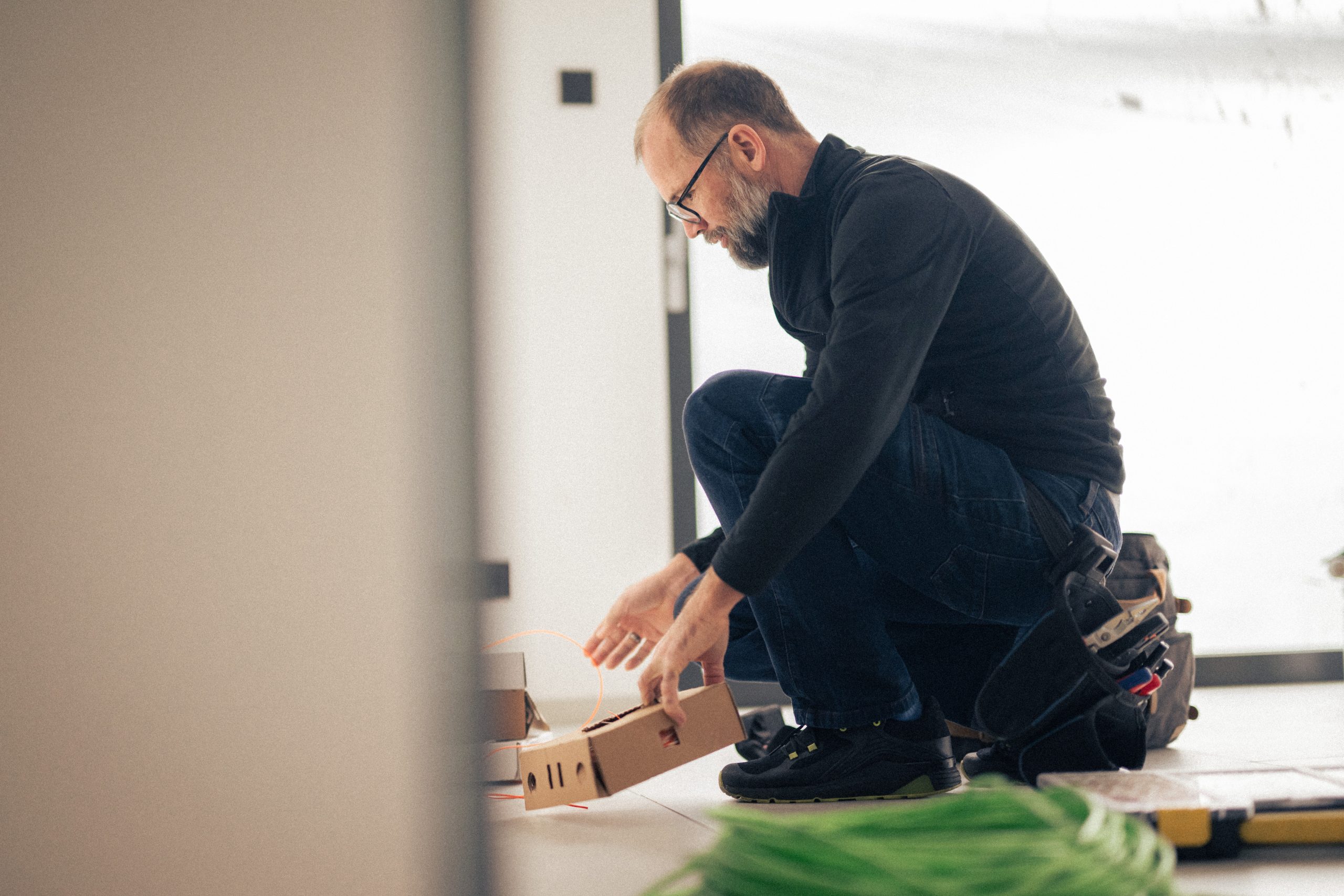
Then a LOXONE Partner can help. They can identify the Miniserver on site and set up new access as part of the takeover.

Important
As soon as you have access, deactivate the previous owner’s old accounts and set a new administrator password. That’s the only way to make sure that only you – and whoever you choose – can access your home.

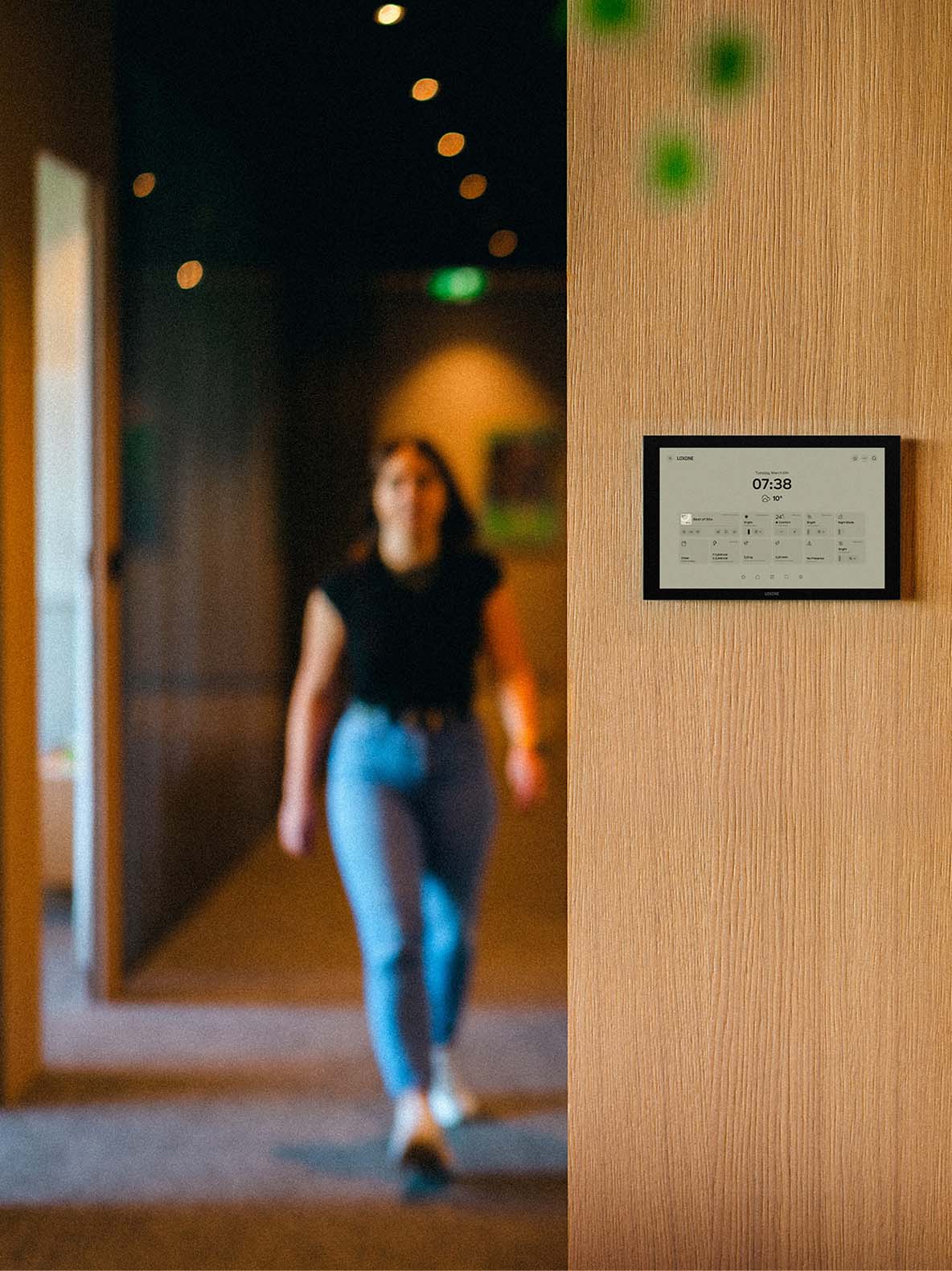
Of course, you can still use a tablet if your customers prefer it. At LOXONE, however, we believe that for buildings, the Wall Display is not only simpler but also more affordable – especially in the long run:

Cost Comparison Over 10 Years
| Tablet: purchase (CHF 429 + CHF 299) | CHF 728 |
| Tablet: replacement device after ~5 years | + CHF 429 |
| Tablet: wall mount for new model | + CHF 299 |
| Tablet total | CHF 1,456 |
| Wall Display 10″ incl. wall mount | CHF 990 |
| Wall Display total | CHF 990 |
Savings over 10 years: CHF 466 – not including the ongoing maintenance effort for the tablet.

How Do I Find a Partner?
- First, ask who installed the system originally. The original partner already knows the system and can usually handle the handover the fastest.
- Don’t know? Use the LOXONE Partner Search to find a qualified partner near you who can handle the takeover just as reliably.

What Could My First Steps Look Like?
Once the login details and partner are sorted, you can get started: log in to the LOXONE App, create user profiles for every family member and adjust schedules and lighting scenes to your everyday life. Then sit back. Your home thinks ahead.
Is There a LOXONE Power Supply for the 24 V Supply?
No Tree Turbo cable available? You can still connect the Wall Display using a Wi-Fi adapter or a USB-C LAN adapter . A 24 V power supply is required. If no cable can be run and only 230 V is available, a 24 V flush-mounted power supply can be used. We will soon be adding a flush-mounted power supply with sufficient output to our range. Sign up for our newsletter to be the first to know when it’s available.
Welcome to Your Smart Home.

Fewer Chores
Your everyday life gets easier. You gain time for what really matters.

Energy Efficiency
Your energy is used optimally and automatically. Without you having to lift a finger.

Security
Burglary, water damage, fire: detected and reported in real time.

All-In-One
See your entire building at a glance in just one app.

Made to Last
LOXONE is designed for the entire lifetime of your building.

More Comfort
Always the perfect temperature, the perfect light, the perfect sound.

Want to See Everything Your Home Can Do?
On our LOXONE Experience Tour, you’ll see live what a truly well-thought-out smart home can do. You’ll get to know all the functions – from lighting, climate and shading to audio, security and energy.
FAQs
How can I control the LOXONE system?
First things first: as it’s an intelligent automation system, you rarely need to step in yourself. But if you want to control the system, you can do so at any time. Users most often step in when they first move in or want to adjust schedules and moods. Everything important can be controlled easily via the LOXONE App. The Touch switches also let you control things directly on the spot.
Does the system work without Wi-Fi?
Haven’t set up your Wi-Fi yet? No problem. LOXONE works independently of Wi-Fi and the cloud. This ensures the system isn’t affected by internet outages and also provides a high level of security.
Note: without Wi-Fi there is no App access, and Wi-Fi is needed when a Miniserver is commissioned for the first time. But since you’re moving into an existing smart home, this doesn’t affect you.
Can guests who don't know the house or are less tech-savvy use it easily?
Yes, all the functions they need can be found on the Touch switch (lighting, shading, audio) – usually designed according to the T5 standard.