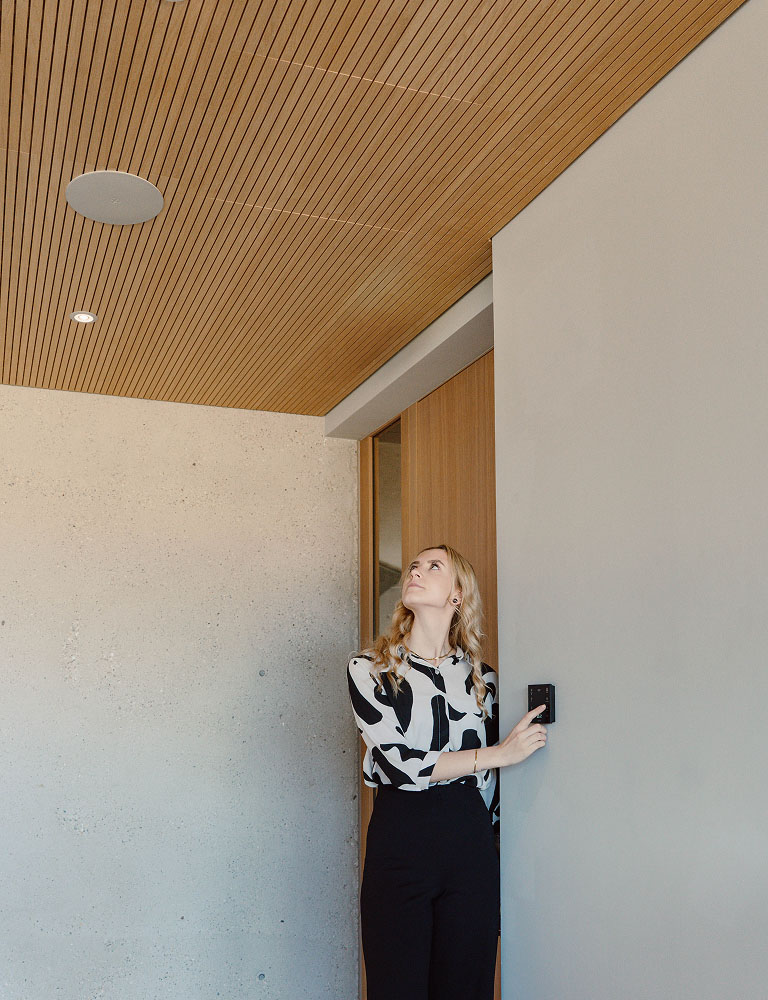
Touch Pure Flex
One control, endless possibilities.
Custom-made for your needs.
Variety Through Individuality
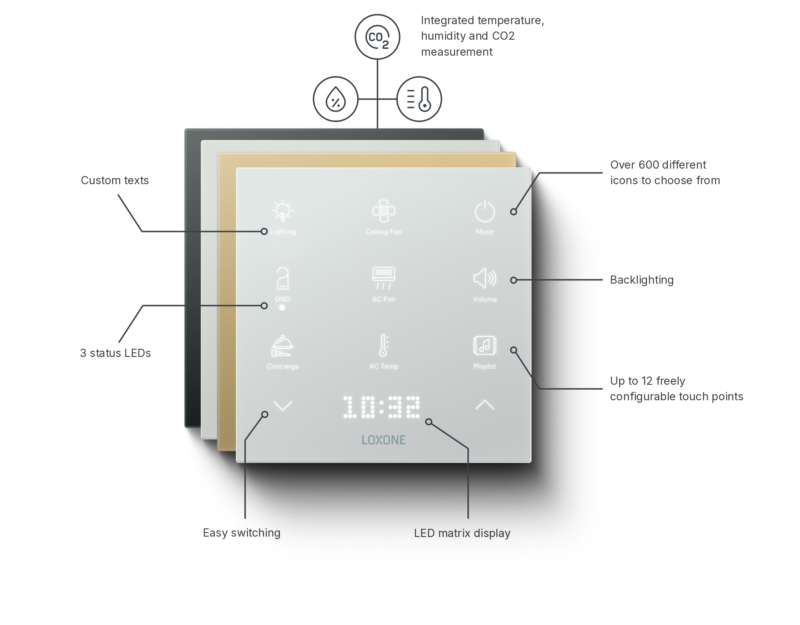
The Right Touch Pure Flex for Every Application
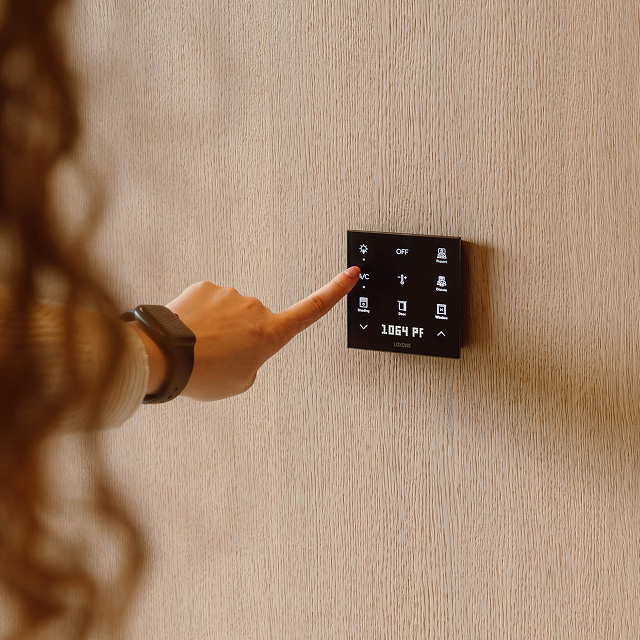
Touch Pure Flex
Ideal for every room
Temperature sensor
Humidity sensor
Backlight
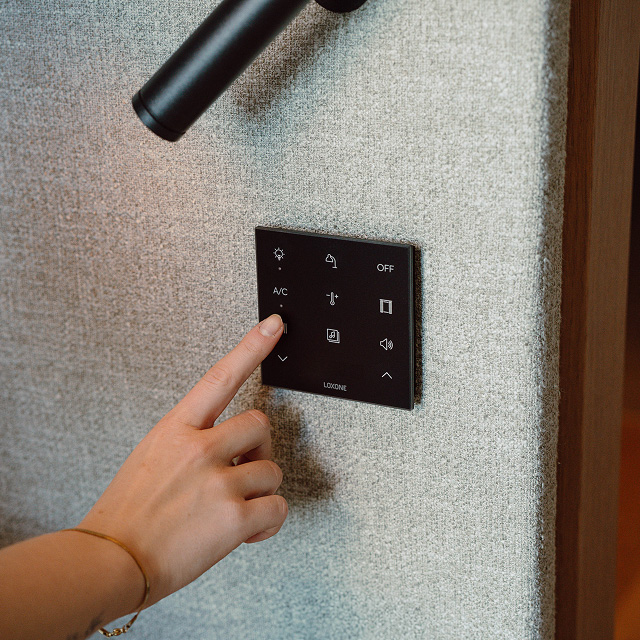
Touch Pure Flex CO2
When air quality matters
Temperature sensor
Humidity sensor
CO2 sensor
Backlight
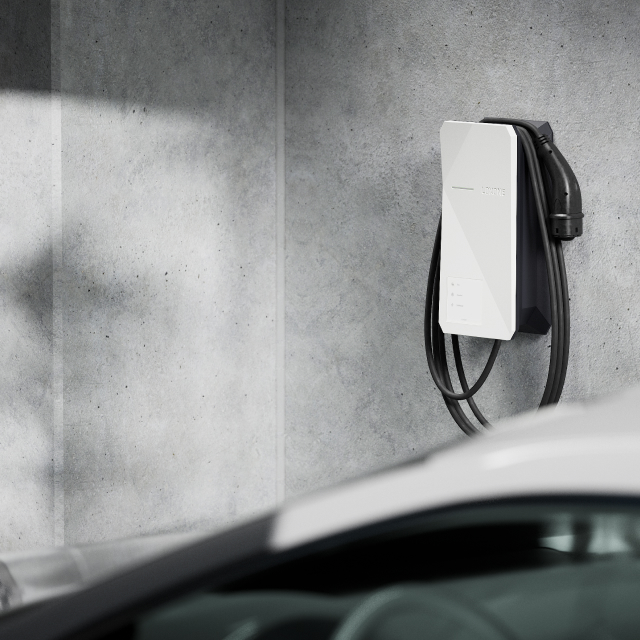
Touch Pure Flex IP44
For outdoors
Temperature sensor
Backlight
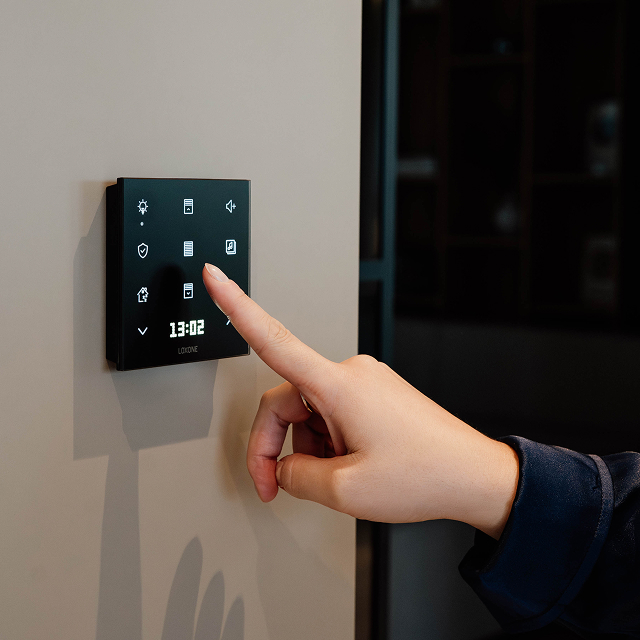
Touch Pure Flex Battery
Retrofit without cables
Temperature sensor
Humidity sensor
For Every Situation
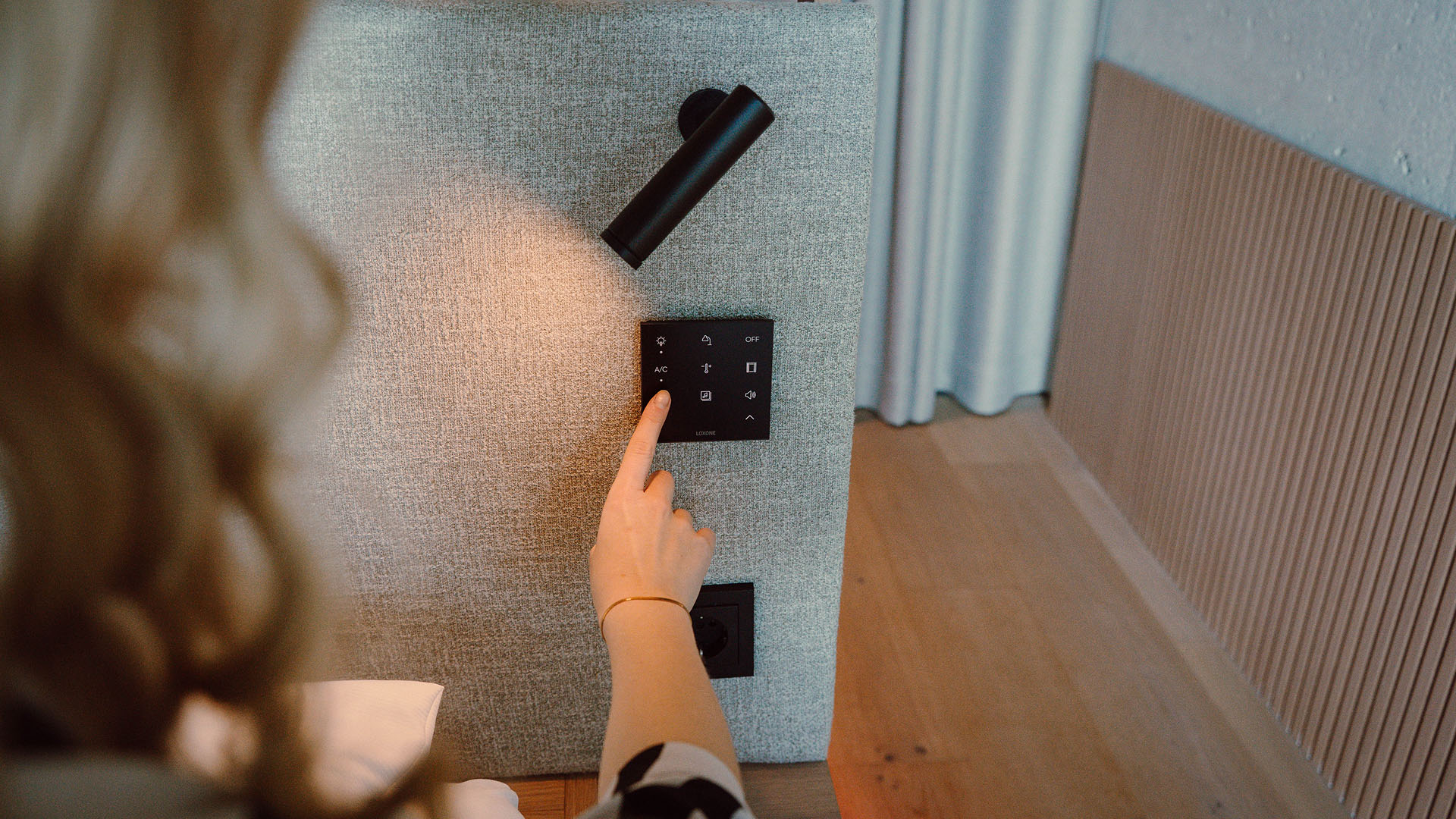
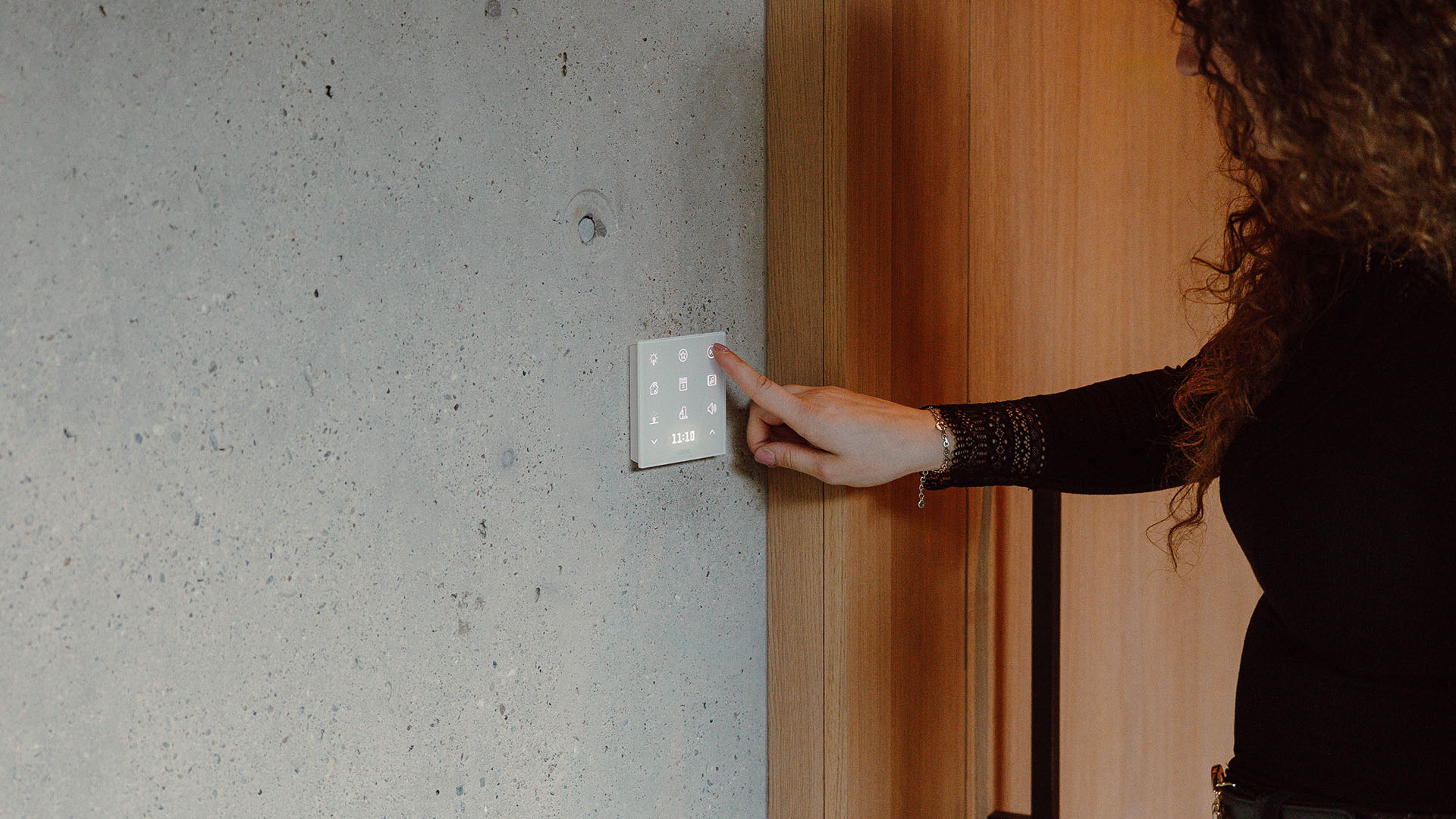
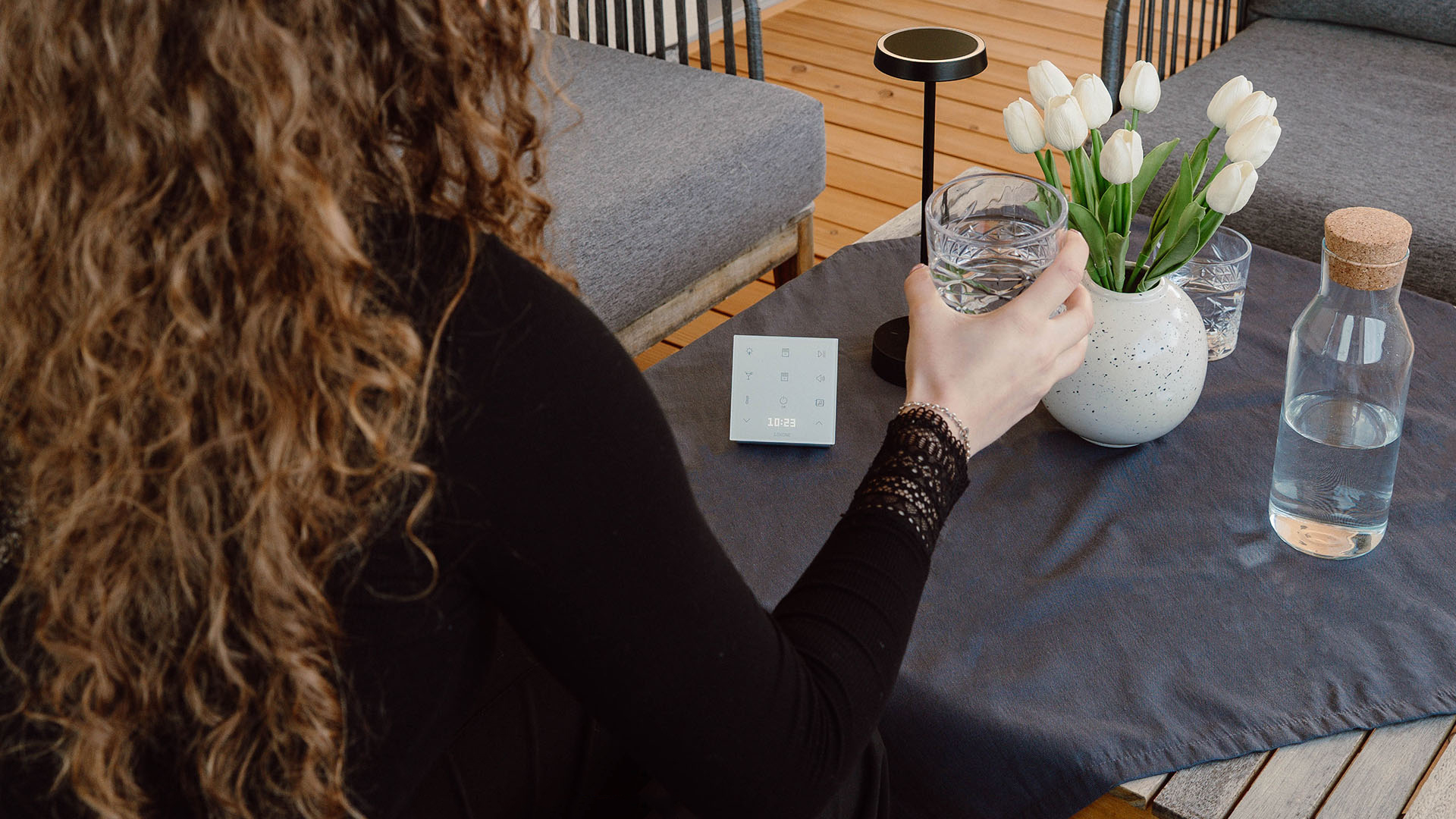
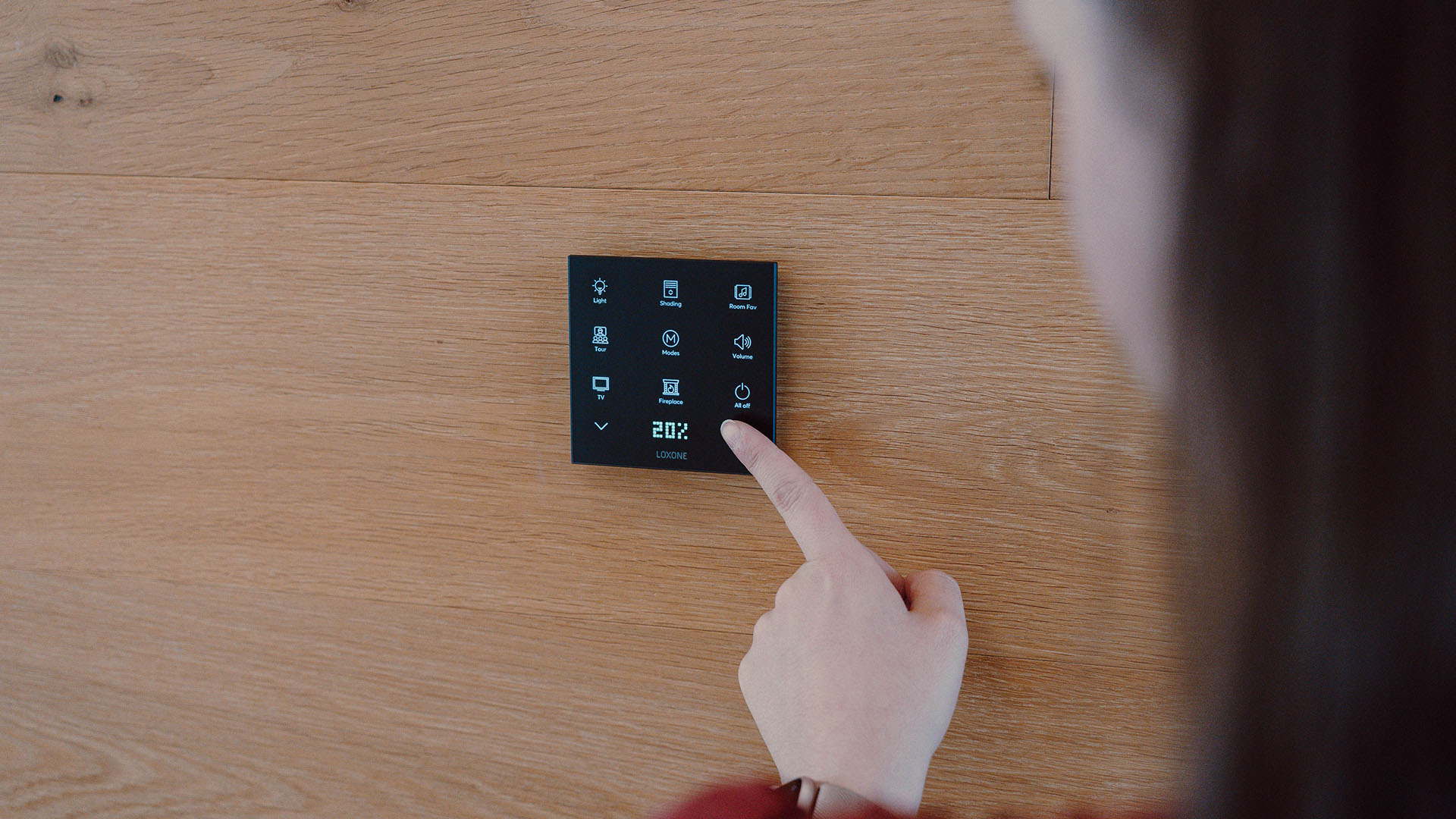
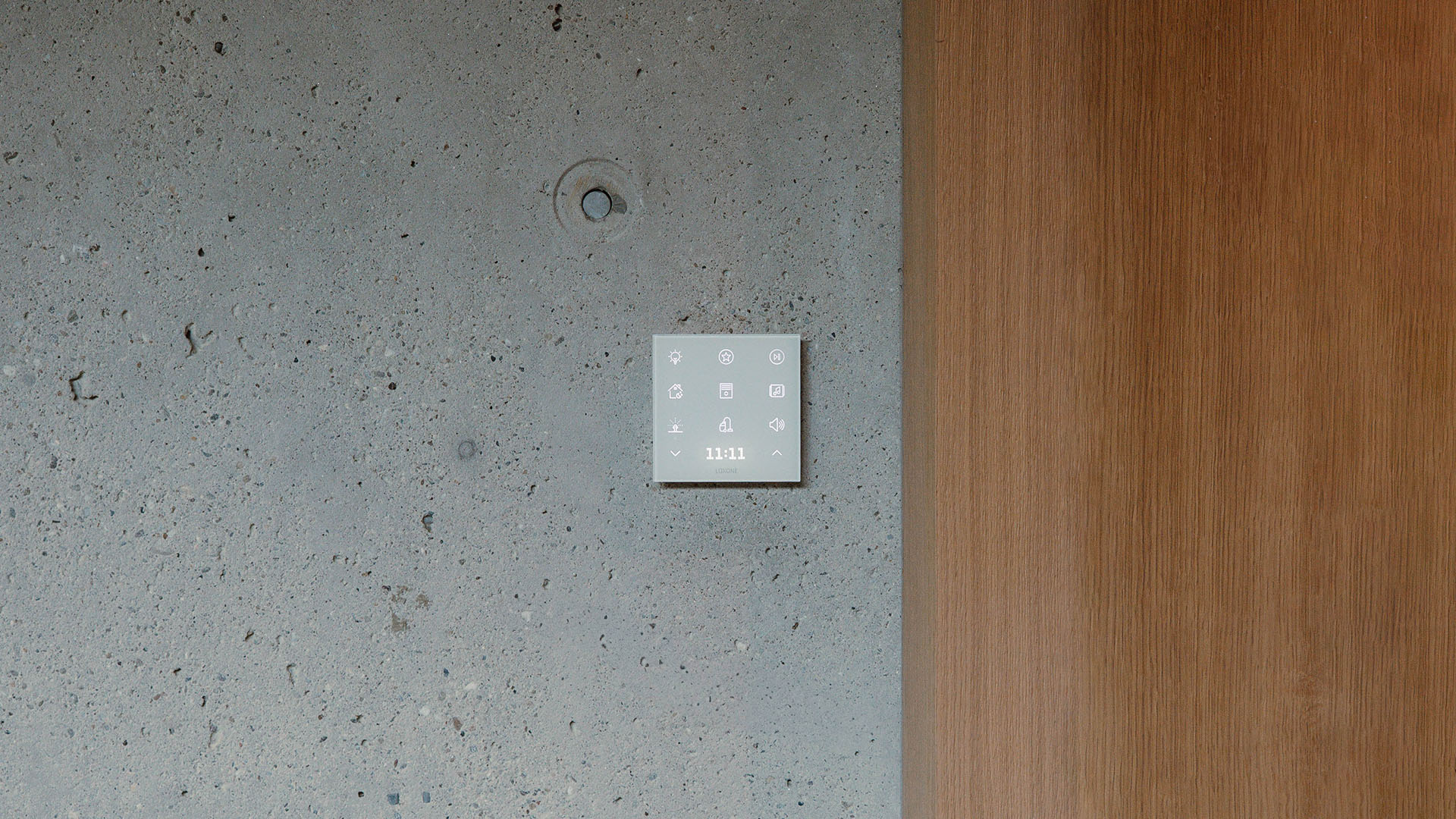
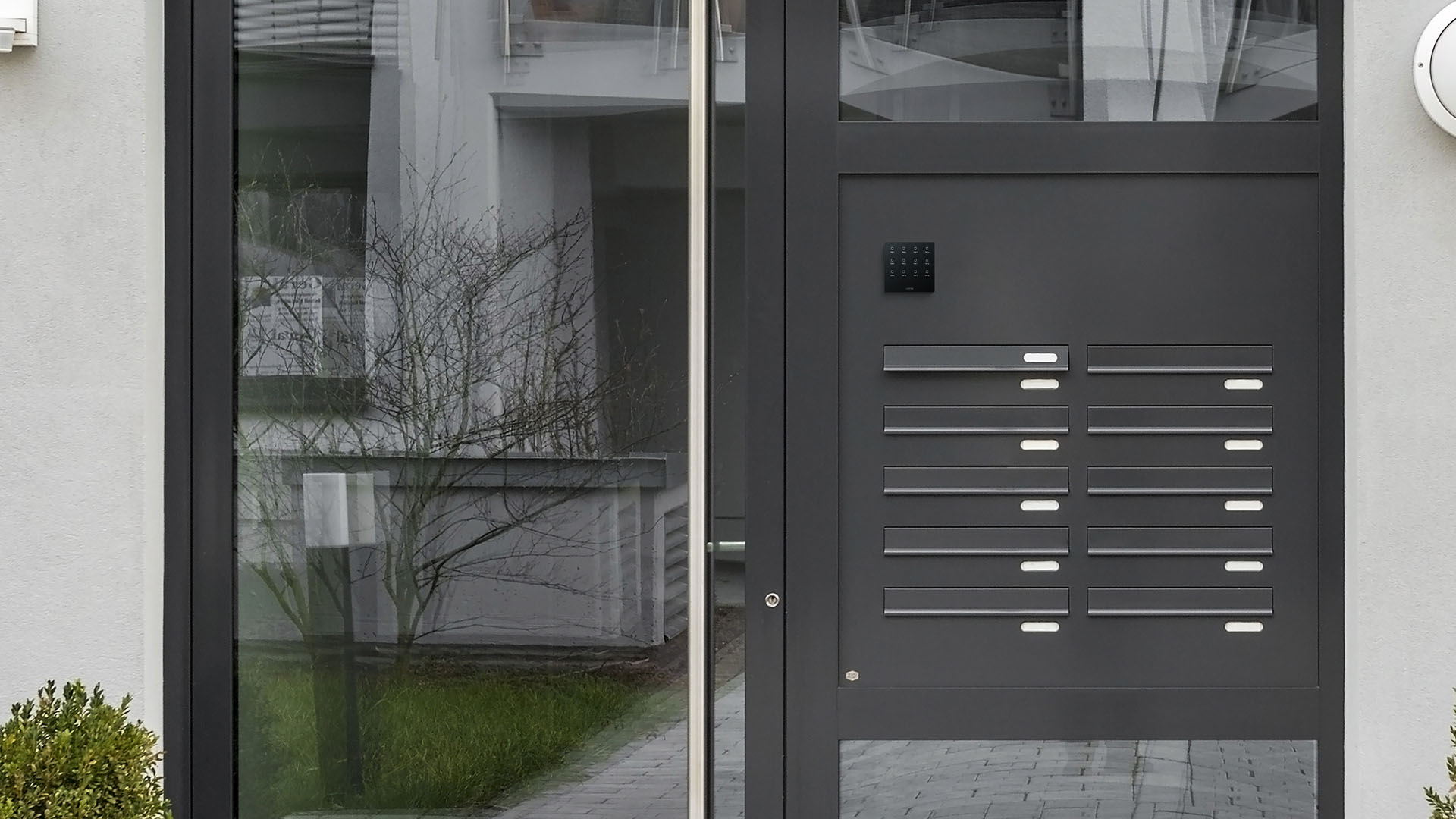
Easily Configured
You can configure your personal Touch Pure Flex online in just a few steps.
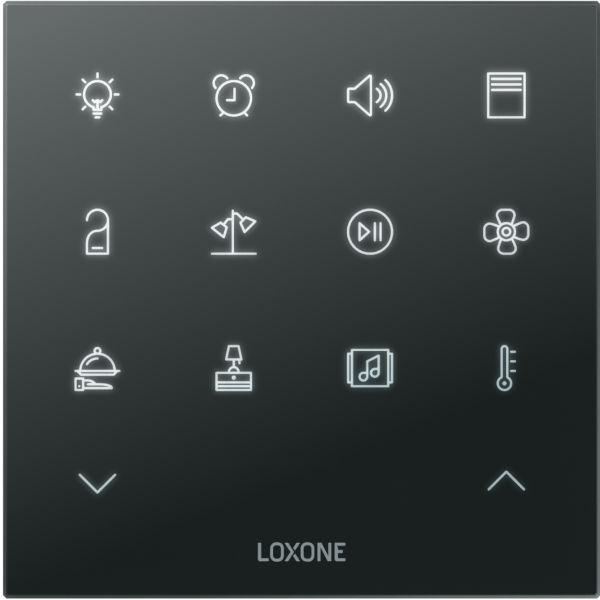
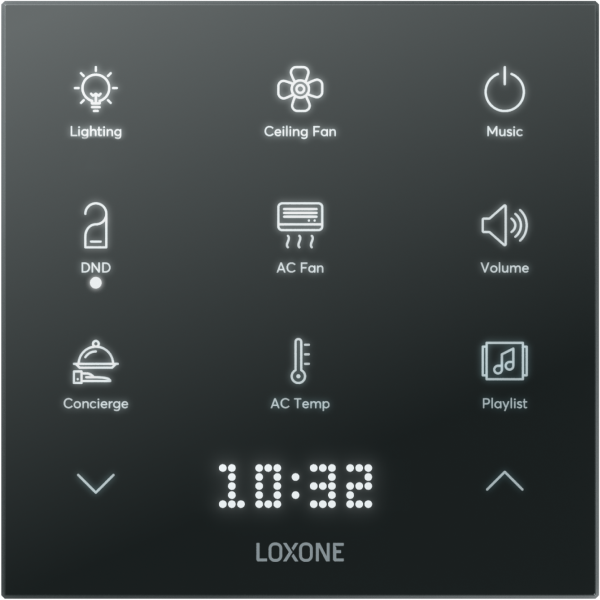
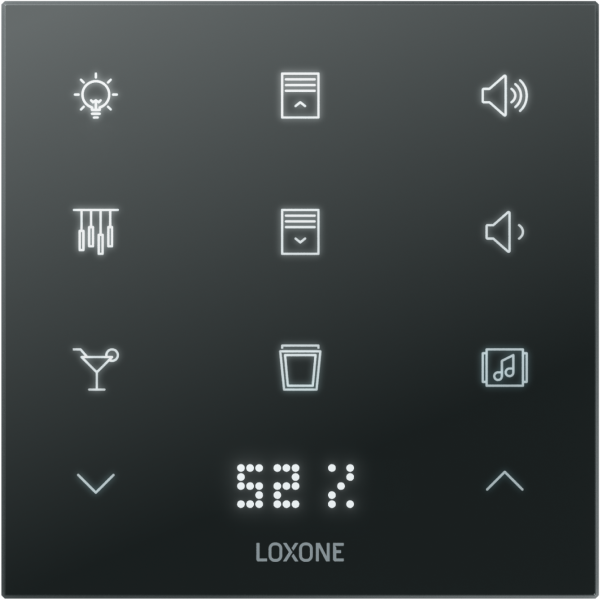
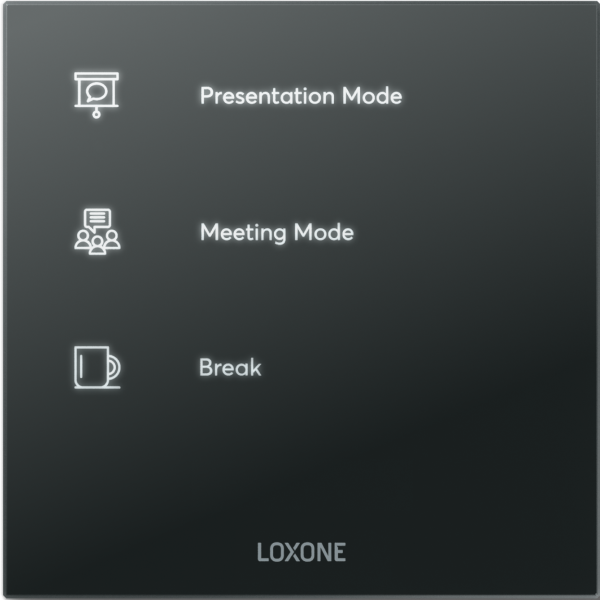
Functions, color, layout, icons, labeling – every Touch Pure Flex is perfectly tailored to the individual requirements of your project.
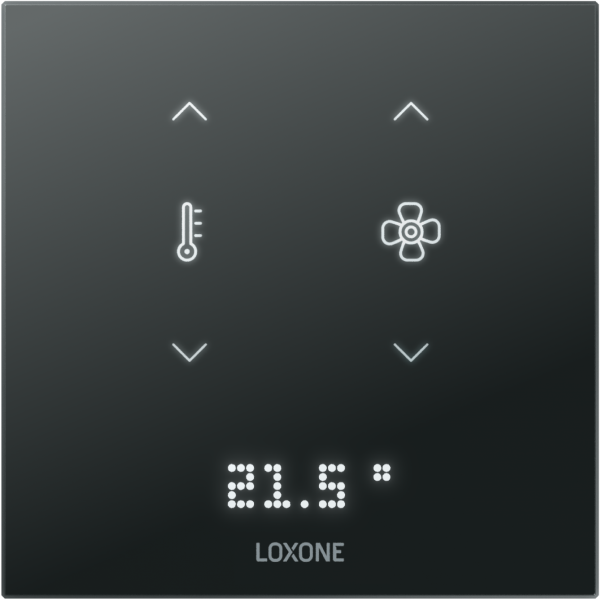
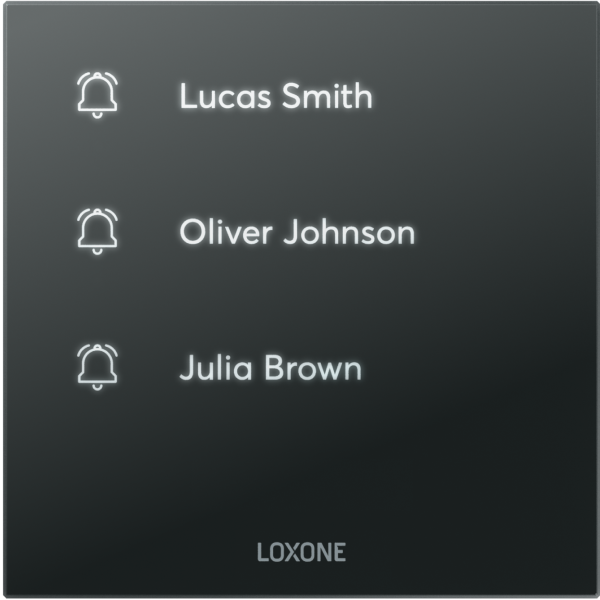
The Benefits at a Glance
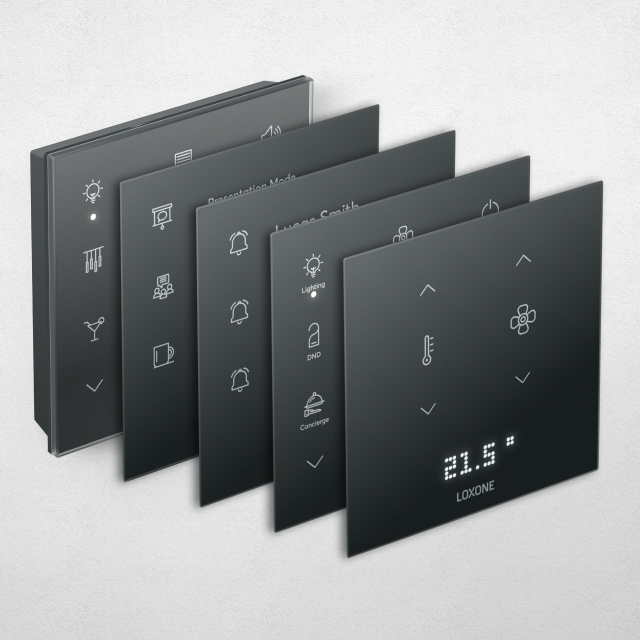
Individually configurable
Functions, colors, layouts, icons, labeling, …
The Touch Pure Flex is made individually for you.
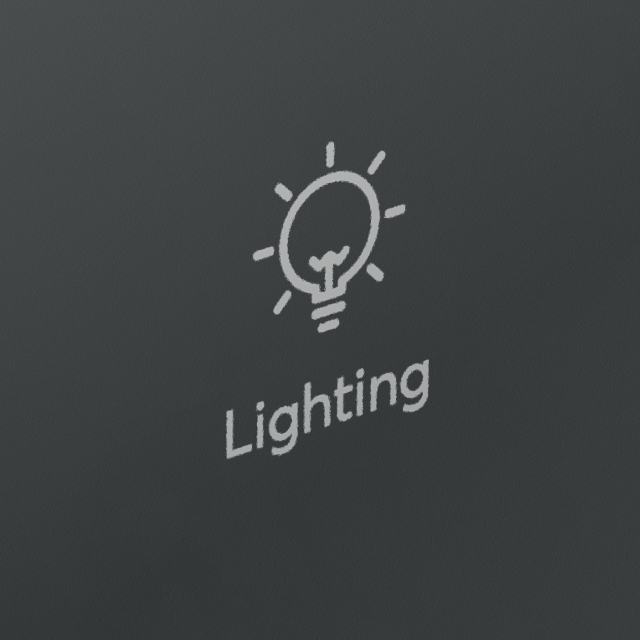
Laser-engraved icons
State-of-the-art laser technology ensures absolutely precise and durable engraving of your Touch Pure Flex.
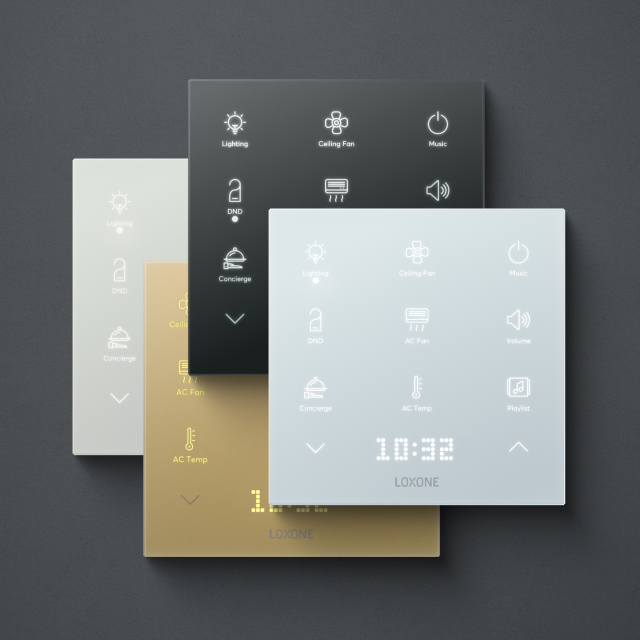
Elegant colors
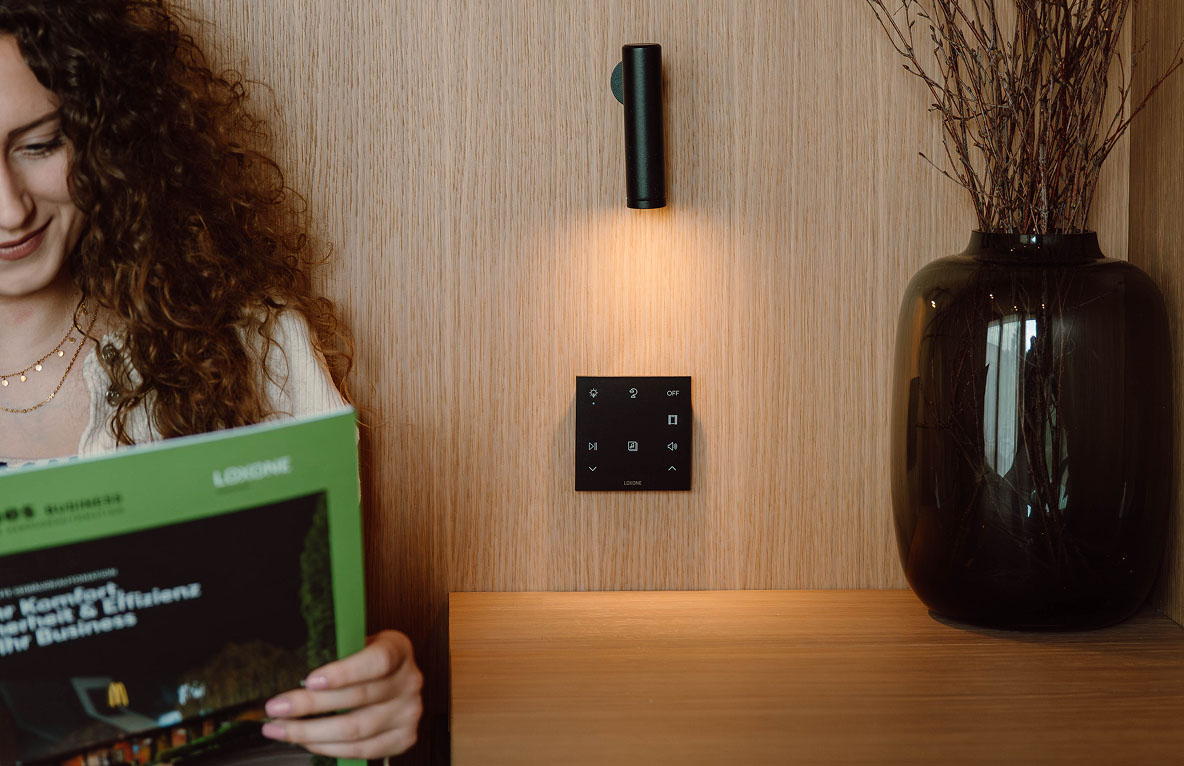
Purist, refined and elegant: the Touch Pure Flex is available in anthracite, gold, velvet white and signal white. The ideal solution for every room and wall.
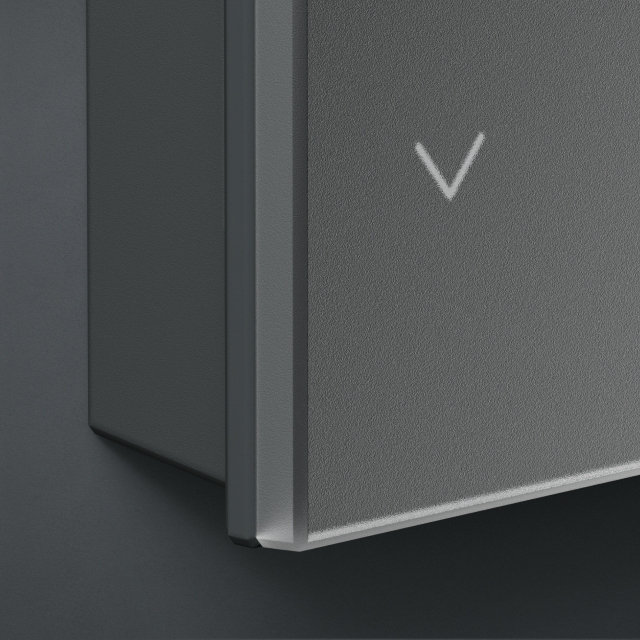
Fine real glass surface
The refined feel comes from tempered real glass, the satin finish from its ceramic coating.
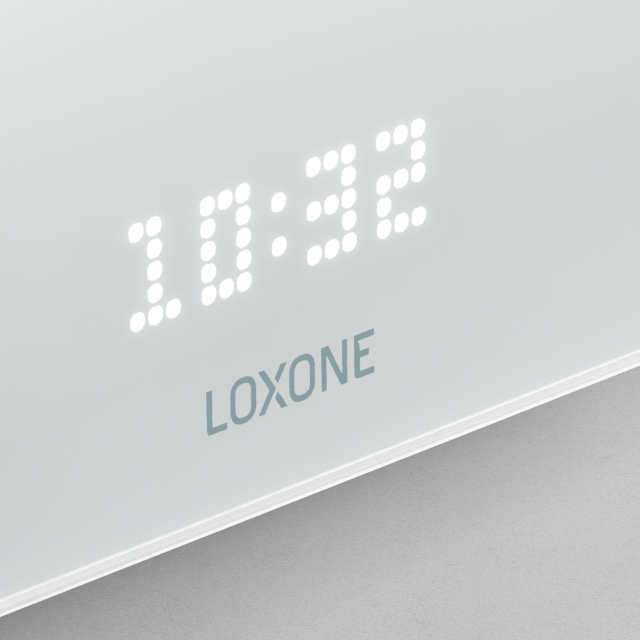
LED matrix display
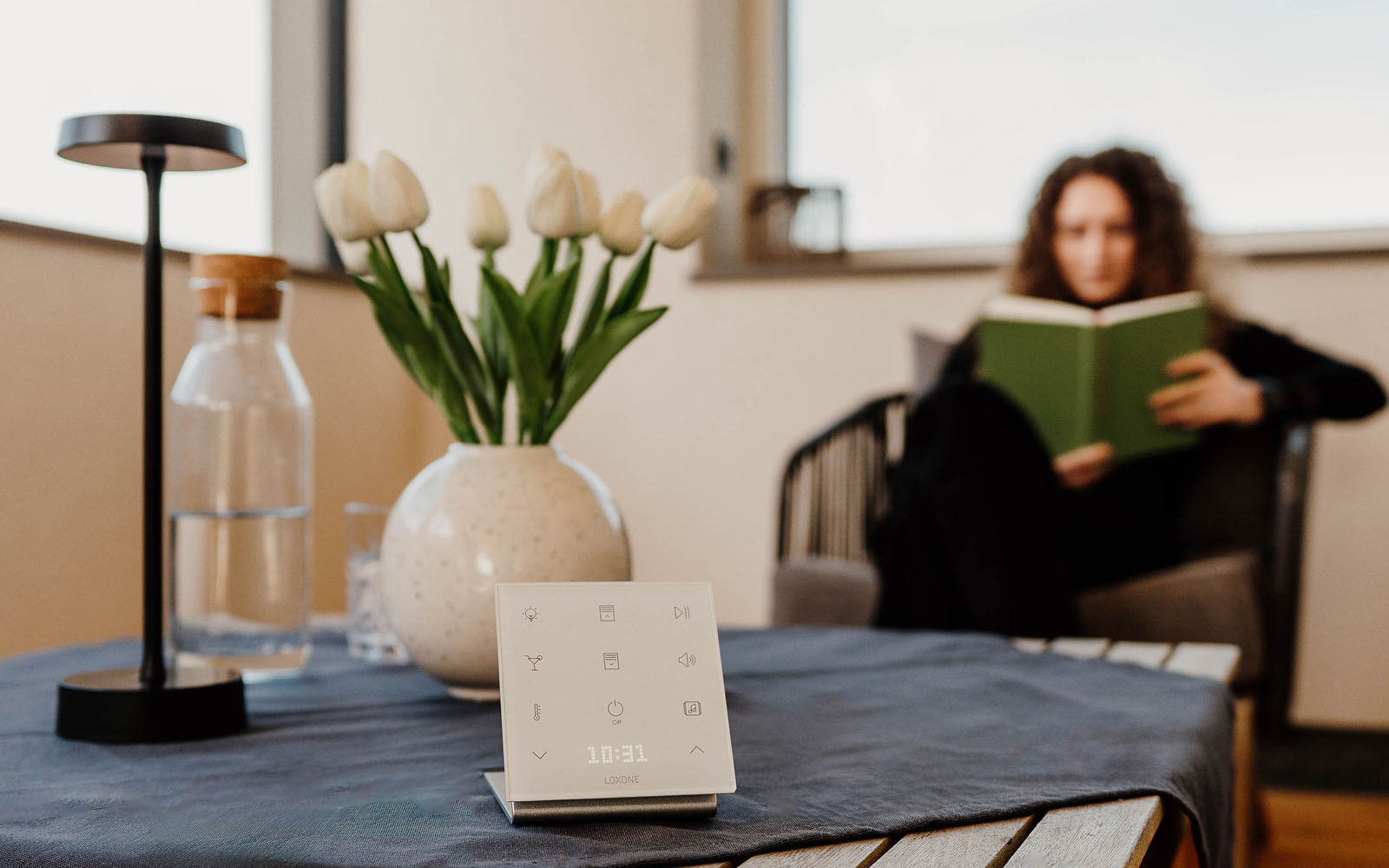
Whether the current temperature, the playlist that’s on or… The integrated display shows important information at a glance.
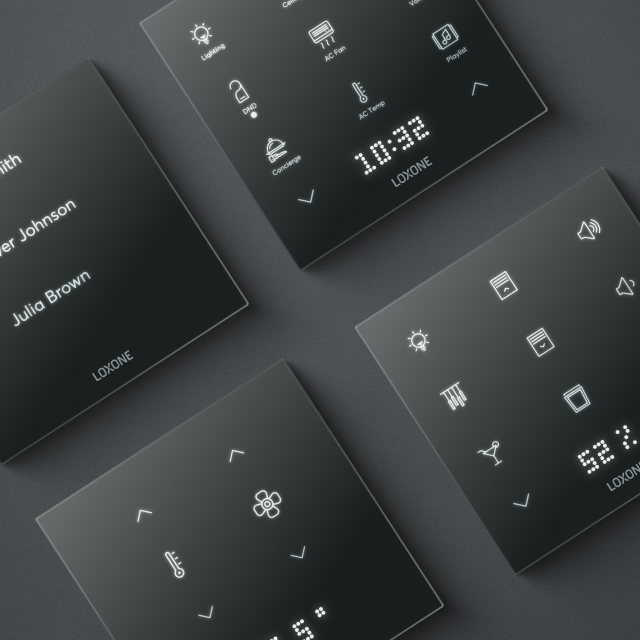
For every application
The Touch Pure Flex is available as an Air or Tree version, making it ideal for every application.
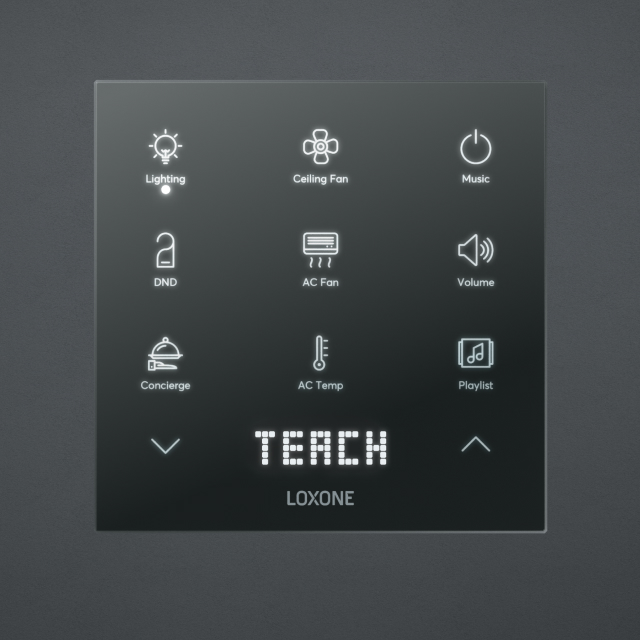
Plug & Play
The Touch Pure Flex is easy to configure, install and operate.
Connect, assign, off you go!
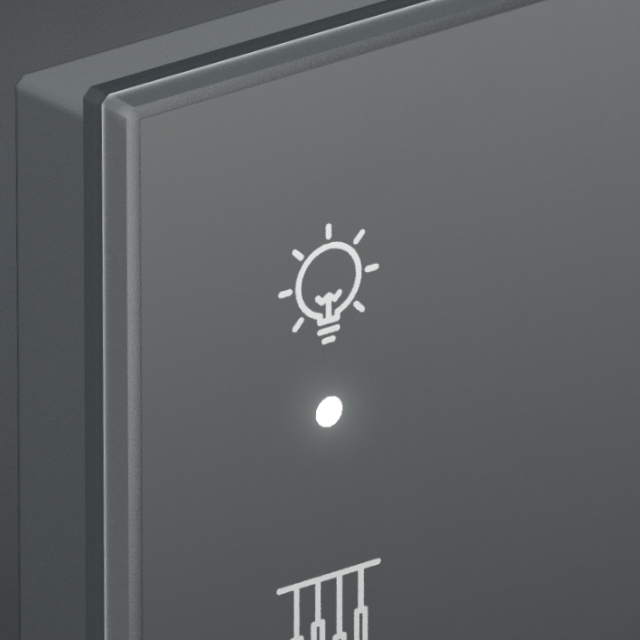
Status LEDs
Define individual functions and have the status shown by the three integrated LEDs.
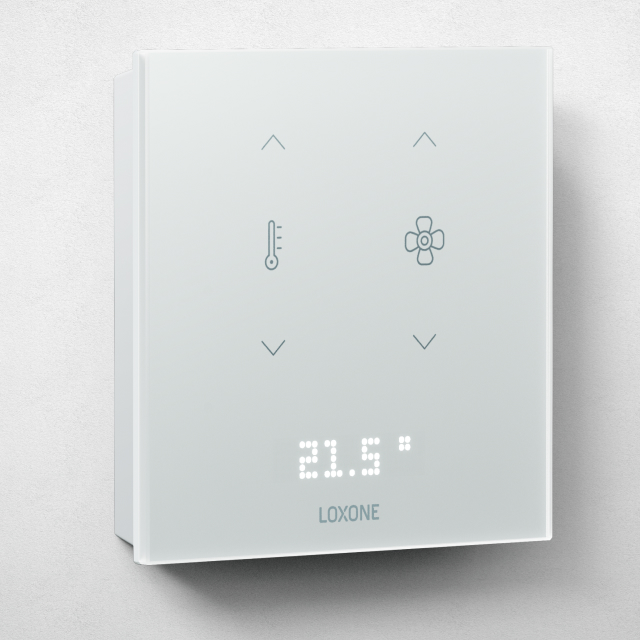
Integrated sensors
Depending on the version, the Touch Pure Flex can measure temperature, humidity and CO2. This lays the foundation for an optimal room climate.

Designed in Austria.
Made in Europe.
Every Touch Pure Flex is custom-made. From the fine real glass surface to state-of-the-art laser technology, we rely on the highest quality.
FAQs
What is the difference between the Touch Pure Flex and the Touch Pure Display?
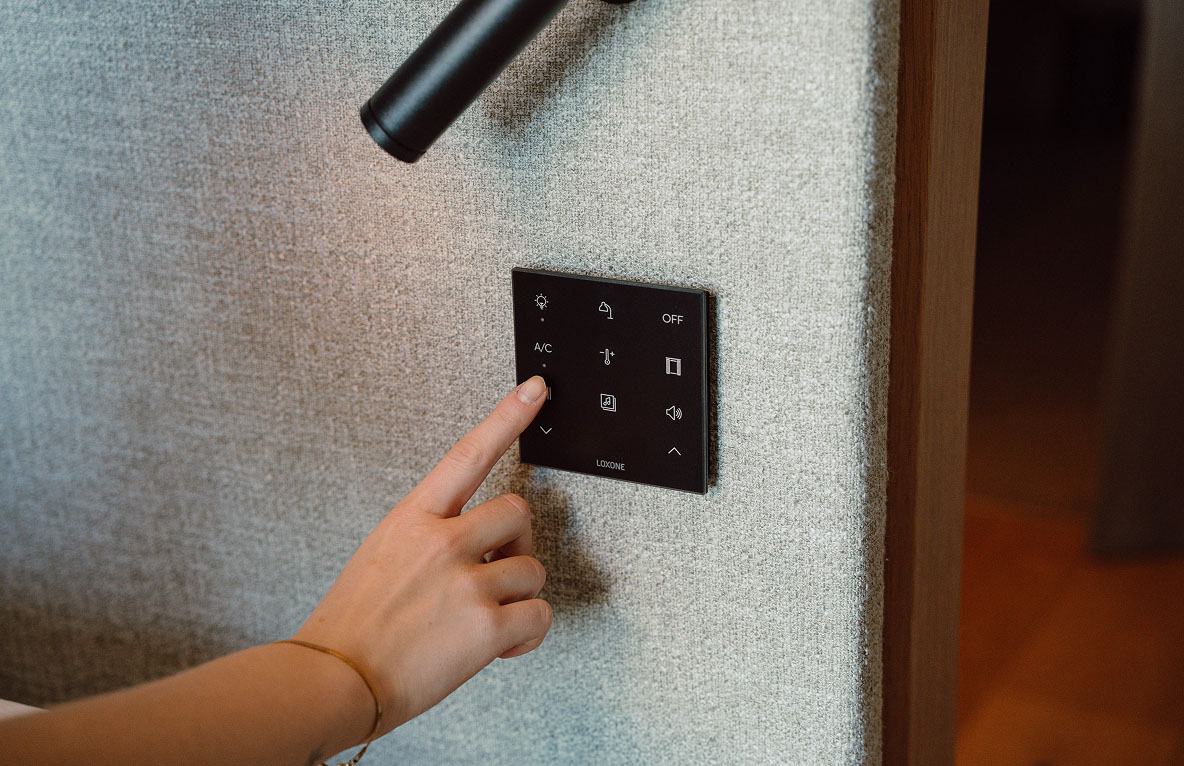
With up to 12 freely definable and positionable touch points, the Touch Pure Flex is a 100% personalized control. The integrated LED matrix display and 3 status LEDs can show menus, values, texts and statuses.
The Touch Pure Display extends this with an integrated display with dynamic content. This means additional information such as room temperature, energy consumption or status indicators can be displayed and operated directly on the device.
How does the Touch Pure Flex differ from a classic light switch?
The Touch Pure Flex doesn’t just replace a conventional light switch – it turns it into an intelligent control center. Instead of only switching lights on and off, several functions such as shading, audio, scenes or individual automations can be controlled with a single elegant control.
Thanks to its flexible configuration, the Touch Pure Flex adapts perfectly to the requirements of each room and project.
Is the Touch Pure Flex also available for outdoor use?
The Touch Pure Flex is primarily designed for indoor use. For outdoor areas or environments with special requirements, other LOXONE control solutions are available depending on the application.
For protected areas such as covered outdoor spaces, suitability should be checked depending on the ambient conditions.
How do I configure my own Touch Pure Flex?
This is easily done via the LOXONE Configurator. There, the individual touch surfaces can be freely assigned functions – for example lighting control, shading, audio, scenes or central building functions.
Thanks to the flexible configuration, the Touch Pure Flex can be individually adapted to the building, the room and the user’s wishes.
Can icons and labels be chosen individually?
Yes, the appearance of the Touch Pure Flex can be customized. Using the Configurator, you can select suitable functions and symbols so that operation is intuitive and suited to the respective application.
Maximum Flexibility