A System That Brings It All Together.
LOXONE Config turns your ideas into a building that thinks for itself.
This Is Where It Begins – Where Everything Works Seamlessly Later On
LOXONE Config is where your plans become a smart building. With over 150 building blocks, you can make quick progress while staying flexible – no programming knowledge required.
This Is What Makes LOXONE Config Unique.


All-in-one
The perfect synergy between software and hardware.

Developed for you
Designed to make our partners’ lives easier.

Free forever
No license fees & free updates.
Here’s How LOXONE Config Supports Your Project.

Auto-Config
LOXONE Config creates a well-thought-out basic configuration for the most important functions in just a few seconds.

Simulation & Live View
Before the building is up and running, you can test everything and then see how it performs at any time.

Project Planning
Plan functions, offers, bills of materials, and changes directly in LOXONE Config.

Project Analysis
The project analysis checks your configuration for key points. You’ll immediately see what can still be optimized.

Multiplicator
Once created, your logic can be applied to multiple Miniserver units. Ideal for larger projects.

Ongoing Updates
LOXONE Config is constantly evolving. New features and improvements are added automatically.
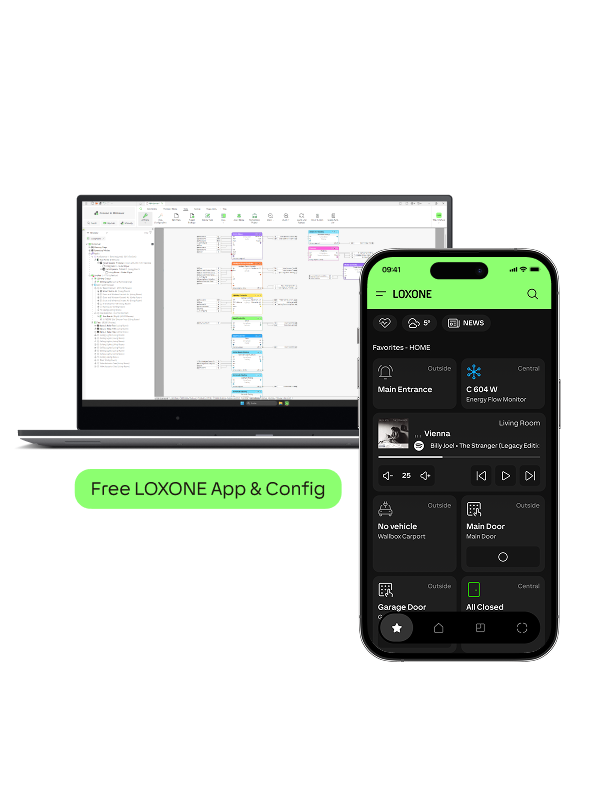
Where It All Comes Together
The configuration in LOXONE Config serves as the foundation for the LOXONE App and our building management solution – Exosphere. This way, all settings are centralized in one place.
More about the App
More about Exosphere
Discover More Than 150 Building Blocks
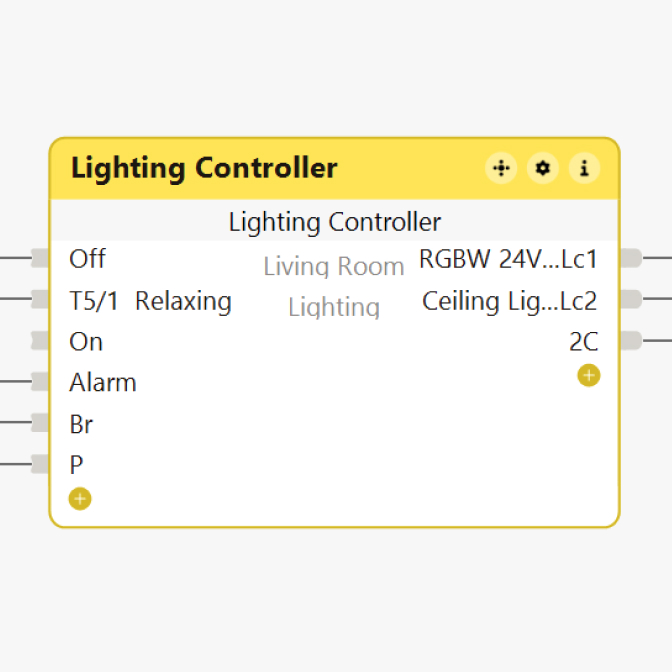
Lighting Control
Controls lighting moods and scenes, which I can save, delete, or activate with a gesture.
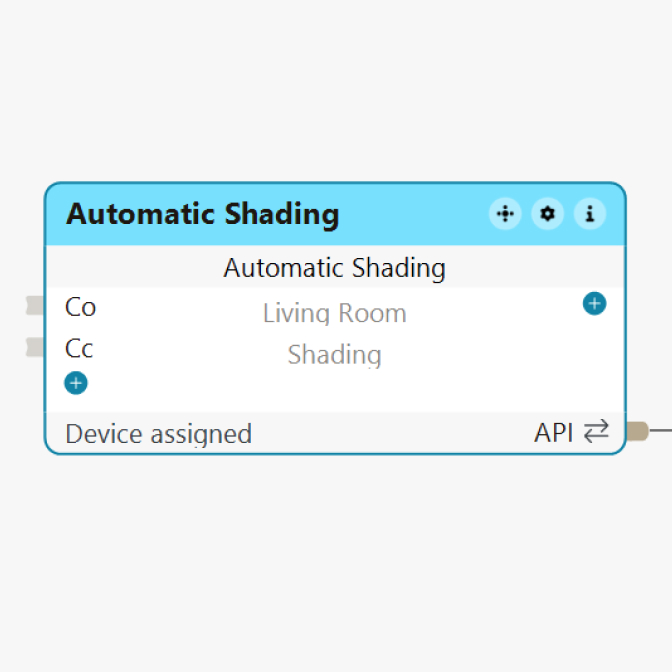
Automatic Shading
Controls blinds, roller shutters, and awnings based on the sun’s position, temperature, etc.
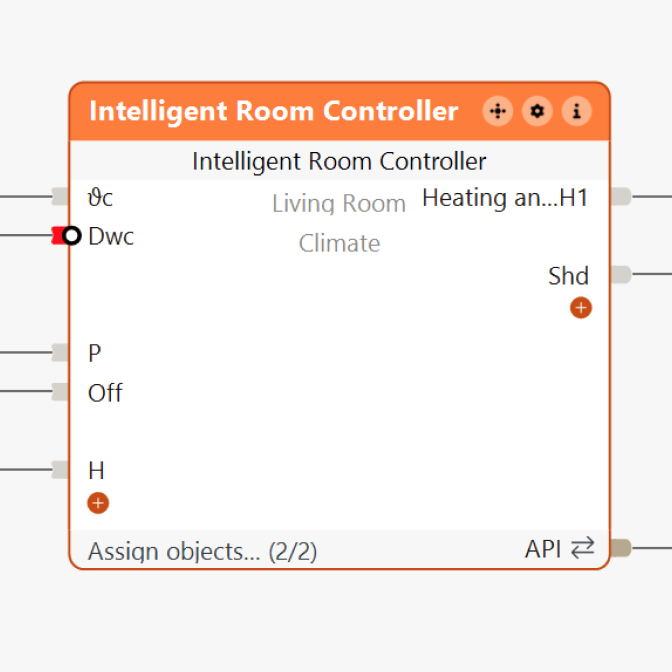
Climate Control
Controls heating, cooling, and shading based on occupancy, environmental factors, and the room’s specific profile.
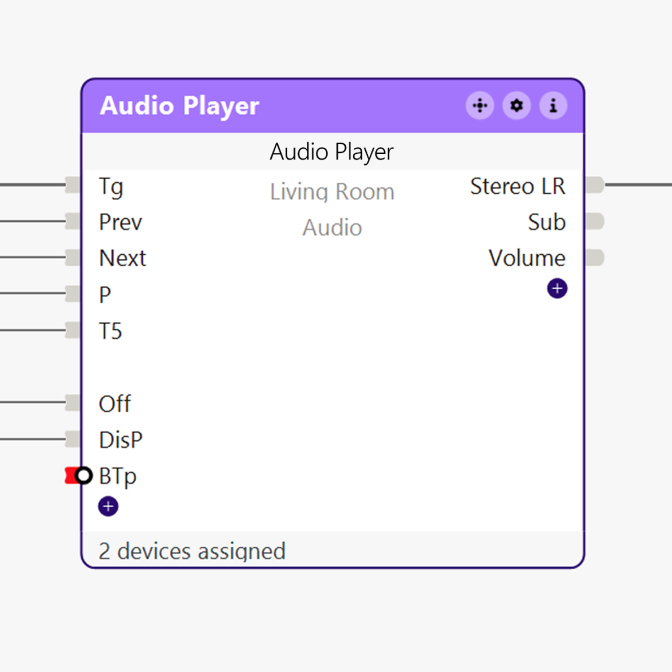
Audio Player
Controls audio playback by zone and supports sources such as Spotify, TuneIn, AirPlay, and local media.
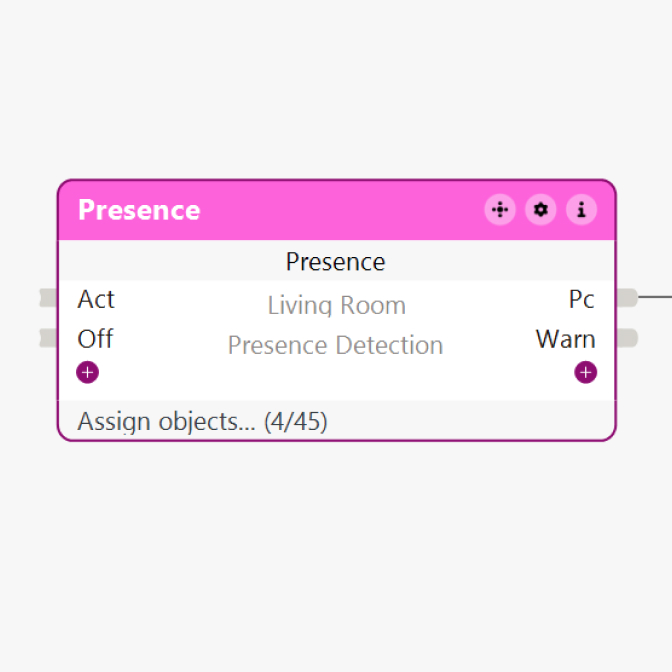
Presence
Detects the presence of people and controls functions such as lighting, heating, shading, and music.
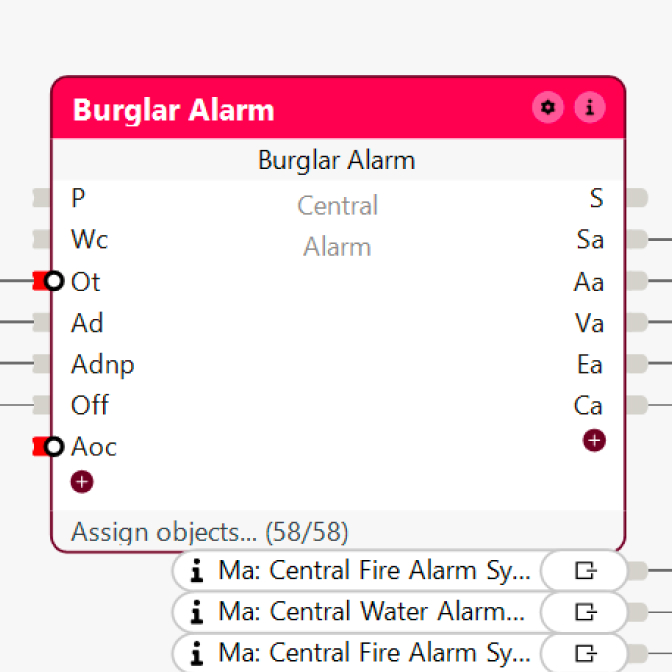
Alarm System
Combines sensors, door, and window contacts into a reliable burglar alarm system.
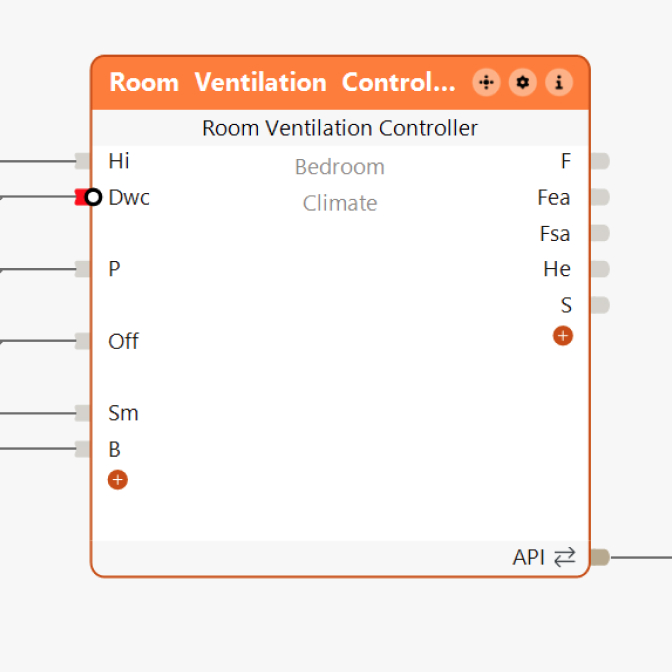
Room Ventilation
Automatically regulates air quality, temperature, and humidity.
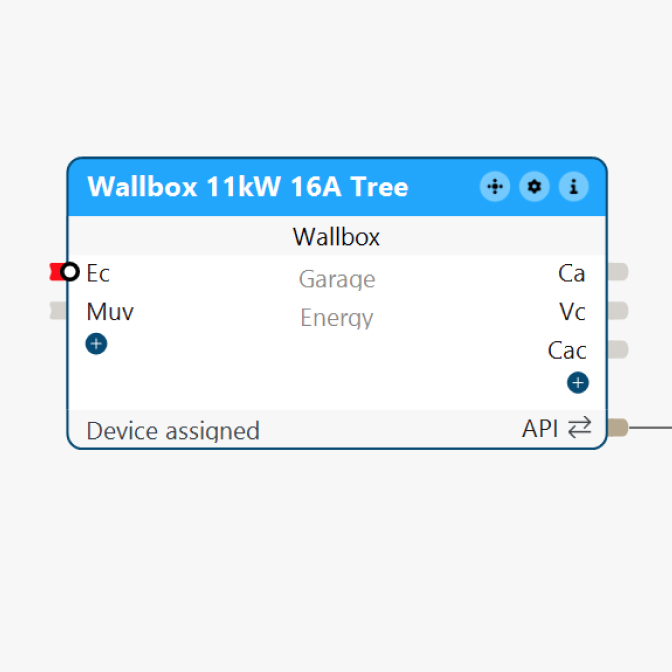
Wallbox
Enables the control and monitoring of a LOXONE charging station for electric vehicles.
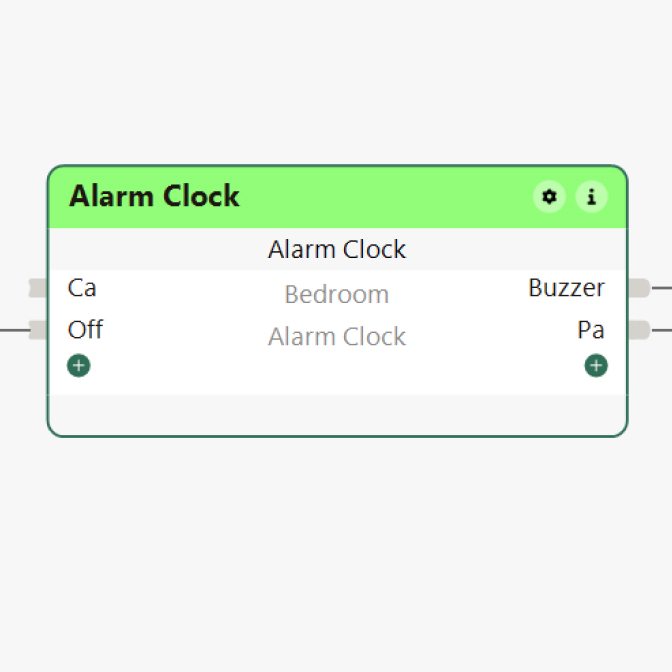
Alarm Clock
Allows you to perform actions at custom times – either once or on a recurring basis.
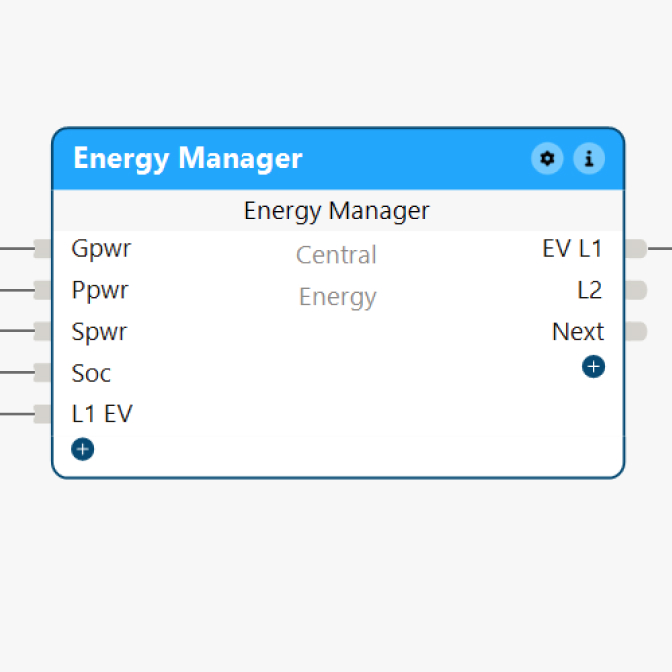
Energy Manager
Automatically controls loads such as heat pumps or heating elements based on PV output.
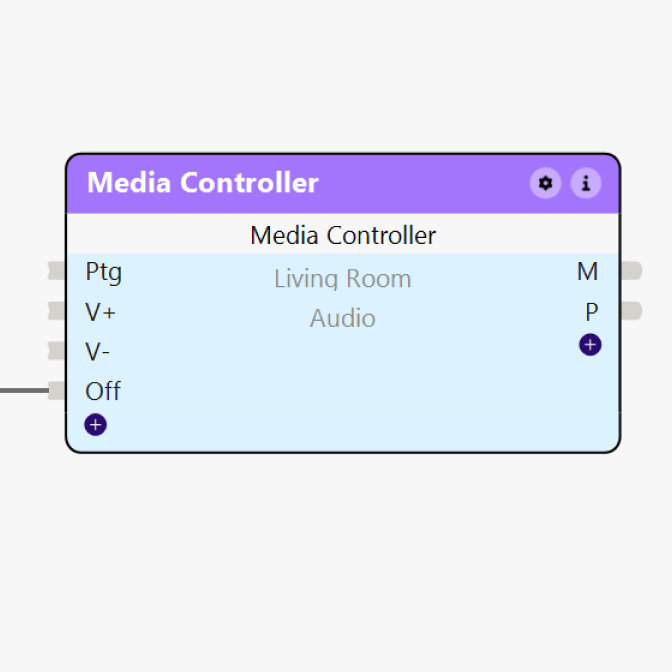
Media Control
Enables centralized control and visualization of external devices such as televisions, amplifiers, or projectors.
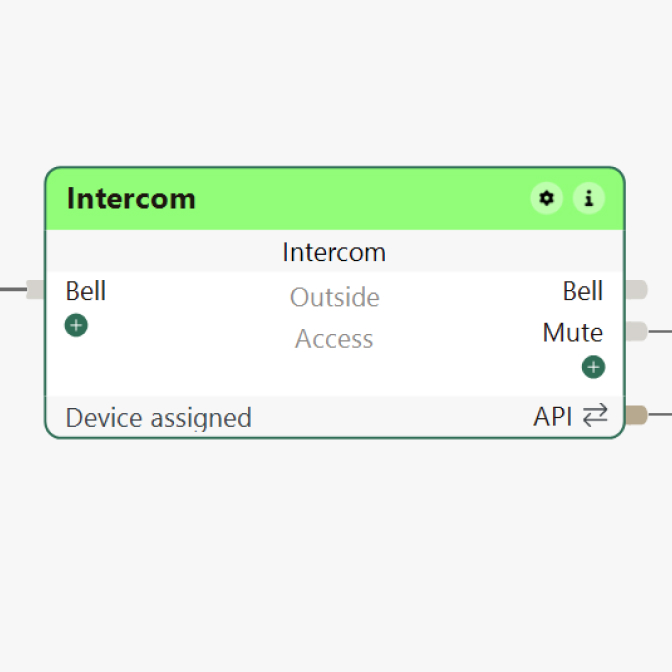
Intercom
Integrates the LOXONE Intercom into the building automation system.
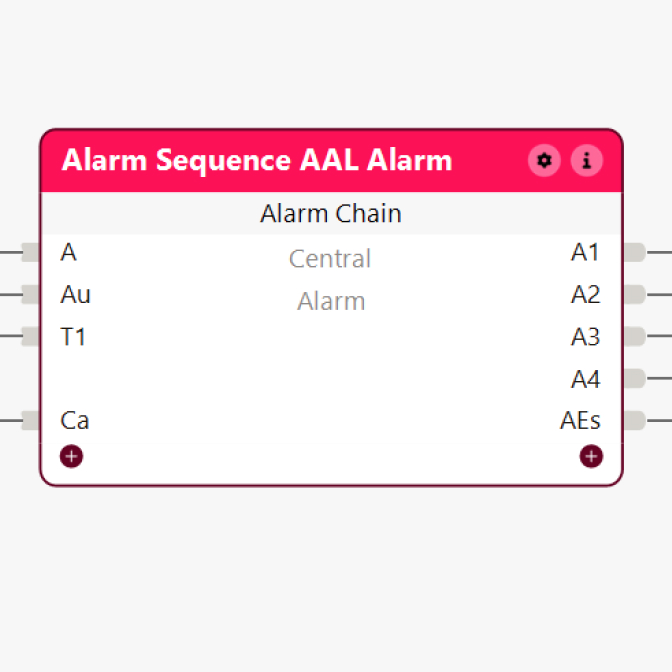
Alarm Chain
Ensures that alarm messages are forwarded in a hierarchical manner to designated recipients.
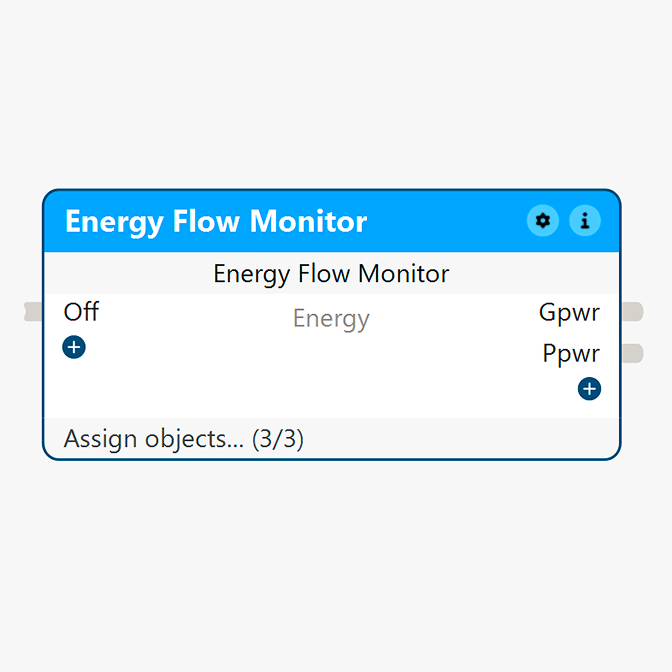
Energy Flow Monitor
Visualizes all energy flows in the building in real time – whether it’s generation, consumption, or storage.
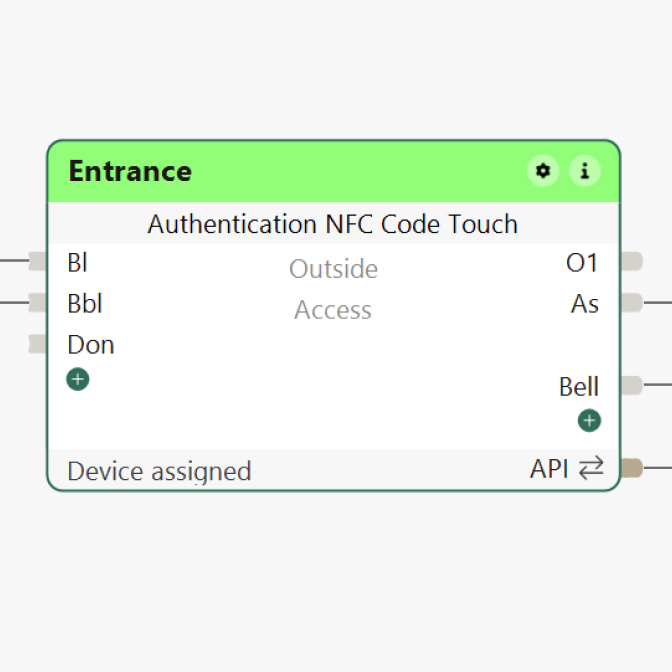
Access NFC Code Touch
Manages access rights for NFC Code Touch.
FAQ
The first one remains empty if 1. FAQs is closed.
Your content goes here. Edit or remove this text inline or in the module Content settings. You can also style every aspect of this content in the module Design settings and even apply custom CSS to this text in the module Advanced settings.
Do I need a LOXONE Miniserver to use LOXONE Config?
You can get started at any time and begin planning. The LOXONE Miniserver serves as the central foundation that ensures your building will truly respond and come to life later on.
Is LOXONE Config really free?
Yes, you can use LOXONE Config for free and get started right away. There are no subscriptions or license fees later on either. Every update is also free.
Do I need programming skills?
No. You don’t work with code; instead, you use easy-to-understand building blocks to design how your building should respond. The logic is generated in the background – yet remains transparent to you at all times.
How long does it take to implement a project in LOXONE Config?
That depends on your project. A single-family home can usually be automated more quickly than a hotel complex. With many pre-configured workflows, you can reach your goal in record time: thanks to auto-configuration, you can set up a building’s basic functions in just a few minutes.
Can I change or expand my project later?
Yes, changes can be made at any time. Thanks to Remote Connect, you can access your projects remotely – if your clients prefer.
Can I integrate existing systems?
Thanks to numerous interfaces and supported standards, virtually all systems and manufacturers can be integrated. With LOXONE Config, you can quickly and easily create a smart ecosystem that the Miniserver – the building’s central control unit – manages.