Remote Connect: Why we require up-to-date software

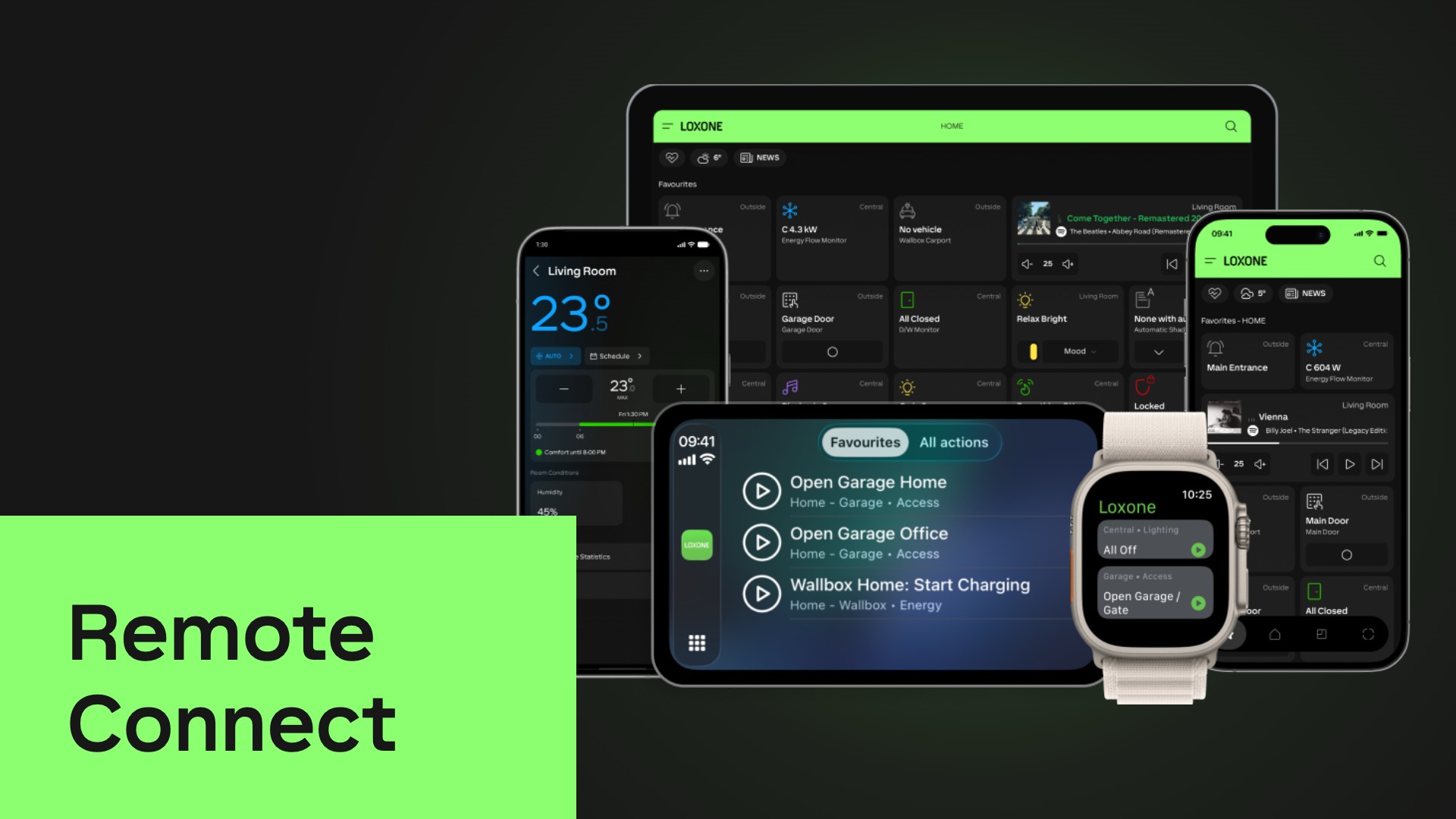
Remote Connect, the free remote access service, will require Miniserver version 17.2.10.21 or higher starting from the 1st December, 2026. Learn why up-to-date software is crucial today and how the upgrade process works.
Remote Connect is LOXONE’s free service for remote access to the Miniserver. From the 1st December 2026, Remote Connect will require the current Miniserver version, with 4 weeks for each new update.
What is Remote Connect?
Remote Connect works like a phone book: the Miniserver continuously registers with Remote Connect. When the LOXONE App wants to connect remotely, it asks Remote Connect where the Miniserver can be reached. Remote Connect brokers the connection, and the App and Miniserver then communicate in encrypted form via a tunnel. User and access data remain on the Miniserver. No port forwarding or technical setup is required.
Remote Connect is one of three ways to access the Miniserver from outside:
- Remote Connect: LOXONE’s free service, with no port forwarding and no technical setup.
- Manual external access: via port forwarding on the router (guide).
- VPN: via a dedicated VPN into the local network.
Responsibility as an intermediary
Anyone who brokers connections to homes and buildings carries responsibility, even with a free service. The cyberattack on LOXONE showed us that security does not end with our own systems. The Miniserver architecture provides the best basis for this: local user and access data, no central point of attack. Remote Connect was not affected by the attack either. To keep it that way, Remote Connect will require the latest Miniserver version in future.
What changes from the 1st December 2026
- From 1st Dec 2026, the free Remote Connect service requires Miniserver version 17.2.10.21 or later.
- From then on, the following applies in general: once a new Miniserver version is released, there are 4 weeks to install the update. Remote Connect then requires this version.
- For older versions, Remote Connect will no longer broker connections.
- Nothing changes on the local network.
- Remote Connect remains free of charge.
In the age of AI, up-to-date software counts
With AI, security vulnerabilities are found faster than ever before and exploited almost immediately. The number of security vulnerabilities (CVEs) reported worldwide is rising exponentially:
And the time until an attack is getting shorter: for almost 30% of actively exploited vulnerabilities, the attack began on the day of disclosure or even earlier.
Updating only when a new feature is wanted is therefore no longer enough. Devices must be operated with all current security updates at all times. This does not only apply to LOXONE: this development will affect the entire industry and far beyond. Regardless of Remote Connect, LOXONE therefore recommends keeping every installation up to date.
New versions bring not only security updates but always significant new features as well. And free of charge: even Miniservers purchased in 2009 still receive free updates today.
How to switch over
The update is carried out as usual in Loxone Config or in the LOXONE App: Guide: Performing a Miniserver update. When a new update is available, the LOXONE App displays it, and the update can be carried out at the push of a button.
The switch involves effort, especially for LOXONE Partners with many installations. That is why the requirement only applies from the 1st December, and even after that there are 4 weeks for each new update. LOXONE Support is happy to help with any questions.
We are also already working on ways to make updates even easier to carry out.
My home, my data, my decision
Everyone can decide for themselves. If an installation is deliberately to remain on an older version, remote access can still be set up with a separate solution, for example via a VPN or manual external access. LOXONE Cloud DNS is not available for this. A static IP address or your own DynDNS service is then required – at your own responsibility.
We are taking this step earlier than others, and we are doing so deliberately. Security updates only help if they are installed. We do not want to wait, because behind every building are people who rely on us.
Source on the exploitation of vulnerabilities: VulnCheck State of Exploitation 2026.
FAQs
Up to which version will the automatic update be enabled?
The automatic update will be enabled for Miniservers up to and including version 15.0. This covers around 92% of all Miniservers.
Is a backup created during the automatic update – and if so, where?
No, no backup is created during the automatic update. We recommend creating backups with Exosphere.
If I am on an older version, do I have to update through several versions one after the other?
No. The automatic update does not require any intermediate steps via individual versions.
What happens if Remote Connect has been deactivated? What options do I have?
Remote Connect can be reactivated for a short time via the Partner Portal. Your Partner Coach will be happy to help.
What is affected if Remote Connect is deactivated for a Miniserver?
With an up-to-date Miniserver version, Remote Connect remains active and everything works as usual. Only if a Miniserver is not updated and Remote Connect is therefore deactivated, the following applies to that Miniserver:
- Remote access: Only possible via manual external access (port forwarding) or VPN.
- LOXONE Cloud DNS: No longer available. Manual external access then requires a static IP address or your own DynDNS service – at your own responsibility.
- Trust: No change on the local network. Between sites without a local connection, only via manual external access (port forwarding).
- Exosphere: Currently not available, not even via port forwarding.
- Intercom: Push notifications arrive without an image.
Do push notifications, the weather service, Caller Service, text-to-speech (TTS) and LOXONE Radio also work without Remote Connect?
Yes. These services have nothing to do with remote access and work with or without Remote Connect. The only exception: without Remote Connect, Intercom push notifications arrive without an image.
Does the Intercom also work without Remote Connect?
With Remote Connect, the Intercom works as usual. Without Remote Connect: on the local network, it works without restrictions. For access when you are away, manual external access (port forwarding) or a VPN is required. Push notifications still arrive, but without an image.
What happens to Trust users? Will their access rights be deactivated?
With Remote Connect, nothing changes for Trust. Without Remote Connect, nothing changes on the local network either. Only if the Miniservers cannot reach each other locally, e.g. between different sites, does Trust then require port forwarding. Trust users are only deactivated if the “Connection Timeout” setting is configured for the respective Trust member.
Can security updates and feature updates be installed separately?
This is currently not possible.
Will remote access be available again automatically once the Miniserver has been updated – even after the 4-week period?
Yes. As soon as the update has been carried out, remote access is available again.