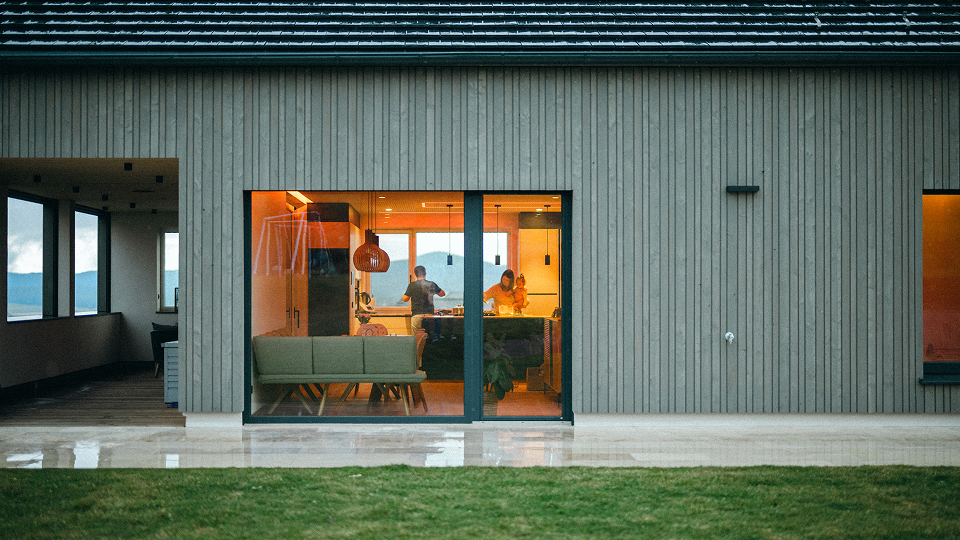
Buying an existing smart home

Congratulations on your new home! With LOXONE, you’ll enjoy greater comfort right from the start: many things work automatically and adapt to your preferences. This makes your everyday life easier and your home perfectly equipped for the future.
Everything you need to know
for the perfect start.
LOXONE combines lighting, heating, security, shading and audio into a single intelligent system. It takes care of the day-to-day tasks and works discreetly in the background. Set it up to suit your lifestyle:

Step 1
Request for login details
Discuss this with the estate agent or seller from whom you bought the house.

Step 2
Find your Partner
Find out who originally installed the system, or use the LOXONE Partner Search Map to find a Partner nearby.

Step 3
Make it your own
Log in to the LOXONE App and set it up however you like. Then sit back and enjoy.

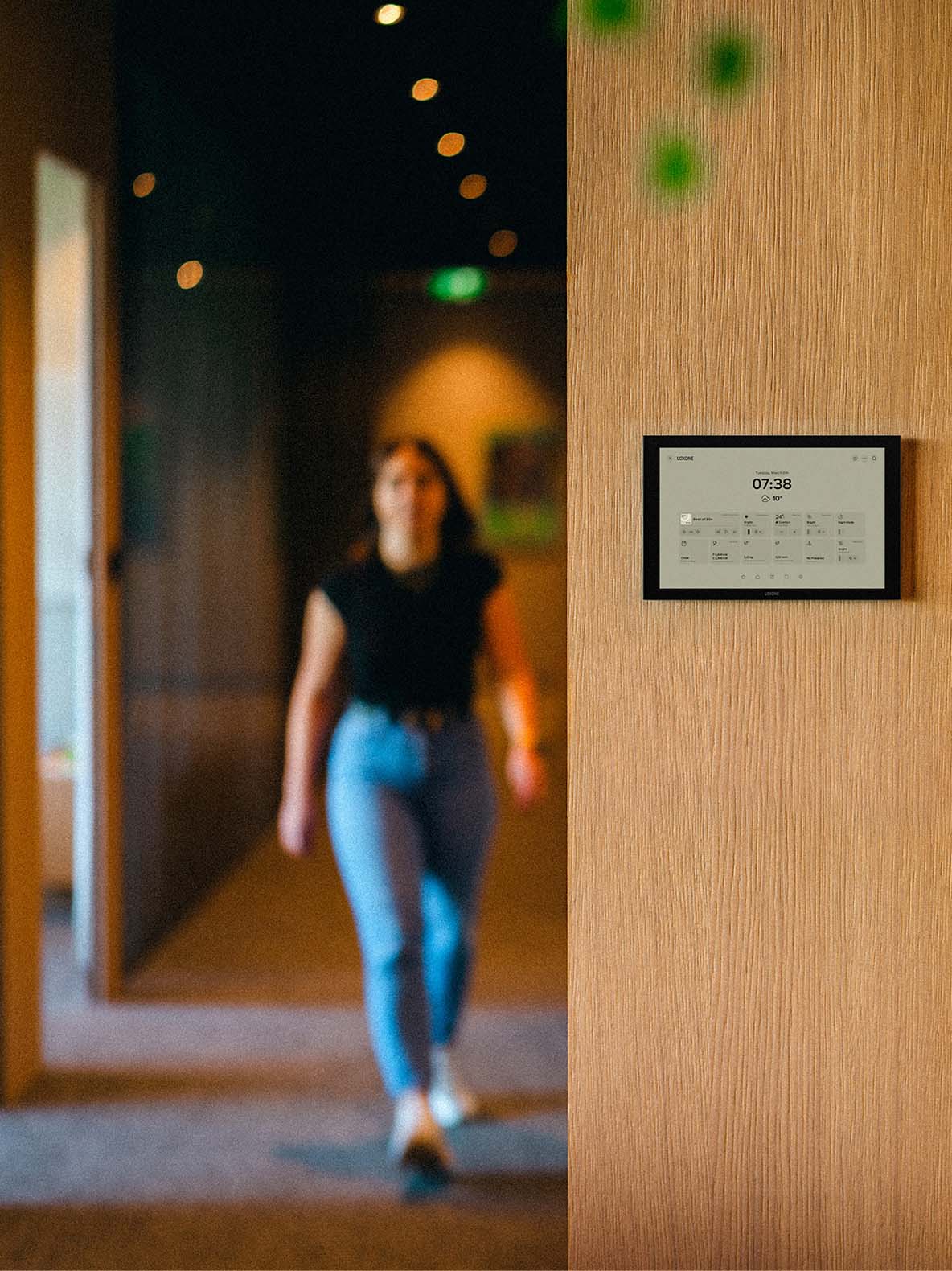
How do I access the system when I move in?
| Tablet | Wall Display 10″ | |
|---|---|---|
| Preis | CHF 429.- (z. B. iPad 11. Generation) | CHF 990.- |
| Wandhalterung | CHF 299.- (separat) | Inklusive |
| Updates | ca. 5 Jahre Herstellersupport | 10+ Jahre, automatisch über LOXONE |
| Für Dauerbetrieb gebaut | Nein | Ja |
| Verwaltung | Betriebssystem des Herstellers (Updates, Accounts, App Store) | Nativ in LOXONE Config / LOXONE App |
| Display-Technologie | OLED (Burn-in-Risiko) oder IPS, je nach Modell | LCD für lange Lebensdauer |
| Akku | Ja – kann sich aufblähen; verschleißt mit der Zeit | Kein Akku – dauerhaft mit Strom versorgt |
| Wartungsaufwand | Regelmässige Updates, Neustarts, ggf. Austausch nach einigen Jahren | Wartungsfrei |
| Fertigung | Meist Fernost-Fertigung | Made in Germany |
| Verbindung | Wi-Fi |
Tree Turbo netzwerkunabhängig; Wi-Fi oder LAN möglich |

The ideal scenario
Ideally, the access details – Miniserver login, LOXONE config file, app access – will already be included in the handover documents when you buy the house. It’s best to make a point of asking for them with the solicitor.

No access available?
In that case, a LOXONE Partner is needed to continue. They will identify the Miniserver on site and technically reconfigure the access points to the system as part of the handover.

Important
As soon as you have access, you should deactivate any old accounts belonging to the previous owner and set a new administrator password. This is the only way to ensure that only you – and whoever you choose – have access to your home.

Natürlich ist es auch weiterhin möglich, ein Tablet zu verwenden, wenn das die Präferenz deiner Kund:innen ist. Wir bei LOXONE sind jedoch der Meinung, dass das Wall Display für Gebäude gerade auf lange Sicht nicht nur einfacher ist, sondern auch günstiger:

Kostenvergleich über 10 Jahre
| Tablet: Anschaffung (CHF 429 + CHF 299) | CHF 728 |
| Tablet: Ersatzgerät nach ~5 Jahren | + CHF 429 |
| Tablet: Wandhalterung für neues Modell | + CHF 299 |
| Tablet gesamt | CHF 1 456 |
| Wall Display 10″ inkl. Wandhalterung | CHF 990 |
| Wall Display gesamt | CHF 990 |
Ersparnis über 10 Jahre: CHF 466 – ohne laufenden Wartungsaufwand beim Tablet mit eingerechnet.

How do I find a LOXONE Partner?
- First, ask who originally installed it. The original Partner is already familiar with the system and can usually handle the handover efficiently.
- Don’t know who installed the system? Then the LOXONE Partner Search Map will allow you to locate a local qualified Partner, who will carry out the handover just as reliably.

What might the next steps look like for me?
Once you’ve sorted out your access details and LOXONE Partner, you’re ready to get started: Log in to the LOXONE App set it up, create user profiles for all family members and tailor schedules and lighting scenes to your daily routine. Then sit back and relax. Your home thinks for itself.
Gibt es ein LOXONE Netzteil zur Herstellung der 24-V-Stromversorgung?
Ist keine Tree Turbo Leitung vorhanden? Dann kannst du das Wall Display trotzdem mithilfe eines Wi-Fi-Adapters oder eines USB-C-LAN-Adapters verbinden. Voraussetzung ist eine 24-V-Stromversorgung. Kann keine Leitung gezogen werden und ist nur 230V vorhanden, kann ein 24-V-Unterputznetzteil zur Versorgung verwendet werden. Ein Unterputznetzteil mit ausreichender Leistung werden wir bald in unser Sortiment mit aufnehmen. Melde dich für unseren Newsletter an, um sofort davon zu erfahren, wenn es so weit ist.
Welcome to your smart home.

Fewer tasks
Your day-to-day life will become easier. You’ll have more time for what really matters.

Energy efficiency
Your energy is automatically used to best effect. Without you having to do anything.

Security
Burglary, water damage, fire: detected and reported in real time.

All-In-One
You can see your entire building at a glance in just one app.

Made to last
LOXONE is designed to last for the entire lifespan of your building.

Greater comfort
Always the perfect temperature, the perfect lighting, the perfect sound.

Do you want to see what your home is capable of?
On our LOXONE Experience Tour, you’ll experience first-hand what a truly well-thought-out Smart Home can do. You’ll get to know all the functions – from lighting, climate control and shading, through to audio, security and energy.
FAQs
How can I control the LOXONE system?
First things first: as this is a smart automation system, you’ll rarely need to intervene yourself. However, if you do want to control the system, you can do so at any time. Users most often intervene when they move into a new home or want to adjust schedules and moods. Everything you need can be easily accessed via the LOXONE App. In addition, the touch buttons allow for on-location control.
Does the system work even without Wi-Fi?
Haven’t set up your Wi-Fi yet? No problem. LOXONE works independently of Wi-Fi and the cloud. This ensures that the system isn’t affected by internet outages and also provides a high level of security.
Please note: Without Wi-Fi, you cannot access the app, and when setting up a Miniserver Wi-Fi is required. However, as you are moving into an existing Smart Home, it doesn’t affect you.
Can guests who are unfamiliar with the house or who are less tech-savvy also use it without any problems?
Yes, you’ll find all the features you need on the Touch Button (Lighting, Shading, Audio) – usually designed according to the T5 Standard.