
LOXONE App: Smart Control for Your Building
Reading Time
Date
3 minutes
4. December 2025
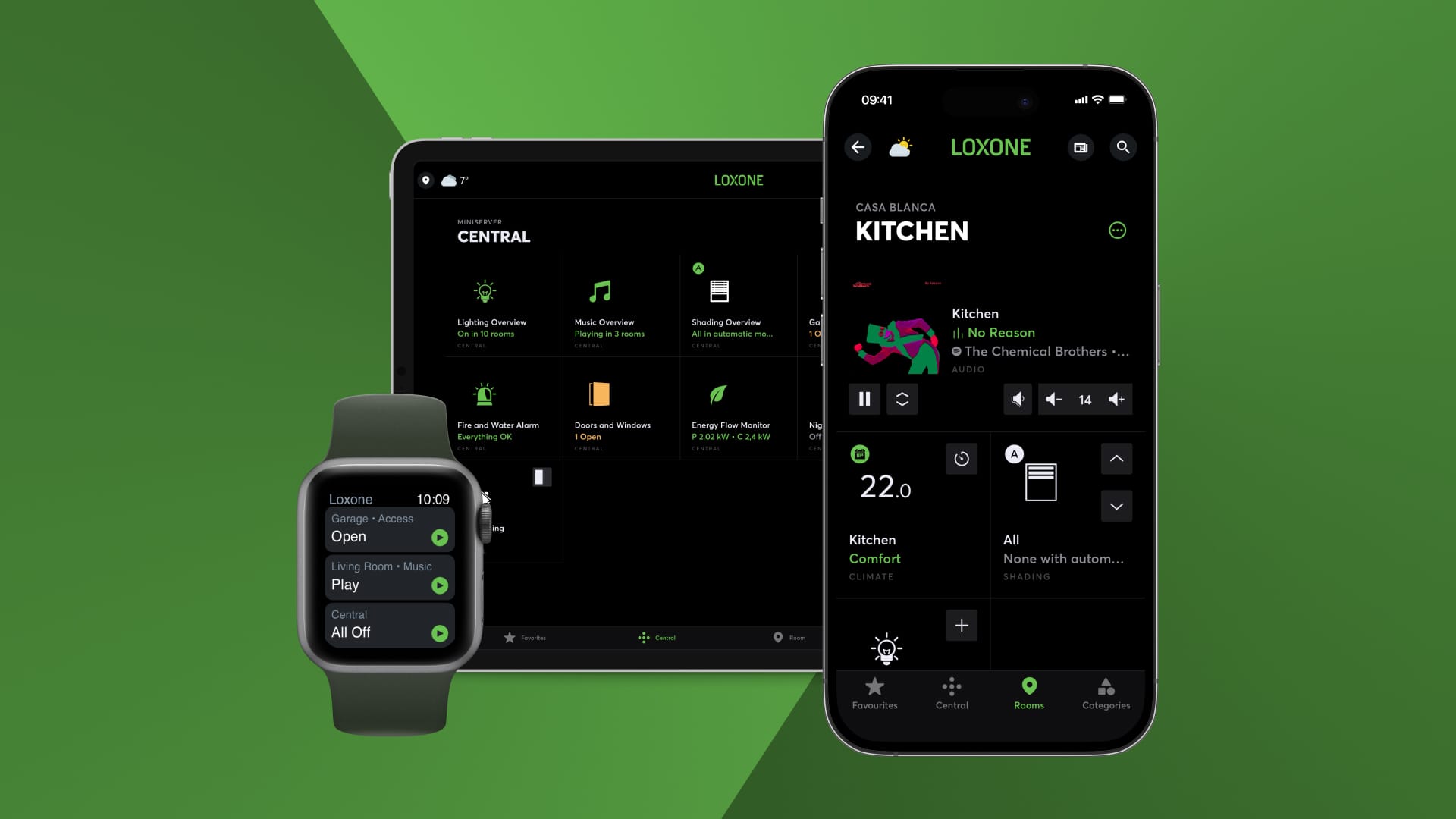
With the LOXONE App, you have your entire building at your fingertips. Control is simple – anytime, anywhere.
Setting up the LOXONE App & Getting Started
When starting for the first time, connect your smartphone to the LOXONE Miniserver. You will receive your username and password from your LOXONE Partner. After logging in, the app’s dashboard will open. Here you will immediately see your favorites, central controls and the structure by rooms and categories.
Your Entire Building in One App
Whether lighting, shading, climate control, or security: everything is clearly bundled and immediately accessible:
- Favorites: Your most important features at your fingertips.
- Central: Here you will find all features that affect the entire house, such as the fire alarm center or an overview of your energy management.
- Rooms: For quick control of features in a specific room.
- Categories: Grouped views for features such as lighting or audio.
- Menu: Access to settings, news, scenes, or the Automatic Designer.
Audio Control
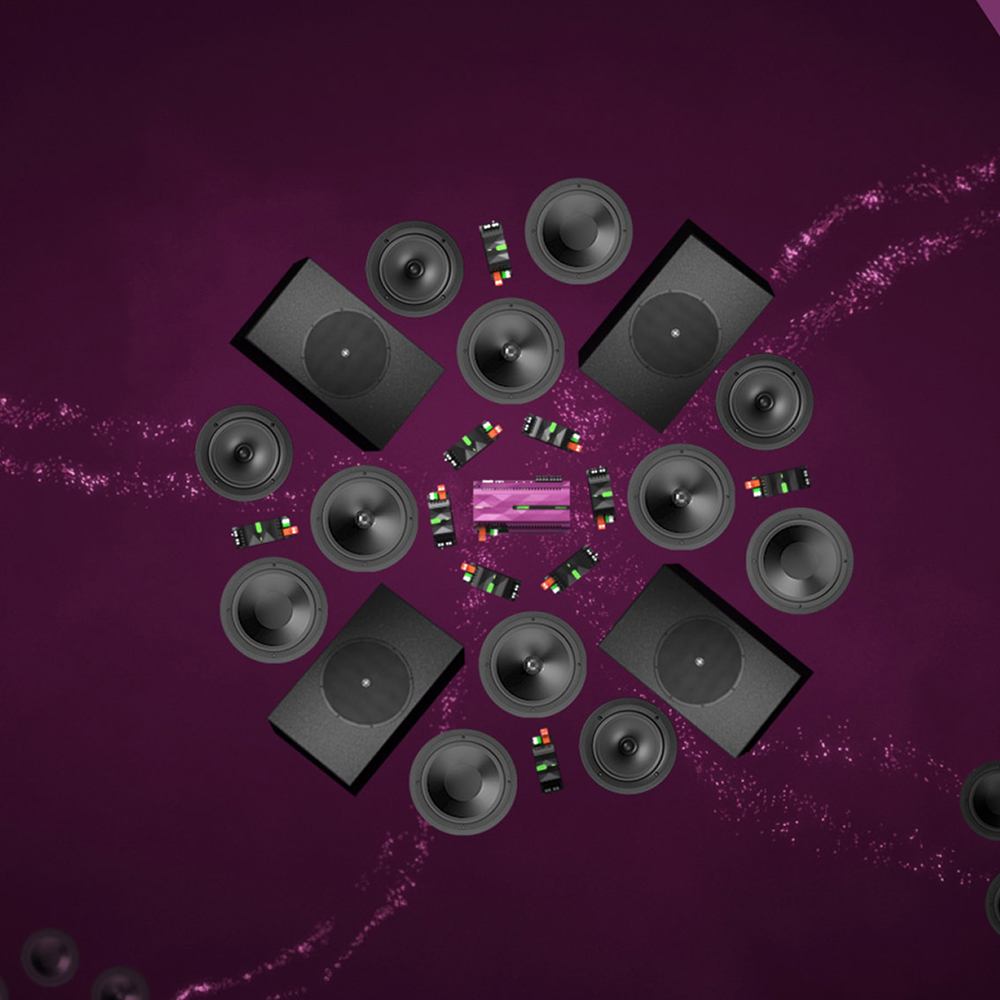
Select music sources, create favorites, or group rooms. This allows you to listen to your favorite music synchronously or individually in every area of your home.
Lighting Control
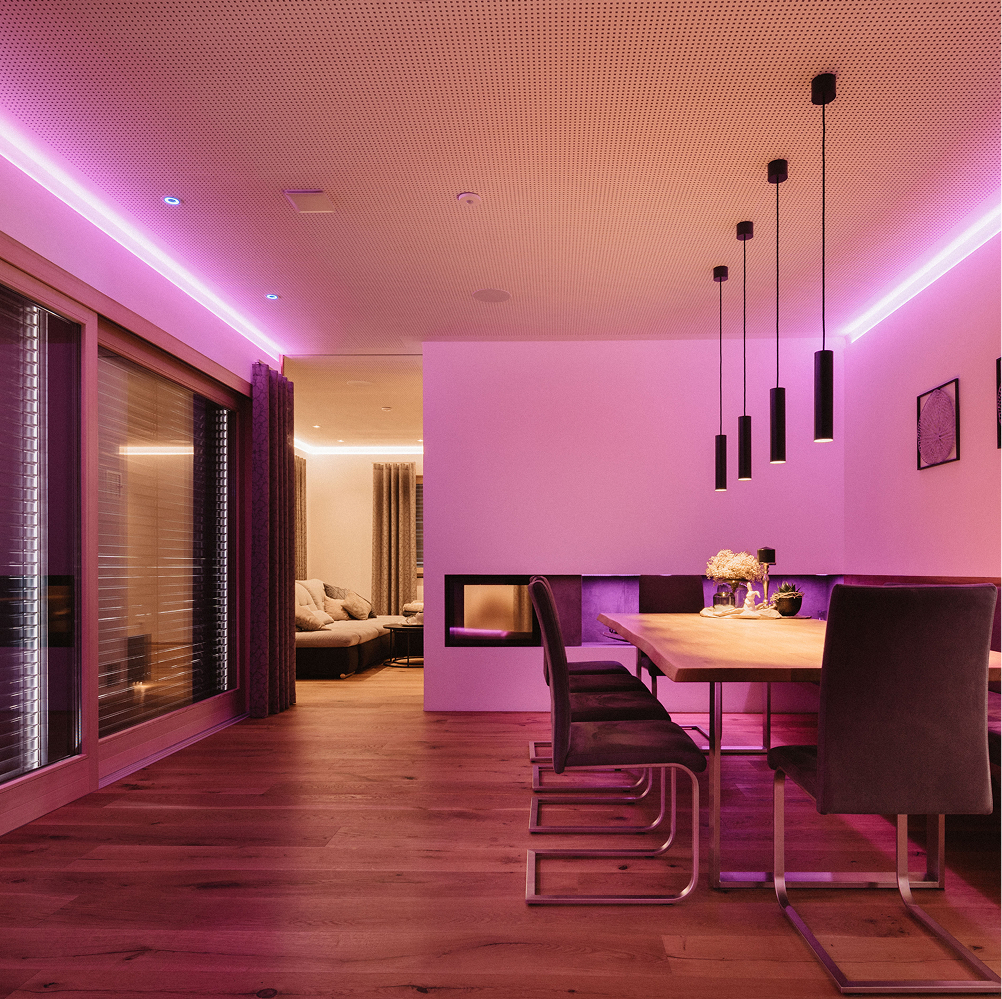
With just one tap, you can ensure optimal lighting thanks to preset lighting moods. You can also easily edit or create moods in the app: colors, brightness and effects can be customized and saved.
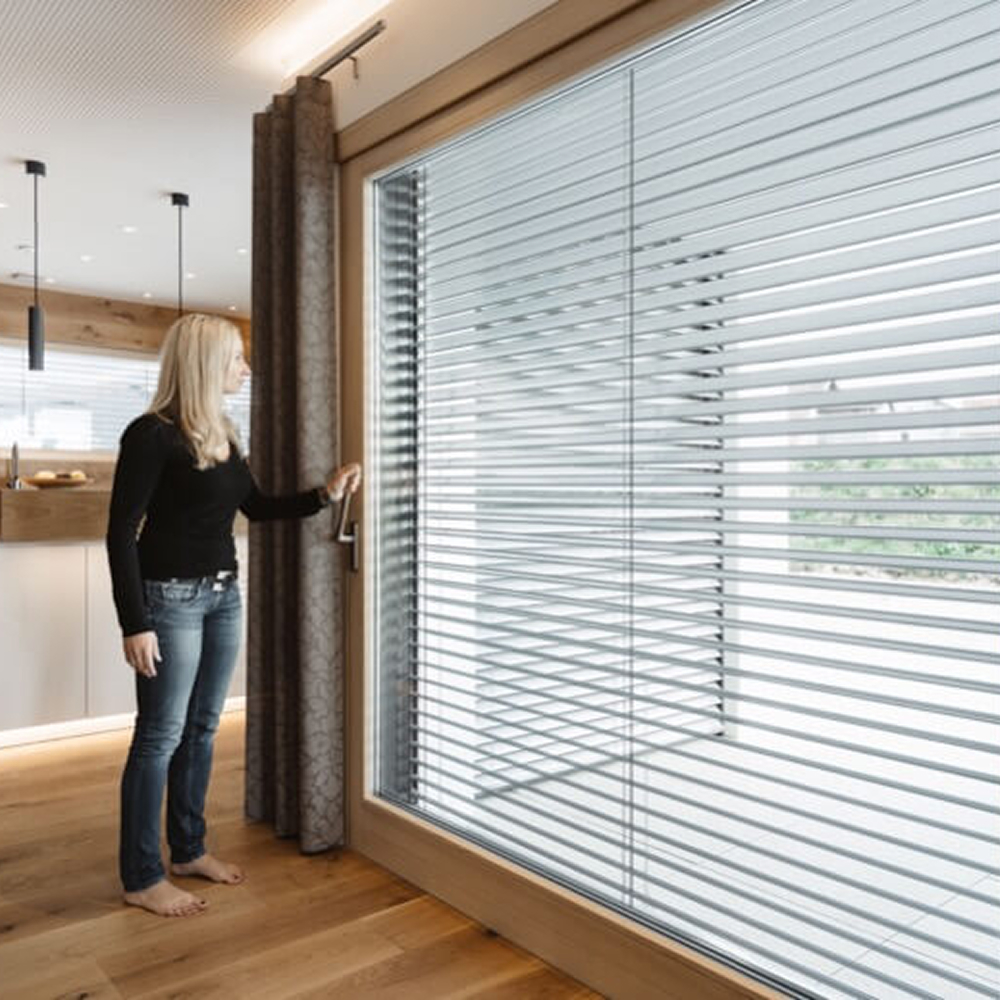
Smart Shading
Control blinds, roller blinds, or curtains centrally or per room. The app displays the current status (e.g., automatic sun protection or storm protection) and allows manual adjustments.

Climate Control
Define the desired temperatures – LOXONE ensures that they are reached efficiently. With LOXONE, the room climate automatically adapts to your habits. Short-term temperature changes can be made with just a few clicks.
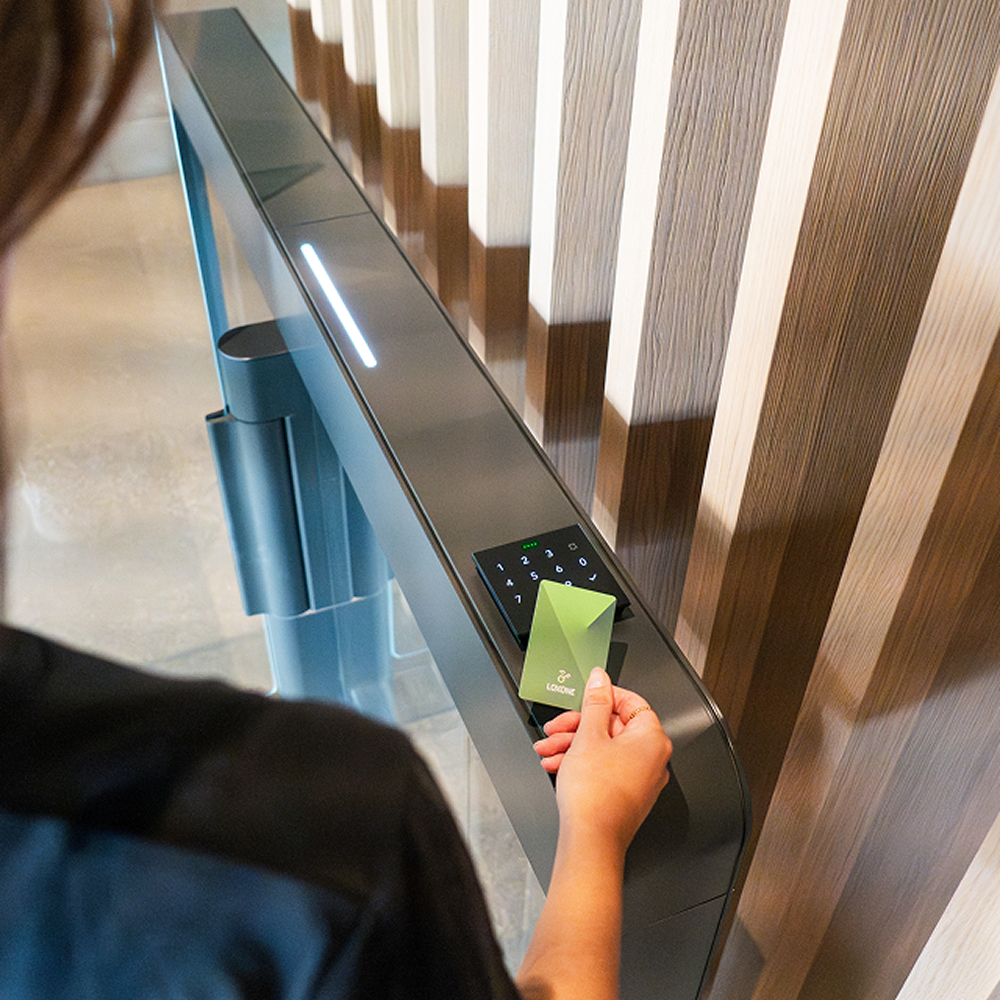
Access Control
You can see who is at your door live in the app. Of course, you can open doors, gates and passageways easily and in real time via the app. In the history, you can immediately see who opened which door and when.
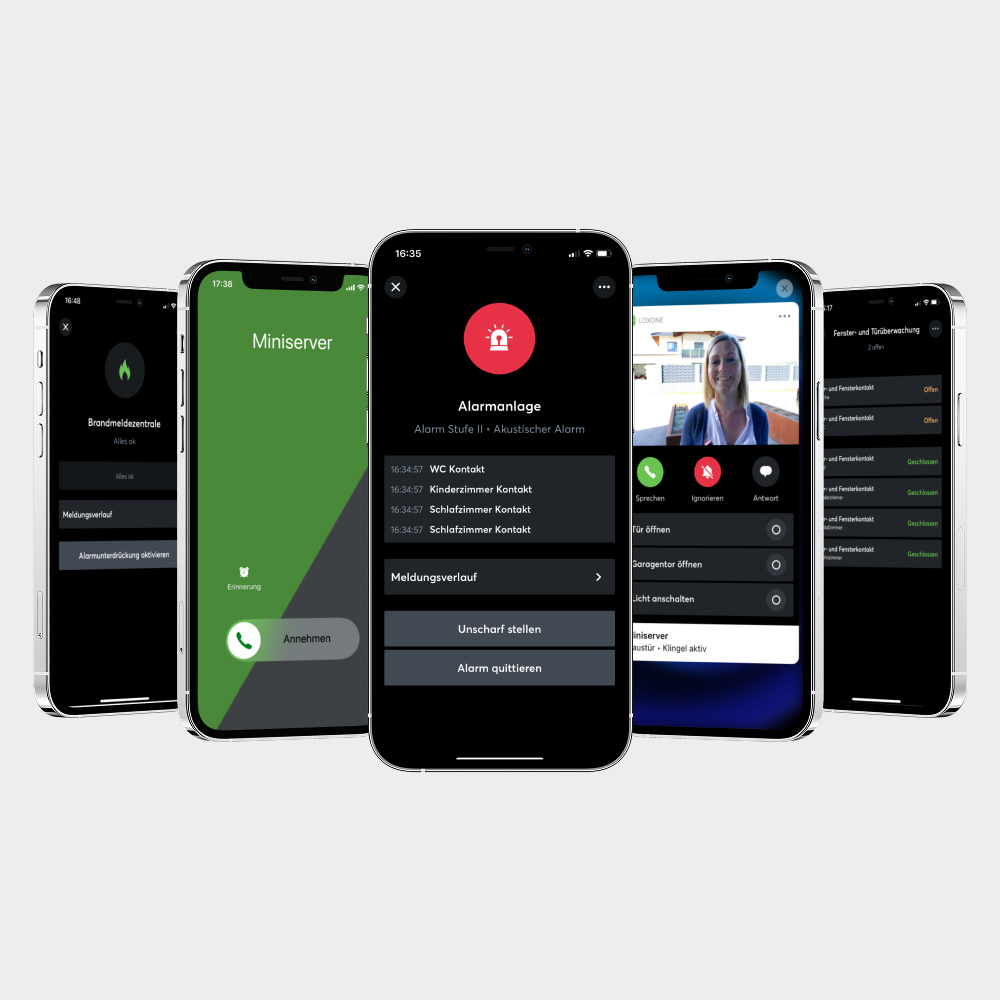
Security Notification
The app immediately informs you if there is a threat to your building – whether it be water, fire, or burglary. You can activate or deactivate the alarm system at any time, check the fire or water detectors, or see at a glance that everything is in order.
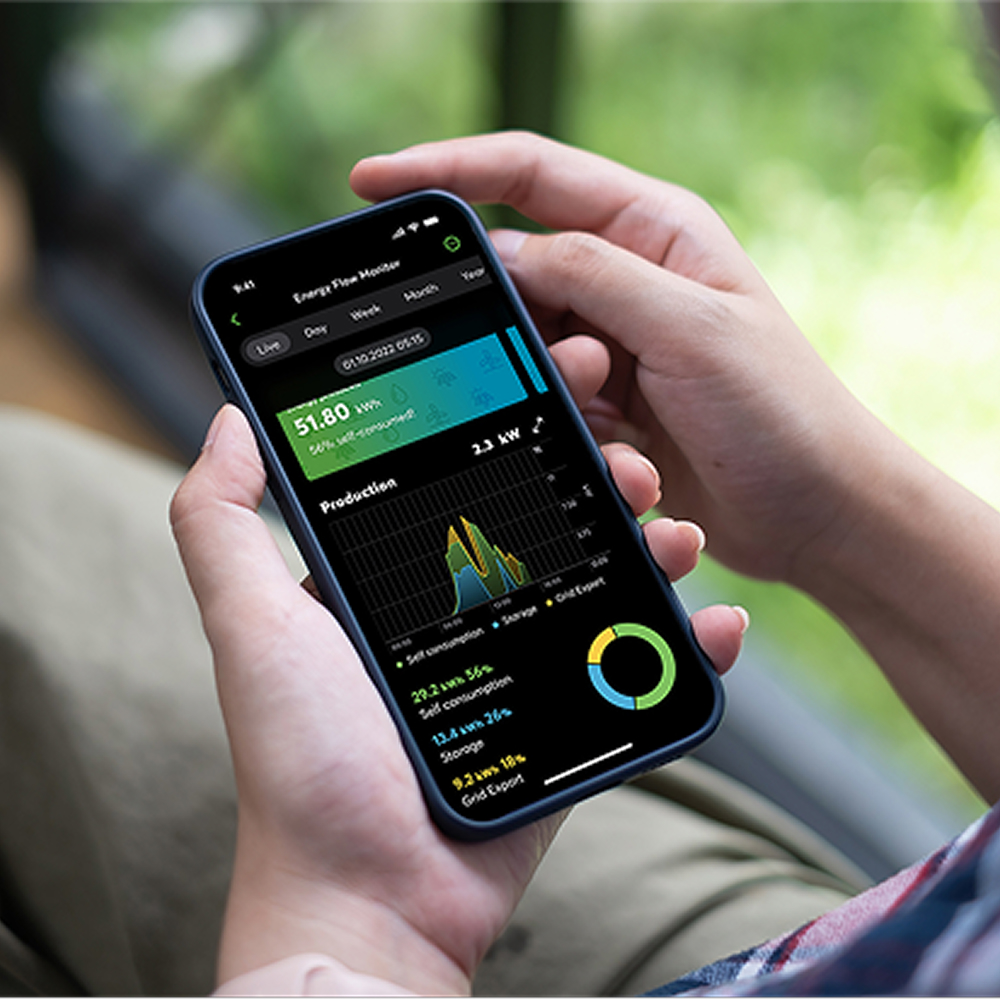
Energy Management
With the LOXONE App, you can see all energy flows in real time: generators, consumers, storage and the grid. Features such as load management and spot price optimization help you use energy efficiently and save costs.
Individual Adjustments
Automatic Designer
With the Automatic Designer, you can easily create your own logic – no programming knowledge required. Example: “If the sun rises AND it’s a weekday, THEN turn on the coffee machine.”
Scenes
Scenes are used to perform one or more actions – unlike the Automatic Designer, however, they are activated manually rather than using logic. Scenes can be activated via the app or a Touch Pure Flex, for example. One example of a scene is a cinema mode in the living room: as soon as the scene is activated, the TV turns on, the blinds are lowered and the lights are dimmed to a comfortable level.
Try the LOXONE App Now
The proof is in the pudding! Connect to our test environment now and discover the full range of features offered by the LOXONE App. Whether you use a smartphone, tablet, laptop, or smartwatch – the app is available for all devices and operating systems.

Step 1
Step 2
Enter username “web” and password “web”
Step 3
Go on a journey of discovery