Remote Connect
Your building, always with you: with Remote Connect you can control your home on the go via the LOXONE App. Secure, free of charge and without any technical setup.
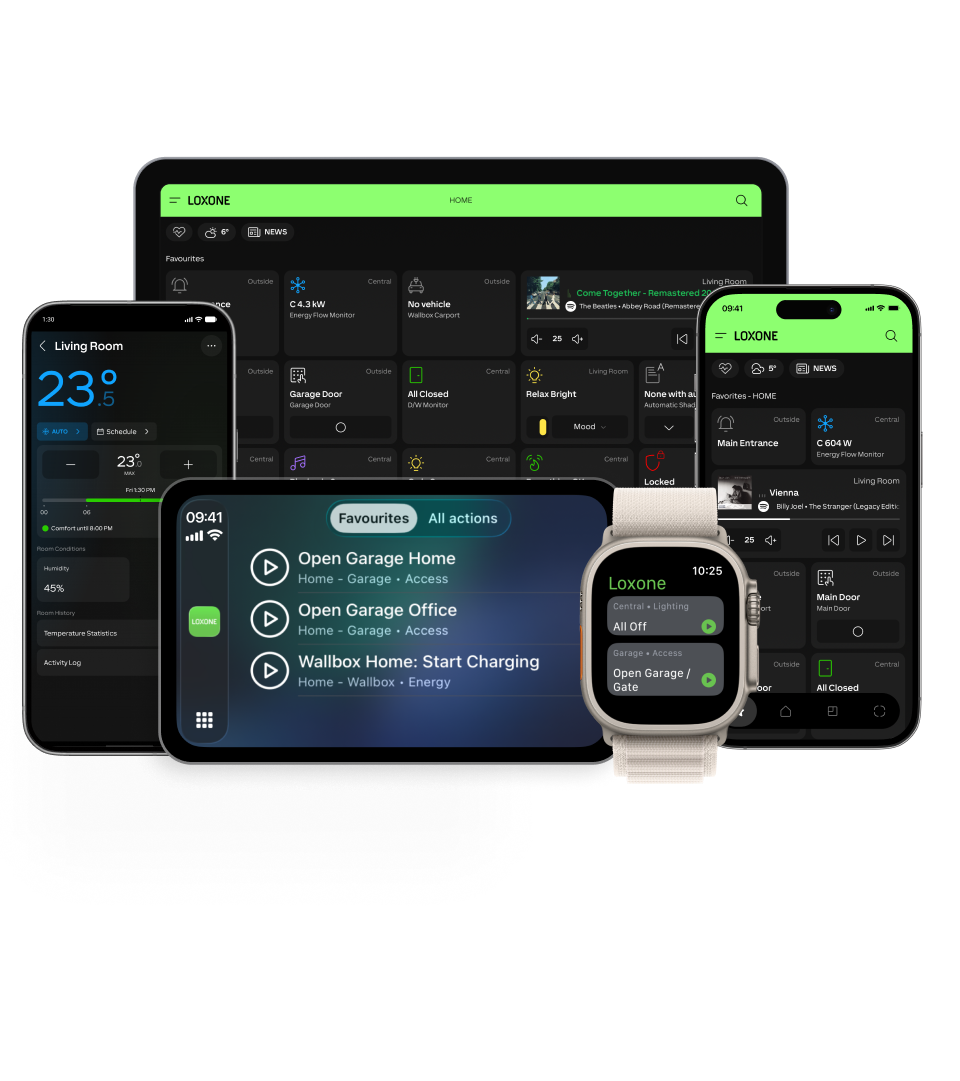
What Remote Connect does for you

Connected from anywhere
Whether on vacation, at the office or on the move: the LOXONE App keeps you in touch with your building at all times.

Securely encrypted
The connection to your Miniserver is fully encrypted. Your data stays protected.

Remote support
If you wish, your LOXONE Partner can look after your installation remotely – without an on-site appointment.
Stay Secure with Up-to-Date Software
With AI, security vulnerabilities are being discovered and exploited faster than ever before. Only up-to-date security updates provide protection. That’s why we strongly recommend that you always keep your Miniserver updated to the latest software version—currently version 17.3.11.12 or a newer, released version.
You can perform the update as usual in the LOXONE app or in LOXONE Config (instructions). If a new update is available, the LOXONE app will notify you.
In addition to up-to-date software, security features in Remote Connect and within the Miniserver itself ensure protection. Strict access control safeguards Remote Connect: If an unusually high number of connection requests are made to the Miniserver, access is automatically blocked for a certain period of time. This does not affect normal operation.
Miniserver Application Firewall: If you use APIs that retrieve data from the Miniserver, it may be advisable to disable the Application Firewall in the Miniserver properties in LOXONE Config.
More about Remote Connect and why up-to-date software is so important
Frequently asked questions
Does Remote Connect work with my Miniserver?
Remote Connect works with all Miniservers – except Miniserver Gen. 1. For these, external access can be set up manually.
Can I connect remotely without Remote Connect?
Yes. Remote access can also be set up manually without Remote Connect. This requires router settings and technical know-how. Find out more under Setting up remote access manually.
Why does my Miniserver need to be up to date?
Every release brings improvements, including to security. That is why Remote Connect requires an up-to-date software version: after every release, you have four weeks to install the update. The LOXONE App will remind you.
What does Remote Connect cost?
Nothing. Remote Connect is a free service from LOXONE.