Your Building. Always With You.
You don’t have to worry about a thing. But it feels good to know you can step in at any time.
The Best Thing About the LOXONE App
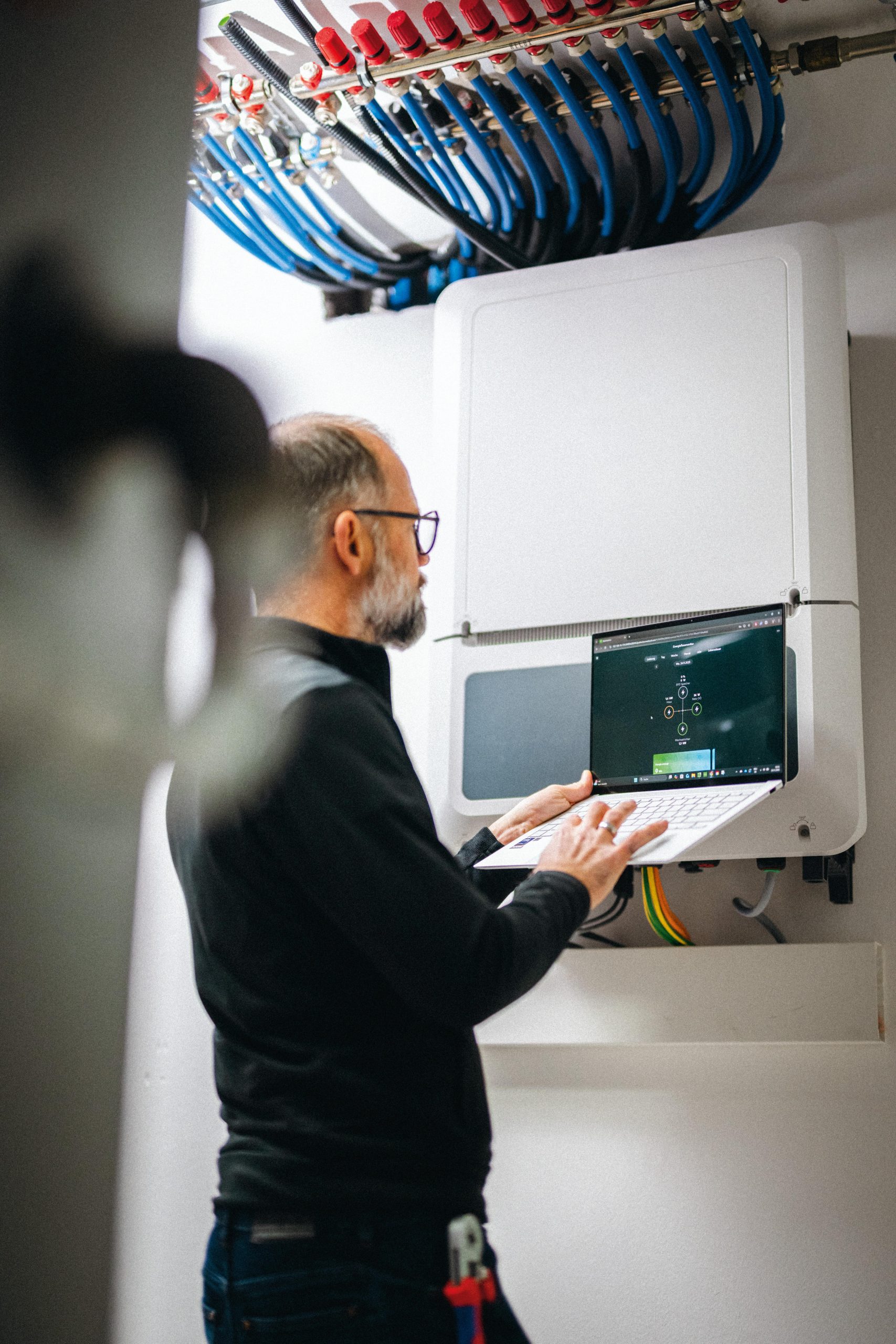

Tailored to you
The app fully adapts to your needs.

All-in-one
Just one app to control your entire building.

Free Updates
New features and improvements all the time—completely free.
One App for Everything
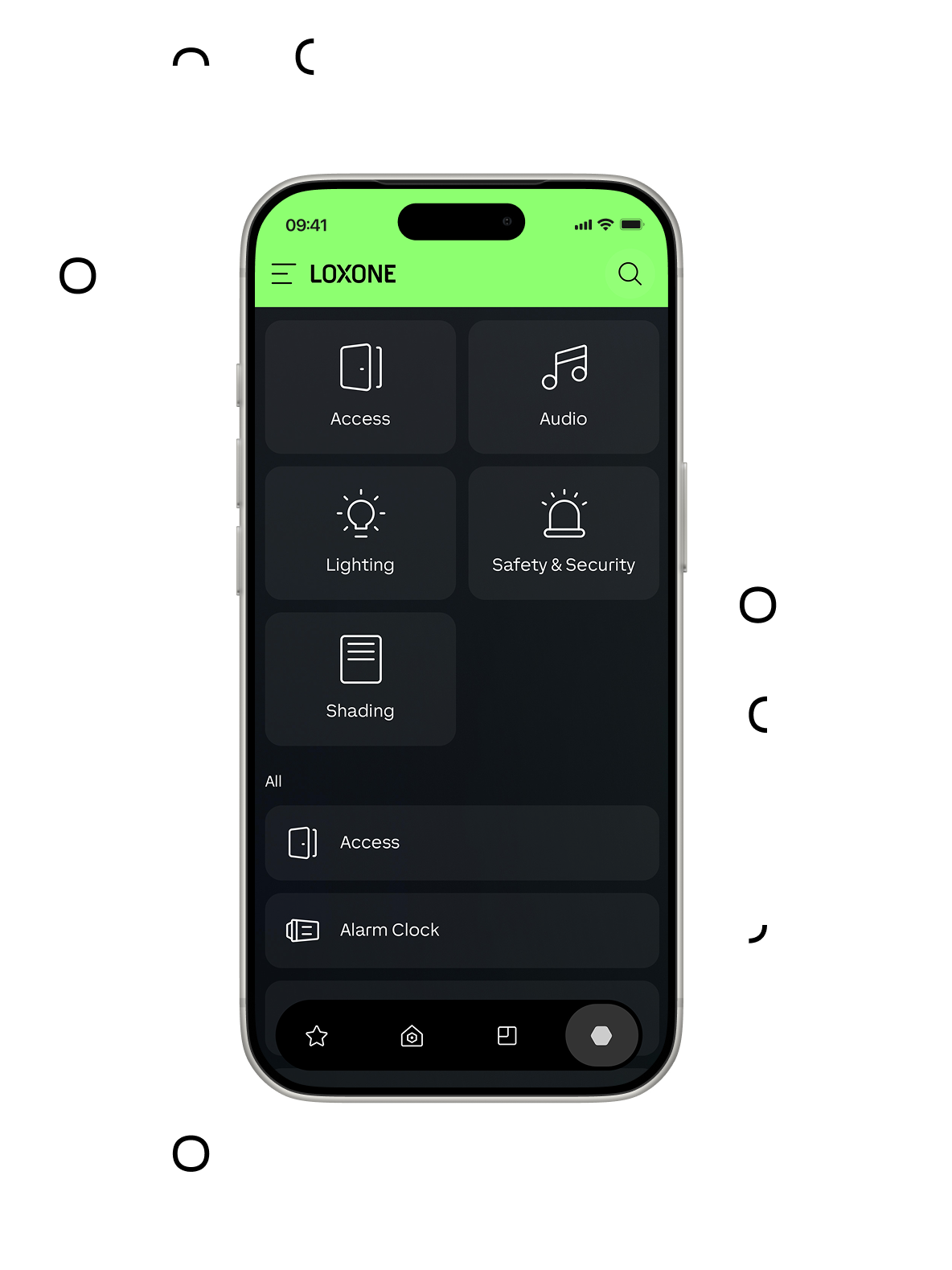
Your LOXONE building runs automatically. But it’s really handy to be able to see exactly who’s at the door, how much energy you’re saving, or to change the lighting color on a whim. That’s exactly what the LOXONE app is for.
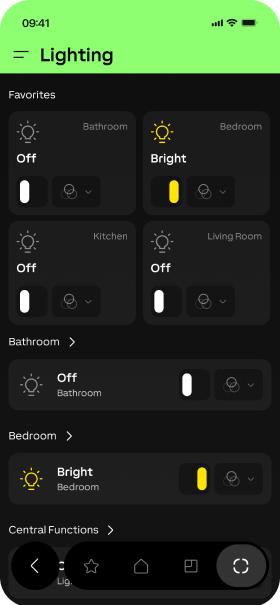
Light
Relaxing, dimmed, or party mode with color-changing lights? Create exactly the lighting mood you’re in the mood for.
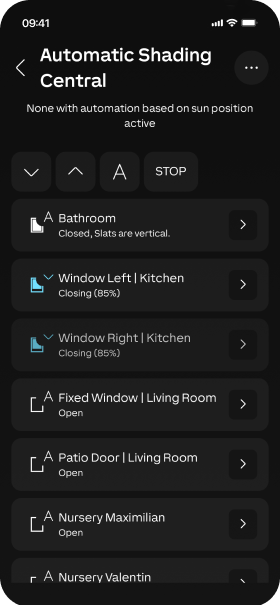
Shading
With LOXONE, shading works automatically. You can still control curtains, blinds, or shutters at any time using the app.
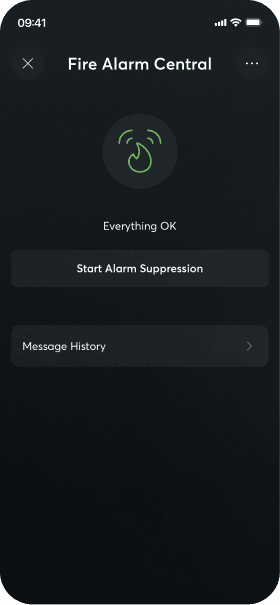
Alarms & Security
Activate the alarm system via the app. If the alarm goes off, you’ll be notified immediately, no matter where you are.
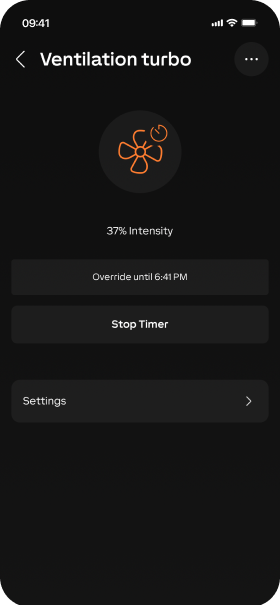
Ventilation
Keep an eye on the status of your ventilation system and select your own ventilation program as needed.
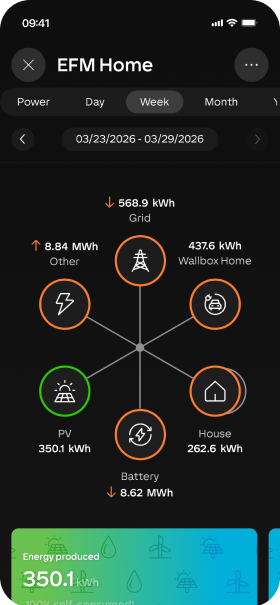
Energy Management
Optimize your energy usage and view statistics.
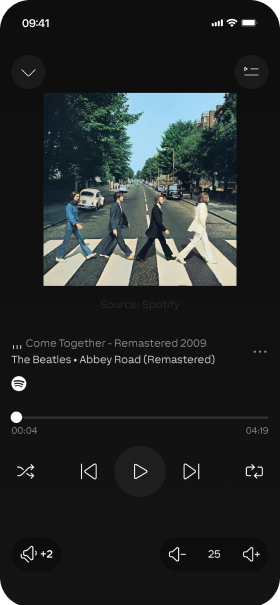
Music
Choose your favorite playlist or use streaming services.
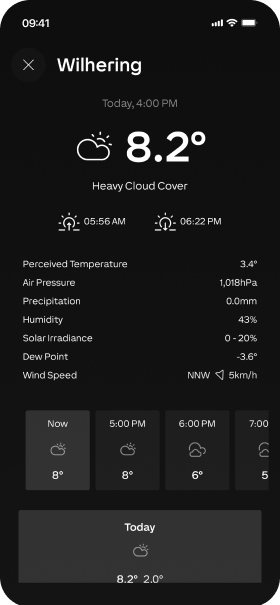
Weather
Get accurate weather data and forecasts for your building.
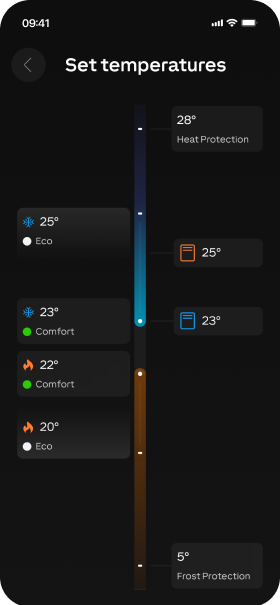
Temperature
Control your ideal temperature in every room.
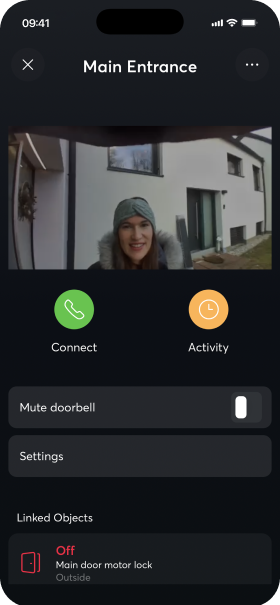
Door and Gate Control
Always keep your doorbell with you. Talk to your visitors and see who stopped by while you were away.
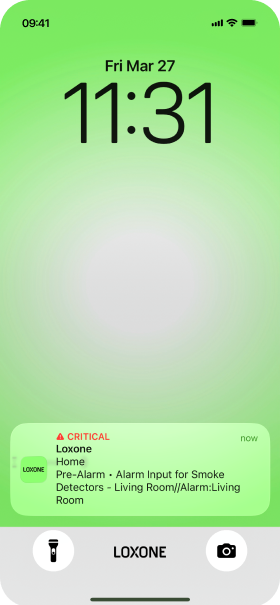
Push Notification
You decide when the app notifies you. For example, when the doorbell rings or your sauna is ready.

Try the LOXONE App Now
You don’t need a smart home to try out the LOXONE app. But you’ll probably want one afterward.

Sign In
Enter the username “web” and the password “web”.

Get started
Go on a journey of discovery.
Want to try out the app on your smartphone? Download it for free, click “Connect to Test Miniserver,” and you’re all set.



Automatic Designer
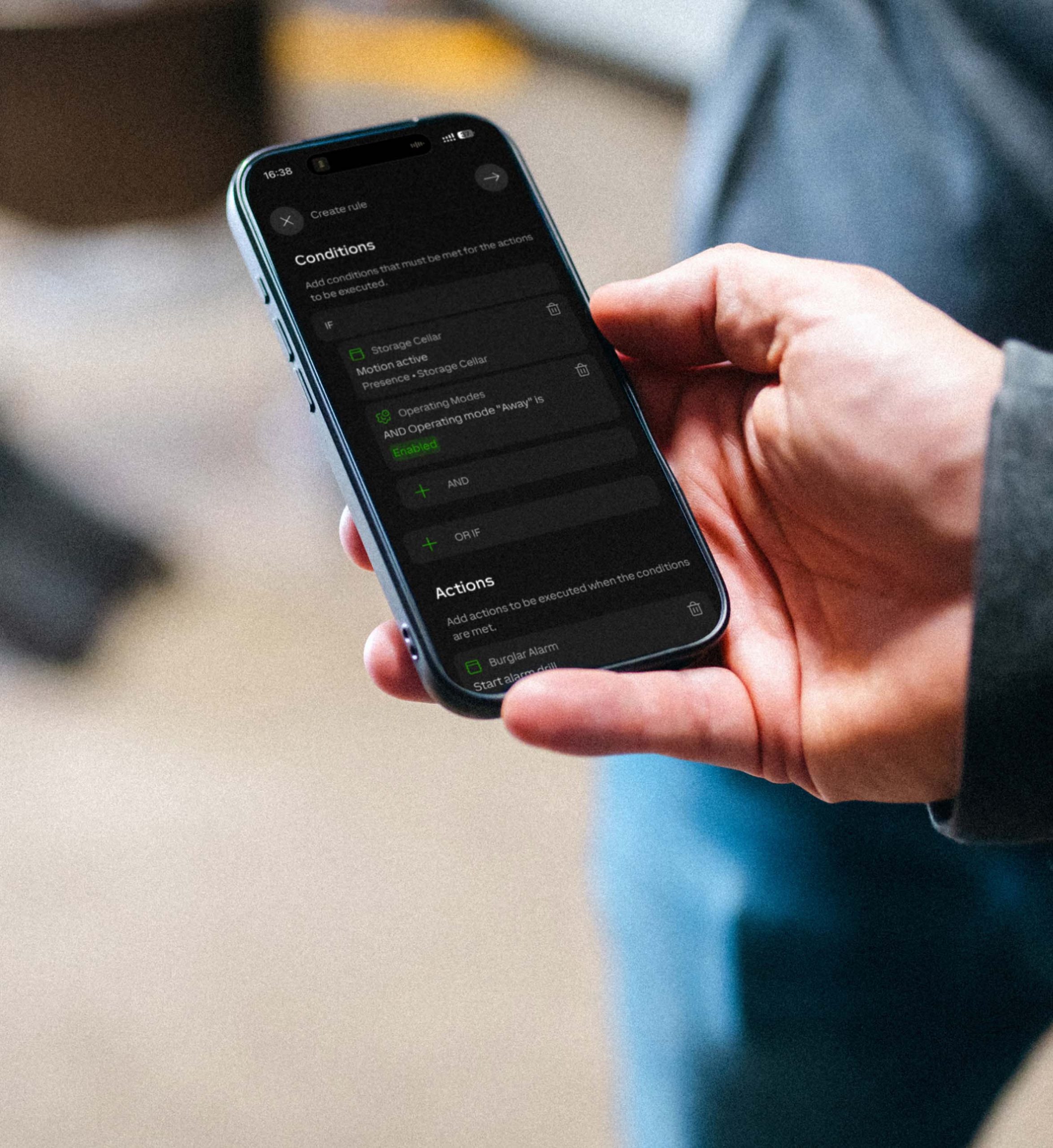
Leave the night light on only when the child is asleep? Water the plants based on the weather? Use theater mode when watching a movie? With the Automation Designer, you can create your own logic right in the app—no programming knowledge required. Link actions to scenes and visualize them in the app.
Works on All Devices
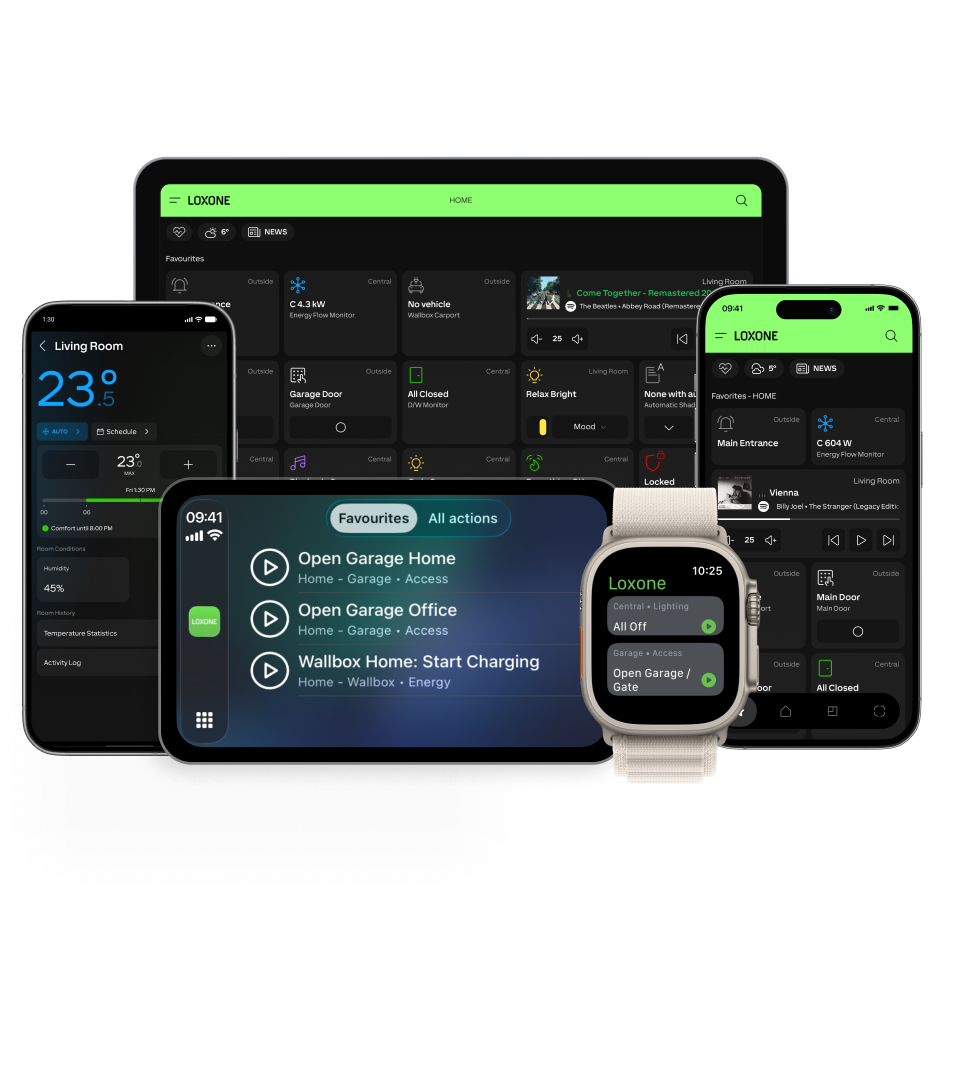
Whether it’s a smartphone, tablet, desktop computer, smartwatch, or car—the LOXONE app works on all your devices and lets you control your home even when you’re not there.
FAQs
The first one remains empty if 1. FAQs is closed.
Your content goes here. Edit or remove this text inline or in the module Content settings. You can also style every aspect of this content in the module Design settings and even apply custom CSS to this text in the module Advanced settings.
On which platforms and devices is the app available?
The LOXONE app works with Android, iOS, and Windows, whether on a desktop, mobile device, tablet, smartwatch, or in the car.
How does the app work with LOXONE Config?
Your smart building is configured in LOXONE Config. With the app, you can keep an eye on it and stay in control anytime, anywhere.
Can I access my building while I'm on the go?
Yes. No matter where you are, you stay connected and can see or change what’s happening at any time.
Can I manage multiple buildings using one app?
Yes. You can switch between different buildings and miniserver systems while always keeping track of everything.
I'm an electrician. Can I edit my settings in the app?
Yes. In Expert Mode, you can change certain configuration parameters or visualization settings directly in the app, pair devices, and much more. Note: These changes will also be synced to LOXONE Config.