LOXONE Audio for everyone
Wireless Speaker
The full power of LOXONE Audio in every building. No wiring. No Audioserver.

Audio has never been so easy


LOXONE Audio for everyone
Fits into any setup. Even without an Audioserver. Whether it’s a Miniserver, Miniserver Compact, Miniserver Go or Miniserver Gen. 1.

Full integration into the smart building
Doorbells, alarms, announcements and automated scenes – the Wireless Speaker is seamlessly integrated into LOXONE.

Easy to use
Control volume, sources and more via the app, your LOXONE Touches or the Remote Air.
Set it up. Plug it in. You’re done.

Quick setup
The Wireless Speaker will guide you through the setup process step by step.

Pairing via the app
Simply add the Wireless Speaker to your existing system via the LOXONE App.

Multiroom Audio
When used with the Miniserver, the Wireless Speaker becomes part of your smart building.
Quick setup
The Wireless Speaker will guide you through the setup process step by step.
Pairing via the app
Simply add the Wireless Speaker to your existing system via the LOXONE App.
Multiroom Audio
When used with the Miniserver, the Wireless Speaker becomes part of your smart building.
Far more than just music
The Wireless Speaker is controlled by the Miniserver and responds to presence, time of day, events and your commands. It is not a standalone Bluetooth speaker, but a fully integrated part of your LOXONE system. For example:
Burglar Alarm
Water / Fire Alarm
Doorbell
Personalised Announcement
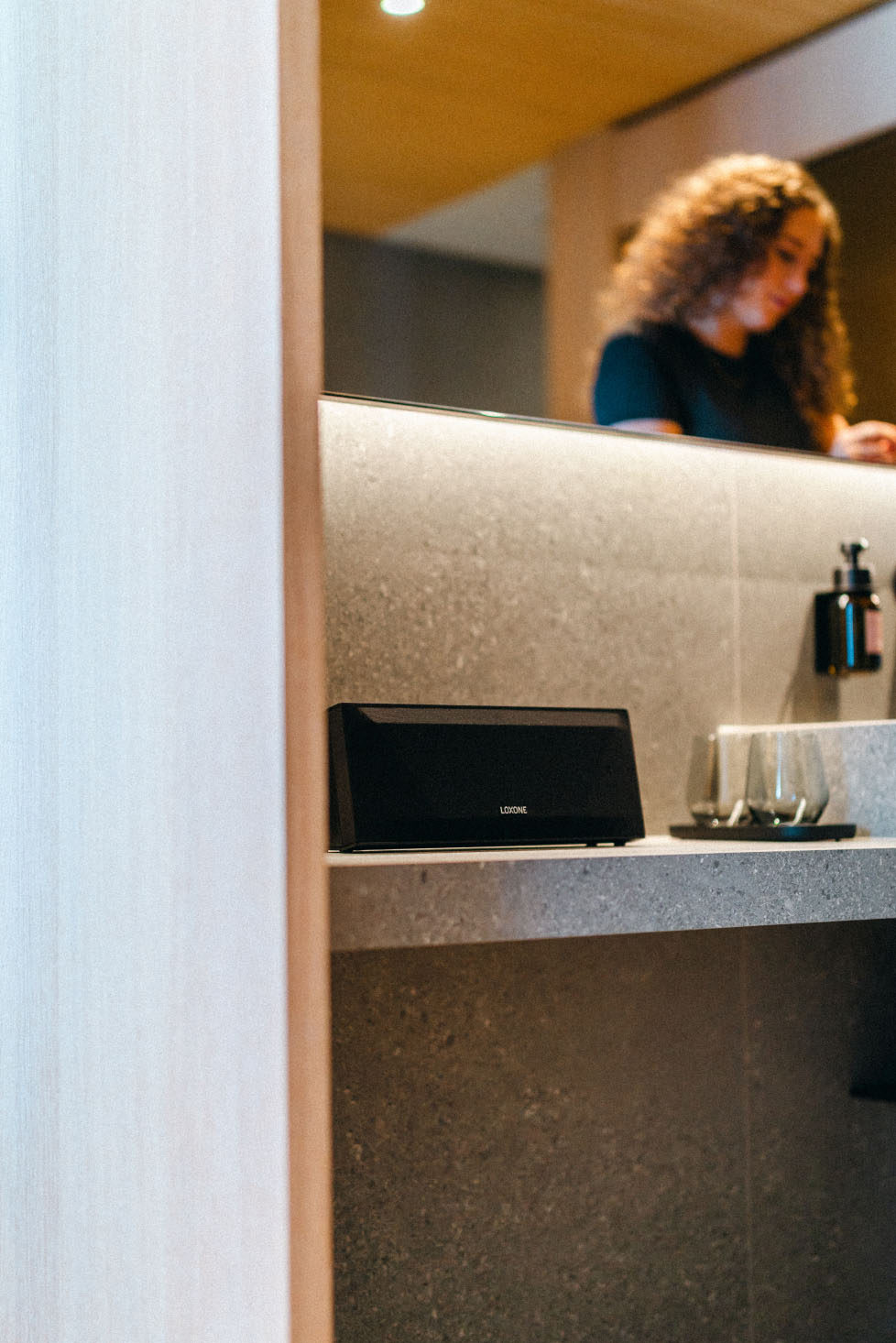
Controls that feel natural
The Wireless Speaker integrates seamlessly into the system you’re already familiar with. Adjust the volume, select sources, group zones – all directly via the LOXONE App. Start music at the touch of a button, directly on the wall via Touch or Touch Pure. Control it from the sofa using the Remote Air.
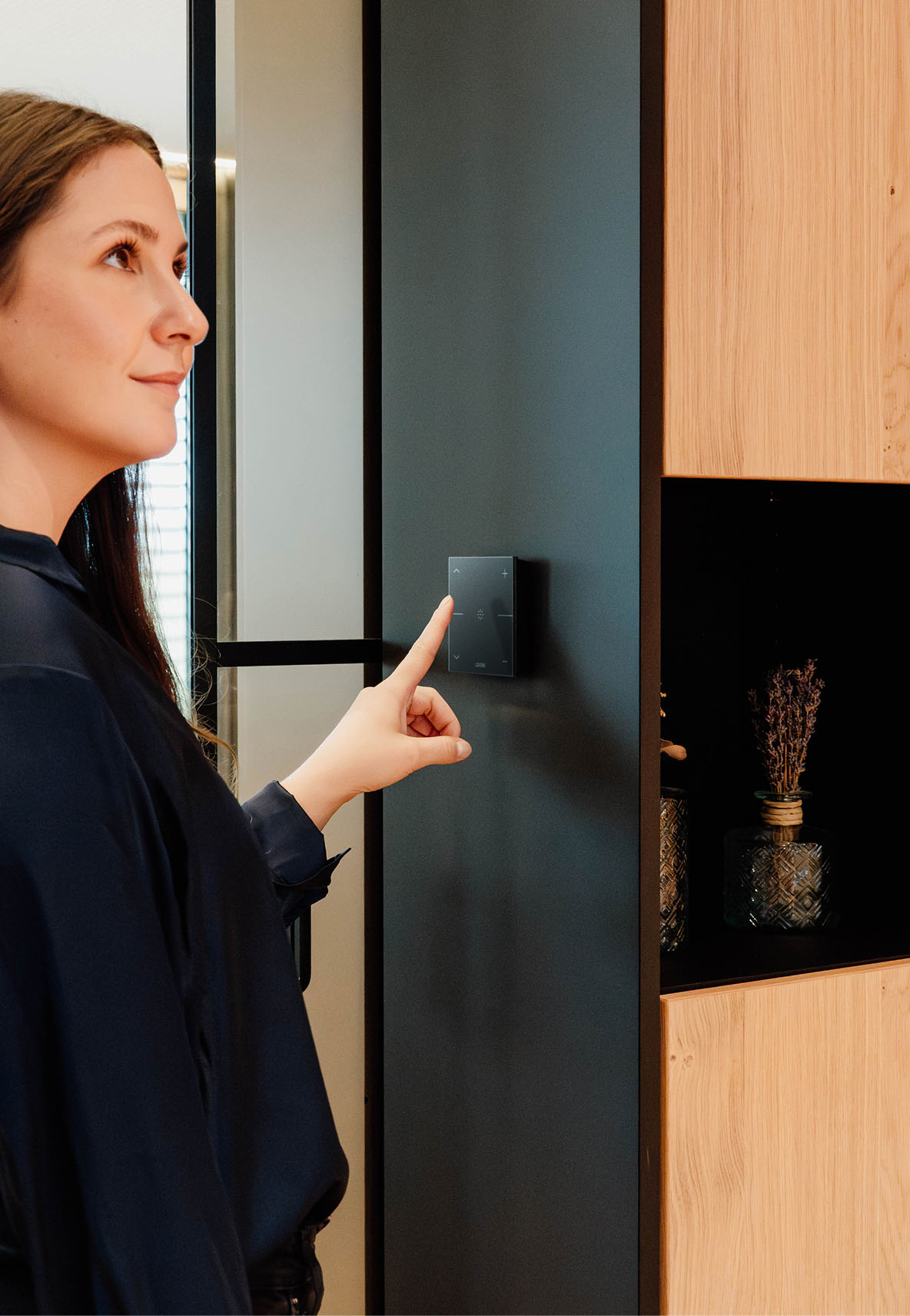
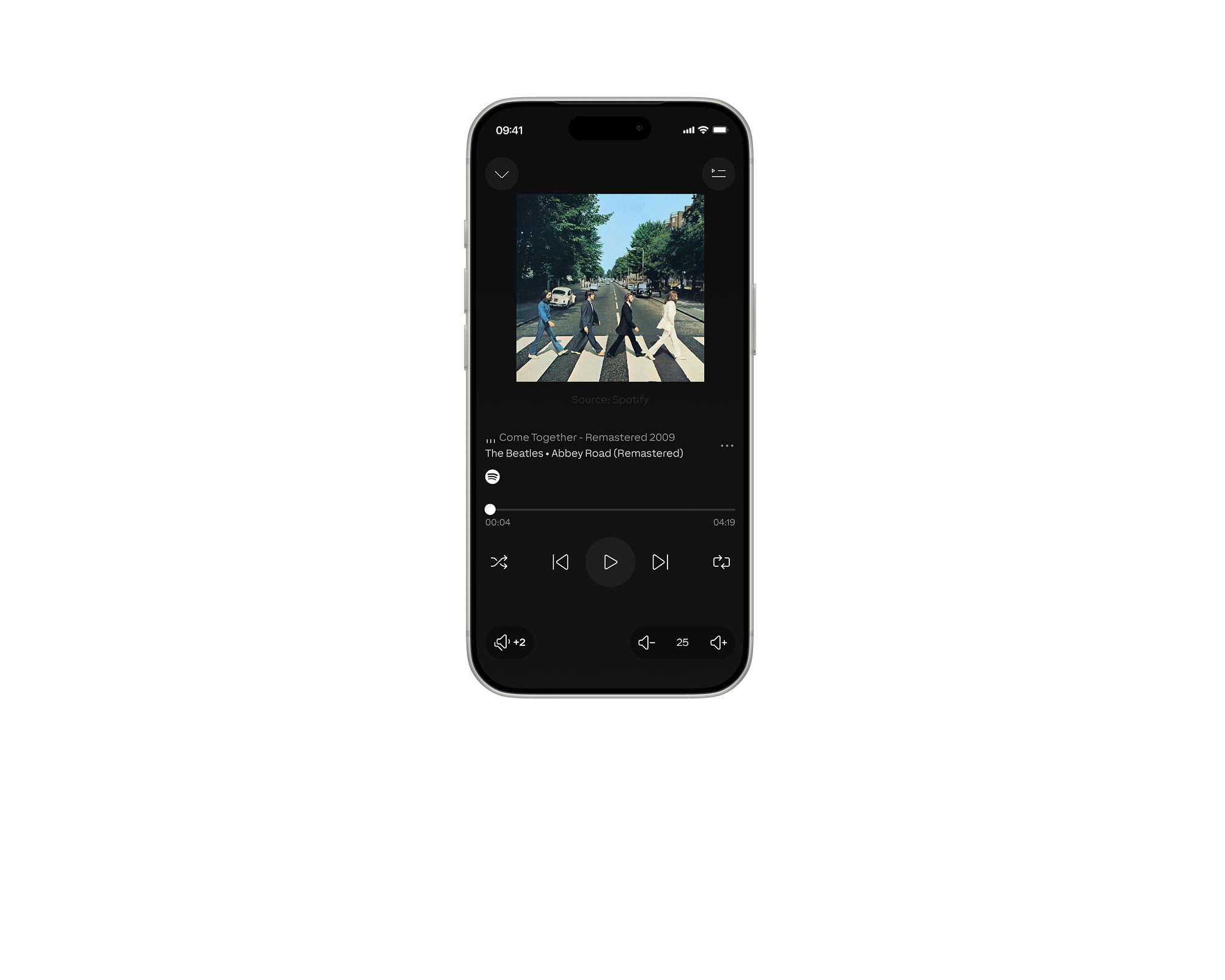
Or simply do nothing at all: the audio system automatically responds to your presence – music starts when you enter the room and pauses when you leave.
No new app, no need to change your habits. Control the audio just like everything else in your LOXONE automated building.
Multiroom Audio with LOXONE
With a multiroom system, your building becomes a smart soundscape. LOXONE connects various speakers so you can enjoy exactly the music you want in every room. The Wireless Speaker integrates seamlessly into the system.
One speaker. All sources.

Coming soon



Quality you can see, hear and feel
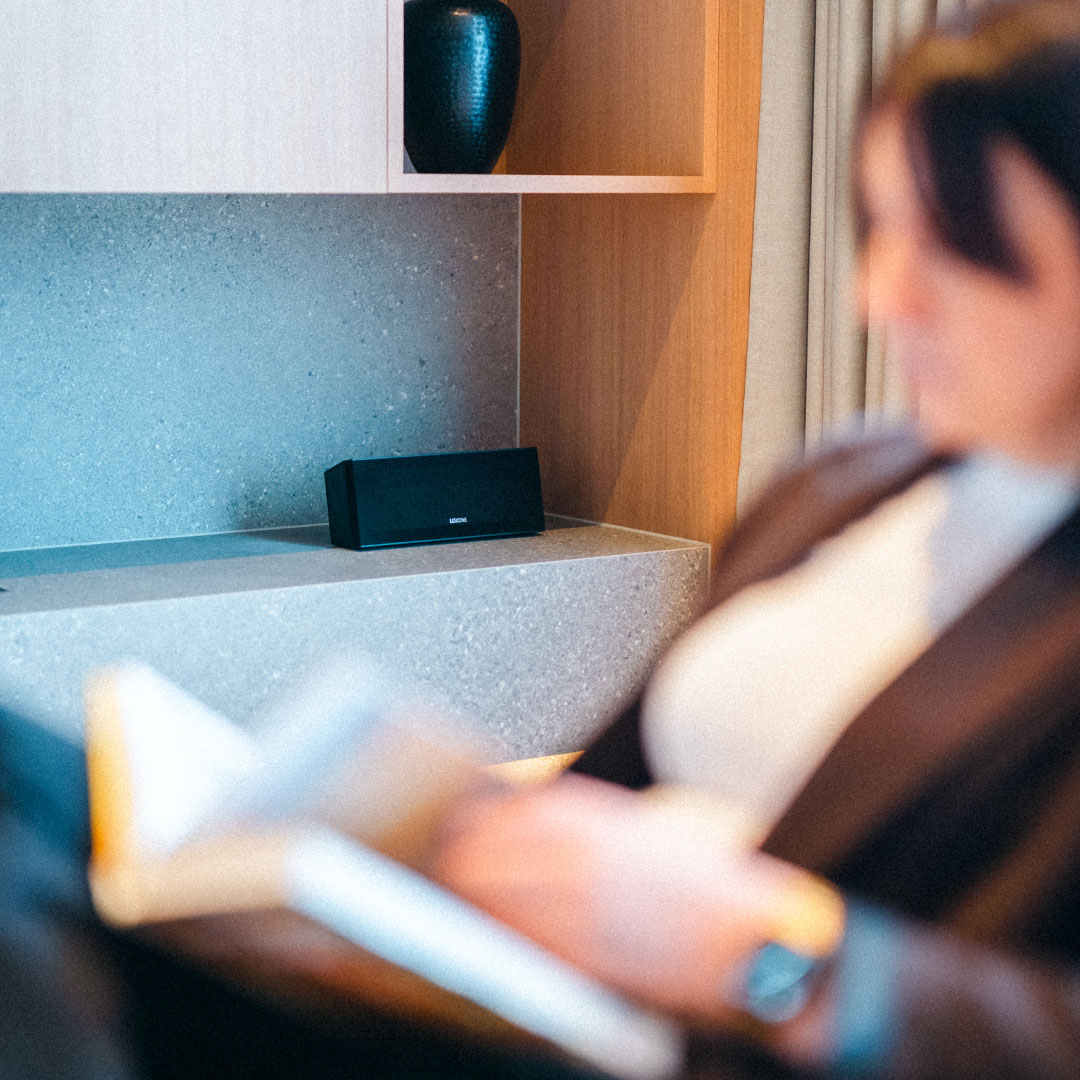
Discreet in design
A simple, high-quality housing. Fits into any room without drawing attention to itself.
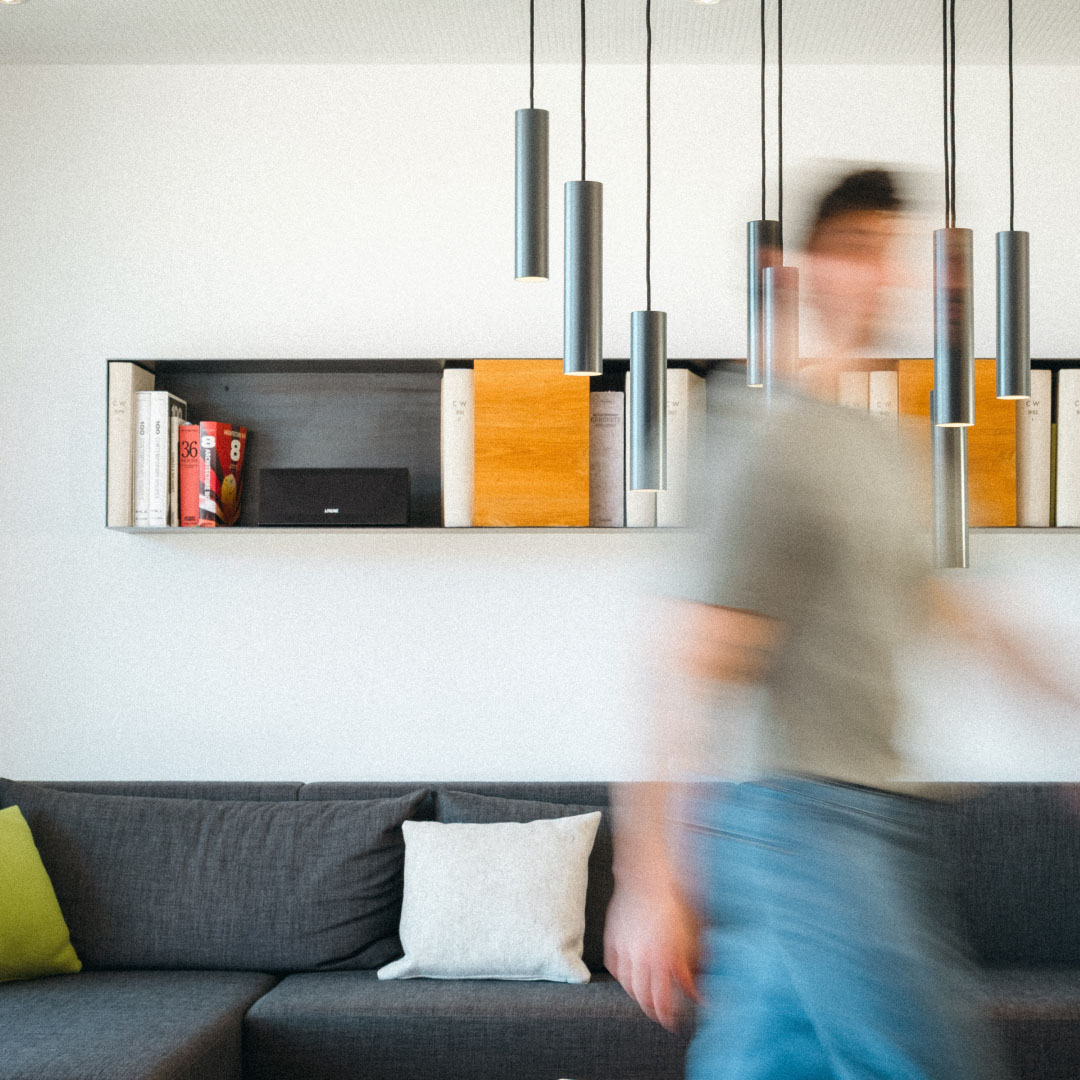
Sound that fills a room
Clear, balanced, pleasant – for music, subtle details and exactly the atmosphere you want.
Quality you can feel
The anodised aluminium housing gives the Wireless Speaker the durability that its technology deserves.
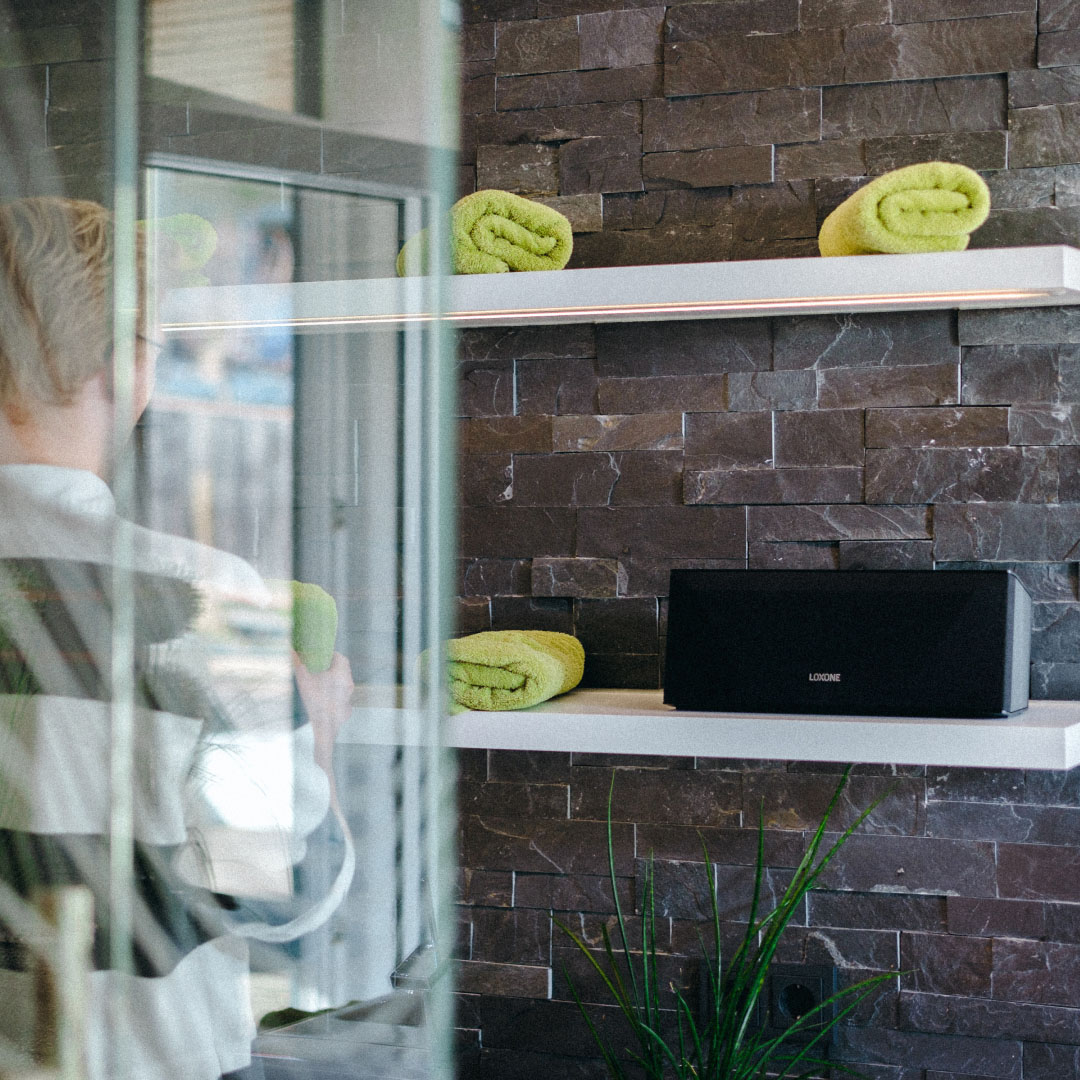
Just music. Even without a Miniserver.
Don’t have a Miniserver yet, or want to use your wireless speaker outside of your home network? No problem. Connect your smartphone or tablet via Bluetooth and enjoy music straight away. On the terrace, at a party, or wherever you need some music.
And when you’re ready for more: as soon as a Miniserver comes into play, the speaker becomes a fully-fledged LOXONE audio device – with automation, multiroom functionality and everything your smart building has to offer.
Frequently Asked Questions
General
The first one remains empty if 1. FAQs is closed.
Your content goes here. Edit or remove this text inline or in the module Content settings. You can also style every aspect of this content in the module Design settings and even apply custom CSS to this text in the module Advanced settings.
What sets the Wireless Speaker apart from conventional Bluetooth speakers and Wi-Fi speakers?
The key difference lies in the integration into the building. Whilst a conventional speaker is a standalone device, the Wireless Speaker is controlled by the Miniserver.
It responds to presence, time of day and events, can be operated via touch, buttons and the LOXONE App, and can be combined with wired built-in speakers to form synchronised zones.
Do I need an Audioserver for the Wireless Speaker?
No. The Wireless Speaker can be connected directly to the Miniserver. A separate Audioserver is not required. This is precisely what makes it ideal for retrofitting: you can simply add audio to your existing LOXONE system without any additional infrastructure.
Is the Wireless Speaker also suitable for existing installations?
Yes, that’s exactly what it’s designed for. The speaker is compatible with every Miniserver – even with devices that were installed over 15 years ago. There’s no need to open up walls or run cables.
Installation & Setup
The first one remains empty if 1. FAQs is closed.
Your content goes here. Edit or remove this text inline or in the module Content settings. You can also style every aspect of this content in the module Design settings and even apply custom CSS to this text in the module Advanced settings.
How do you set up the Wireless Speaker?
Set-up takes just a few steps: First, the speaker creates its own Wi-Fi network. You then enter your network details via the web interface. Next, launch the device search in the LOXONE App; the speaker will beep to confirm it has been detected. Assign it to a room and start the auto-configuration. A new Audio Player Function Block will be created automatically.
Can I also set up the Wireless Speaker via LOXONE Config?
Yes. As an alternative to setting it up via the app, you can integrate it in via LOXONE Config: search for audio devices, assign a room and run the auto-configuration. This is particularly useful for installers who manage multiple devices centrally.
Does an electrician need to install the Wireless Speaker?
No. The Wireless Speaker simply needs a power socket and a Wi-Fi network. Anyone can set it up themselves – no specialist knowledge or building work required.
Features & Sources
The first one remains empty if 1. FAQs is closed.
Your content goes here. Edit or remove this text inline or in the module Content settings. You can also style every aspect of this content in the module Design settings and even apply custom CSS to this text in the module Advanced settings.
What are the network requirements?
The speaker requires a stable Wi-Fi connection in the room where it is placed. It connects to the Miniserver via your existing Wi-Fi network. A wired network connection is not required.
What music sources can I use?
You can use all of the usual LOXONE audio sources: Spotify Connect, AirPlay, TuneIn Radio and local music libraries. The speaker also supports Bluetooth streaming, so you can play content directly from your smartphone, tablet or, for example, a Fire TV.
Can the Wireless Speaker play doorbell and alarm sounds?
Yes. As a fully-fledged LOXONE audio device, the speaker can emit audible alerts for doorbell announcements, fire alarms, water leaks, burglar alarms and other notifications.
Does the speaker automatically detect my presence?
Yes. When used in conjunction with LOXONE Presence Sensors, audio can start automatically when you enter a room and pause when you leave. It works in exactly the same way as with your lighting or blinds – all via the Miniserver’s building logic.
Can I play music via Apple AirPlay?
The Wireless Speaker is currently undergoing certification for Apple AirPlay. Once this process is complete, this feature will be added via a software update.
You can obtain the new version either via a Miniserver update or via an update via the web interface.
Multiroom
The first one remains empty if 1. FAQs is closed.
Your content goes here. Edit or remove this text inline or in the module Content settings. You can also style every aspect of this content in the module Design settings and even apply custom CSS to this text in the module Advanced settings.
How many Wireless Speakers can I use in a system?
You can connect up to 20 Wireless Speakers to a Miniserver.
Can I listen to different music in different rooms?
Yes. You can listen to the radio in the kitchen, play a playlist in the living room and enjoy some peace and quiet in the bedroom – or group all the rooms into a single audio zone.
Operation
The first one remains empty if 1. FAQs is closed.
Your content goes here. Edit or remove this text inline or in the module Content settings. You can also style every aspect of this content in the module Design settings and even apply custom CSS to this text in the module Advanced settings.
How do I control the Wireless Speaker?
Just like everything else in your LOXONE building: for example, via the LOXONE App, Touch controls on the wall, or the Remote Air. No separate app or new system is required.
Do I need a separate app for the Wireless Speaker?
No. The Wireless Speaker is controlled entirely via the LOXONE App – the same app you already use for lighting, shading and climate control. No additional software, no additional account and, of course, no licence fees.
Can I use the speaker without the app?
Yes. As well as using the app, you can control the audio via the Touch, Touch Pure, Touch Pure Flex, Remote Air or any other LOXONE button. The speaker also responds to automation rules – for example, it can start automatically when motion is detected or run on a timer.
Design & Technology
The first one remains empty if 1. FAQs is closed.
Your content goes here. Edit or remove this text inline or in the module Content settings. You can also style every aspect of this content in the module Design settings and even apply custom CSS to this text in the module Advanced settings.
Does the Wireless Speaker receive software updates?
Yes. LOXONE is committed to durability: thanks to free updates, the speaker remains up to date and compatible for many years to come – just like all other LOXONE products.
Are there any ongoing costs or subscription fees?
No. As with all LOXONE products, there are no monthly fees, no licence costs and no subscriptions. You buy the speaker once and use it without any ongoing costs.
Please note: if you wish to play music via third-party providers such as Spotify, a subscription to the relevant music service may be required.
Can I use the Wireless Speaker outdoors?
The Wireless Speaker is ideal for providing sound in sheltered outdoor areas such as patios or balconies. All it needs is a power socket and Wi-Fi connection. Please note that it is not designed for unsheltered outdoor areas exposed to the elements. Avoid direct sunlight, moisture and frost.
New: LOXONE Wireless Speaker
Your sound, with additional benefits.
More Than Just a Speaker
Music, doorbell, alarms, announcements – all in one device.
Expand Your LOXONE Installation
You can easily set up the Wireless Speaker yourself.

Excellent Sound
Listen to your favorite music in the quality it deserves.
Buy now