Welcome to
Pulsar Light
Pulsar Light is temporarily Loxone’s central design system based on Aurora – a growing library of templates, components, and guidelines that makes it easy to create visually consistent websites and applications. Editors can focus on content, not design, while Pulsar takes care of the look and feel.
View Changelog
This is a H1 Headline
Your content goes here. Edit or remove this text inline or in the module Content settings. You can also style every aspect of this content in the module Design settings and even apply custom CSS to this text in the module Advanced settings.
Primary Button
Secondary Button
This is a H1 Headline
This is a H2 Headline
This is a H3 Headline
This is a H4 Headline
This is a H5 Headline
This is a H6 Headline

Note for editors: Use H1 only once at the top of the page. Then follow the correct heading order within the content: H2 → H3 → H4 → H5 → H6. Do not skip heading levels.
Text Styles
This is a large Body Text.
Lorem ipsum dolor sit amet, consetetur sadipscing elitr, sed diam nonumy eirmod tempor invidunt ut labore et dolore magna aliquyam erat, sed diam voluptua. At vero eos et accusam et justo duo dolores et ea rebum. This is a bold highlighted text part. Stet clita kasd gubergren, no sea takimata sanctus est Lorem ipsum dolor sit amet. Lorem ipsum dolor sit amet, consetetur sadipscing elitr, sed Smart Home & Building Automation diam.
This is a normal Body Text.
Lorem ipsum dolor sit amet, consetetur sadipscing elitr, sed diam nonumy eirmod tempor invidunt ut labore et dolore magna aliquyam erat, sed diam voluptua. At vero eos et accusam et justo duo dolores et ea rebum. This is a bold highlighted text part. Stet clita kasd gubergren, no sea takimata sanctus est Lorem ipsum dolor sit amet.
Lorem ipsum dolor sit amet, consetetur sadipscing elitr, sed diam nonumy eirmod tempor invidunt ut labore et dolore magna aliquyam erat, sed diam voluptua. At vero eos et accusam et justo duo dolores et ea rebum. This is a bold highlighted text part. Stet clita kasd gubergren, no sea takimata sanctus est Lorem ipsum dolor sit amet. Lorem ipsum dolor sit amet, consetetur sadipscing elitr, sed diam nonumy eirmod tempor invidunt ut labore et dolore.
Note for editors: Only use the font style “bold” to highlight text parts in the content.
Info Text Modules

This is a normal information text. It is primarily intended for important information or hints.
This is a small information text. It is primarily intended for important information or hints.
Button Styles
Normal Text & Icon Buttons
Accent Brand Button Large
Accent Button Large
Outline Button Large
Neutral Button Large
Accent Brand Button Large
Accent Button Large
Outline Button Large
Neutral Button Large
Branded Buttons & Labels
Accent Brand Button Large
Accent Brand Button Xlarge
CTA Button
Accent Button Large
Accent Button Xlarge
CTA Button
Outline Button Large
Outline Button Xlarge
CTA Button
Accent Brand Button Large
Accent Brand Button Xlarge
Accent Button Large
Text Button
Accent Button Xlarge
CTA Button
Outline Button Large
Text Button
Outline Button Xlarge
CTA Button
Note for editors: Branded buttons should only be used very sparingly. The “xlarge” buttons are ideal as CTA buttons in the header and the “large” buttons are perfect for a CTA section inside the content container.
Startpage Slider
Note for editors: The startpage slider is intended for highlights such as new products, config and app releases, or news which should link from the home page to the shop or blog.

Title
Lorem ipsum dolor sit amet, consetetur sadipscing elitr.
Title
Lorem ipsum dolor sit amet, consetetur sadipscing elitr.
Title
Lorem ipsum dolor sit amet, consetetur sadipscing elitr.
Title
Lorem ipsum dolor sit amet, consetetur sadipscing elitr.
Title
Lorem ipsum dolor sit amet, consetetur sadipscing elitr.
Title
Lorem ipsum dolor sit amet, consetetur sadipscing elitr.
Image Slider
Note for editors: The image slider is primarily intended for product features, areas of application or other informative content. It is not intended for further linking, as the cards have no buttons or hover effects.

Title
Lorem ipsum dolor sit amet, consetetur sadipscing elitr, sed diam nonumy eirmod tempor invidunt ut labore et dolore magna aliquyam erat, sed diam voluptua.
Title
Lorem ipsum dolor sit amet, consetetur sadipscing elitr, sed diam nonumy eirmod tempor invidunt ut labore et dolore magna aliquyam erat, sed diam voluptua.
Title
Lorem ipsum dolor sit amet, consetetur sadipscing elitr, sed diam nonumy eirmod tempor invidunt ut labore et dolore magna aliquyam erat, sed diam voluptua.
Title
Lorem ipsum dolor sit amet, consetetur sadipscing elitr, sed diam nonumy eirmod tempor invidunt ut labore et dolore magna aliquyam erat, sed diam voluptua.
Title
Lorem ipsum dolor sit amet, consetetur sadipscing elitr, sed diam nonumy eirmod tempor invidunt ut labore et dolore magna aliquyam erat, sed diam voluptua.
Image Slider with Buttons
Note for editors: The image slider with buttons is intended for products with a link to the shop. The link can be inserted into the card and should open in a new window if it links to an external page.
Title
Lorem ipsum dolor sit amet, consetetur sadipscing elitr, sed diam nonumy eirmod.
Title
Lorem ipsum dolor sit amet, consetetur sadipscing elitr, sed diam nonumy eirmod.
Title
Lorem ipsum dolor sit amet, consetetur sadipscing elitr, sed diam nonumy eirmod.
Title
Lorem ipsum dolor sit amet, consetetur sadipscing elitr, sed diam nonumy eirmod.
Title
Lorem ipsum dolor sit amet, consetetur sadipscing elitr, sed diam nonumy eirmod.
Title
Lorem ipsum dolor sit amet, consetetur sadipscing elitr, sed diam nonumy eirmod.
Image Slider with Icon Buttons
Title
Lorem ipsum dolor sit amet, consetetur sadipscing elitr, sed diam nonumy eirmod.

Title
Lorem ipsum dolor sit amet, consetetur sadipscing elitr, sed diam nonumy eirmod.
Title
Lorem ipsum dolor sit amet, consetetur sadipscing elitr, sed diam nonumy eirmod.
Title
Lorem ipsum dolor sit amet, consetetur sadipscing elitr, sed diam nonumy eirmod.
Title
Lorem ipsum dolor sit amet, consetetur sadipscing elitr, sed diam nonumy eirmod.
Title
Lorem ipsum dolor sit amet, consetetur sadipscing elitr, sed diam nonumy eirmod.
Background Image Slider
Carousel Item Title
This is a card with a light background. The description shouldn’t be longer then two lines.
Carousel Item Title
This is a card with a dark background. The description shouldn’t be longer then two lines.
Carousel Item Title
This is a background image with an overlay. The description shouldn’t be longer then two lines.
Carousel Item Title
This is a normal background image. The description shouldn’t be longer then two lines.
Built for Everyone.
Nutzer:innen
Nutzer:innen
Du willst dich auf die wichtigen Dinge konzentrieren – nicht darauf, ob es zu warm ist oder das Licht passt.
Dein Gebäude kümmert sich im Hintergrund um eine komfortable Umgebung und darum, dass alles einfach läuft. Ohne Einstellungen. Ohne tägliche Entscheidungen.
Betreiber:innen
Betreiber:innen
Im Alltag zählt, dass Prozesse stabil laufen.
Gebäudeautomation sorgt für planbare Verbräuche, reduziert Abstimmungsaufwand und schafft Transparenz. So funktioniert das Gebäude zuverlässig und wirtschaftlich zugleich.
Architekt:innen
Architekt:innen
LOXONE steht für klare Struktur statt Systemmix. Das spart Zeit bei Installation und Inbetriebnahme – und macht Erweiterungen unkompliziert.
Elektriker:innen
Elektriker:innen
Von der Planung bis zur Umsetzung braucht es klare Strukturen und durchdachte Konzepte.
Ein durchgängiges System reduziert. Schnittstellen, schafft Planungssicherheit und vereinfacht Installation sowie Inbetriebnahme. So entstehen Projekte, die sauber umgesetzt und langfristig zuverlässig betrieben werden können.
Investor:innen
Investor:innen
Gebäude müssen langfristig wirtschaftlich tragfähig bleiben.
Gebäudeautomation optimiert den Energieeinsatz, stabilisiert Betriebskosten und stärkt so Rendite und Werterhalt über den gesamten Lebenszyklus hinweg.
Icon Card Slider

This is the Title
Lorem ipsum dolor sit amet, consetetur sadipscing elitr, sed diam nonumy eirmod tempor invidunt ut labore et dolore magna aliquyam erat, sed diam voluptua. At vero eos et accusam et justo duo dolores et ea rebum.
This is the Title
Lorem ipsum dolor sit amet, consetetur sadipscing elitr, sed diam nonumy eirmod tempor invidunt ut labore et dolore magna aliquyam erat, sed diam voluptua. At vero eos et accusam et justo duo dolores et ea rebum.
This is the Title
Lorem ipsum dolor sit amet, consetetur sadipscing elitr, sed diam nonumy eirmod tempor invidunt ut labore et dolore magna aliquyam erat, sed diam voluptua. At vero eos et accusam et justo duo dolores et ea rebum.
This is the Title
Lorem ipsum dolor sit amet, consetetur sadipscing elitr, sed diam nonumy eirmod tempor invidunt ut labore et dolore magna aliquyam erat, sed diam voluptua. At vero eos et accusam et justo duo dolores et ea rebum.
This is the Title
Lorem ipsum dolor sit amet, consetetur sadipscing elitr, sed diam nonumy eirmod tempor invidunt ut labore et dolore magna aliquyam erat, sed diam voluptua. At vero eos et accusam et justo duo dolores et ea rebum.
Image Cards
Subtitle
Title
Lorem ipsum dolor sit amet, consetetur sadipscing elitr, sed diam nonumy eirmod tempor invidunt ut labore et dolore
Subtitle
Title
Lorem ipsum dolor sit amet, consetetur sadipscing elitr, sed diam nonumy eirmod tempor invidunt ut labore et dolore
Subtitle
Title
Lorem ipsum dolor sit amet, consetetur sadipscing elitr, sed diam nonumy eirmod tempor invidunt ut labore et dolore
Subtitle
Title
Lorem ipsum dolor sit amet, consetetur sadipscing elitr, sed diam nonumy eirmod tempor invidunt ut labore et dolore
Icon Cards White
Headline
Lorem ipsum dolor sit amet, consetetur sadipscing elitr, sed diam nonumy eirmod tempor invidunt ut labore et dolore
Headline
Lorem ipsum dolor sit amet, consetetur sadipscing elitr, sed diam nonumy eirmod tempor invidunt ut labore et dolore
Headline
Lorem ipsum dolor sit amet, consetetur sadipscing elitr, sed diam nonumy eirmod tempor invidunt ut labore et dolore
Headline
Lorem ipsum dolor sit amet, consetetur sadipscing elitr, sed diam nonumy eirmod tempor invidunt ut labore et dolore
Icon Cards Green
Headline
Lorem ipsum dolor sit amet, consetetur sadipscing elitr, sed diam nonumy eirmod tempor invidunt ut labore et dolore
Headline
Lorem ipsum dolor sit amet, consetetur sadipscing elitr, sed diam nonumy eirmod tempor invidunt ut labore et dolore
Headline
Lorem ipsum dolor sit amet, consetetur sadipscing elitr, sed diam nonumy eirmod tempor invidunt ut labore et dolore
Small Icon Cards

This is a Benefit with two lines
This is a Benefit with two lines
This is a Benefit with two lines
This is a Benefit with two lines
This is a Benefit with two lines
This is a Benefit with two lines
Icon Cards with Button
Headline
This is a Body Text Description.
Headline
This is a Body Text Description.
Headline
This is a Body Text Description.
Headline
This is a Body Text Description.
Headline
This is a Body Text Description.
Headline
This is a Body Text Description.

LOXONE Infomail
This is a Body Text Description.
Subscribe

Find a Partner
This is a Body Text Description.
Find a Partner

Experience Tour
This is a Body Text Description.
Book a tour
Accordeon
The first one remains empty if 1. FAQs is closed.
Your content goes here. Edit or remove this text inline or in the module Content settings. You can also style every aspect of this content in the module Design settings and even apply custom CSS to this text in the module Advanced settings.
This is a Question Title
Your content goes here. Edit or remove this text inline or in the module Content settings. You can also style every aspect of this content in the module Design settings and even apply custom CSS to this text in the module Advanced settings.
This is a Question Title
Your content goes here. Edit or remove this text inline or in the module Content settings. You can also style every aspect of this content in the module Design settings and even apply custom CSS to this text in the module Advanced settings.
This is a Question Title
Your content goes here. Edit or remove this text inline or in the module Content settings. You can also style every aspect of this content in the module Design settings and even apply custom CSS to this text in the module Advanced settings.
This is a Question Title
Your content goes here. Edit or remove this text inline or in the module Content settings. You can also style every aspect of this content in the module Design settings and even apply custom CSS to this text in the module Advanced settings.
This is a Question Title
Your content goes here. Edit or remove this text inline or in the module Content settings. You can also style every aspect of this content in the module Design settings and even apply custom CSS to this text in the module Advanced settings.
Quote Modules Centered
Quote
“Your content goes here. Edit or remove this text inline or in the module Content settings. You can also style every aspect of this content in the module Design settings and even apply custom CSS to this text in the module Advanced settings.”
Quote
“Your content goes here. Edit or remove this text inline or in the module Content settings. You can also style every aspect of this content in the module Design settings and even apply custom CSS to this text in the module Advanced settings.”
Quote
“Your content goes here. Edit or remove this text inline or in the module Content settings. You can also style every aspect of this content in the module Design settings and even apply custom CSS to this text in the module Advanced settings.”
Quote Modules with Images
“Your content goes here. Edit or remove this text inline or in the module Content settings. You can also style every aspect of this content in the module Design settings and even apply custom CSS to this text in the module Advanced settings.”
“Your content goes here. Edit or remove this text inline or in the module Content settings. You can also style every aspect of this content in the module Design settings and even apply custom CSS to this text in the module Advanced settings.”
“Your content goes here. Edit or remove this text inline or in the module Content settings. You can also style every aspect of this content in the module Design settings and even apply custom CSS to this text in the module Advanced settings.”
Quote Modules Inline
“Your content goes here. Edit or remove this text inline or in the module Content settings. You can also style every aspect of this content in the module Design settings and apply custom CSS to this text in the module Advanced settings.”
Quote
“Your content goes here. Edit or remove this text inline or in the module Content settings. You can also style every aspect of this content in the module Design settings and apply custom CSS to this text in the module Advanced settings.”
Image with Text

This is a H3 Headline
Lorem ipsum dolor sit amet, consetetur sadipscing elitr, sed diam nonumy eirmod tempor invidunt ut labore et dolore magna aliquyam erat, sed diam voluptua. At vero eos et accusam et justo duo dolores et ea rebum.
Image with Bullet Points


Bullet Point
Lorem ipsum dolor sit amet, consetetur sadipscing elitr, sed diam nonumy eirmod tempor invidunt ut labore et dolore magna aliquyam erat, sed diam voluptua.
Bullet Point
Lorem ipsum dolor sit amet, consetetur sadipscing elitr, sed diam nonumy eirmod tempor invidunt ut labore et dolore magna aliquyam erat, sed diam voluptua.
Bullet Point
Lorem ipsum dolor sit amet, consetetur sadipscing elitr, sed diam nonumy eirmod tempor invidunt ut labore et dolore magna aliquyam erat, sed diam voluptua.
This is a H2 Headline
Lorem ipsum dolor sit amet, consetetur sadipscing elitr, sed diam nonumy eirmod tempor invidunt ut labore et dolore magna aliquyam erat.
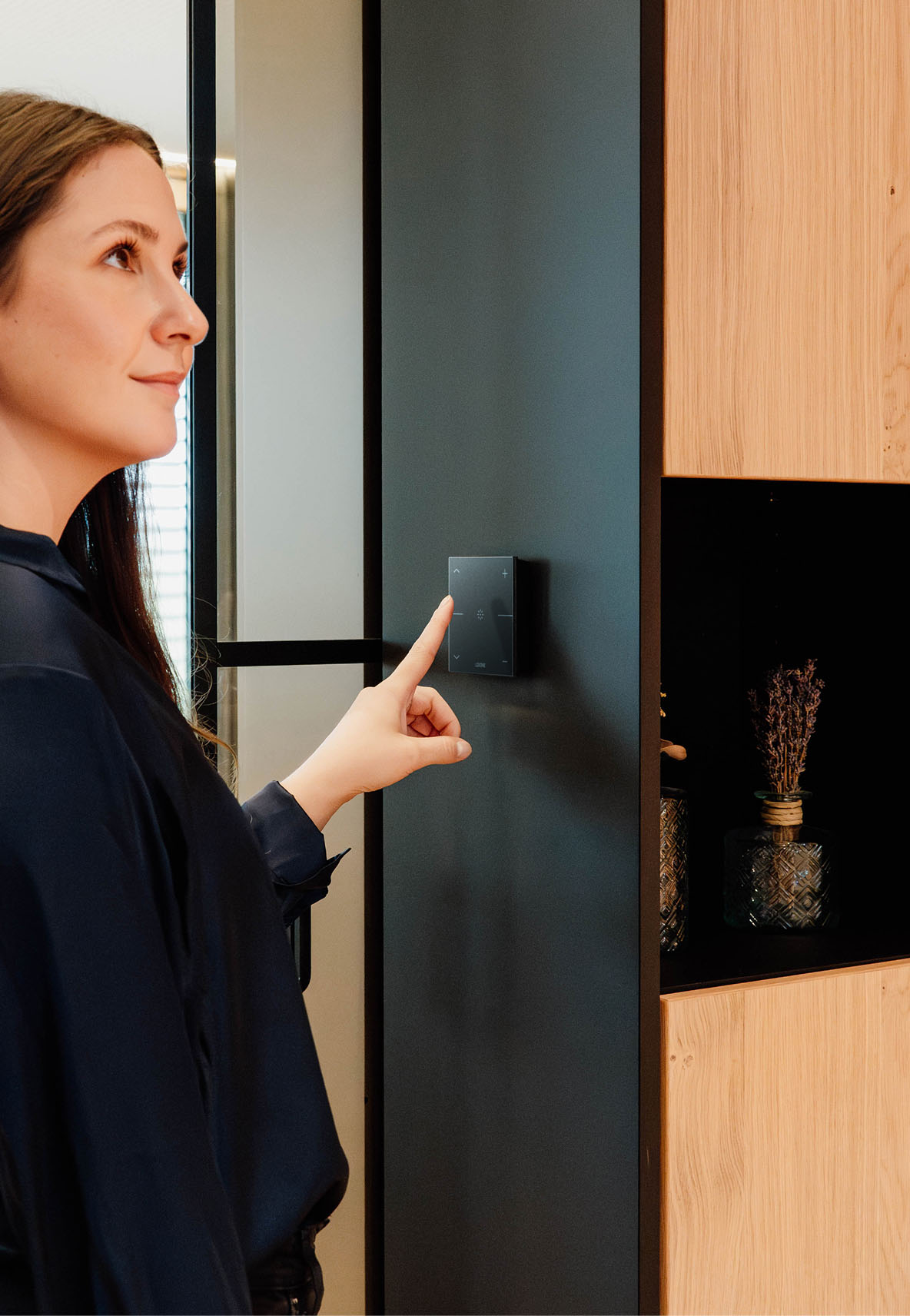
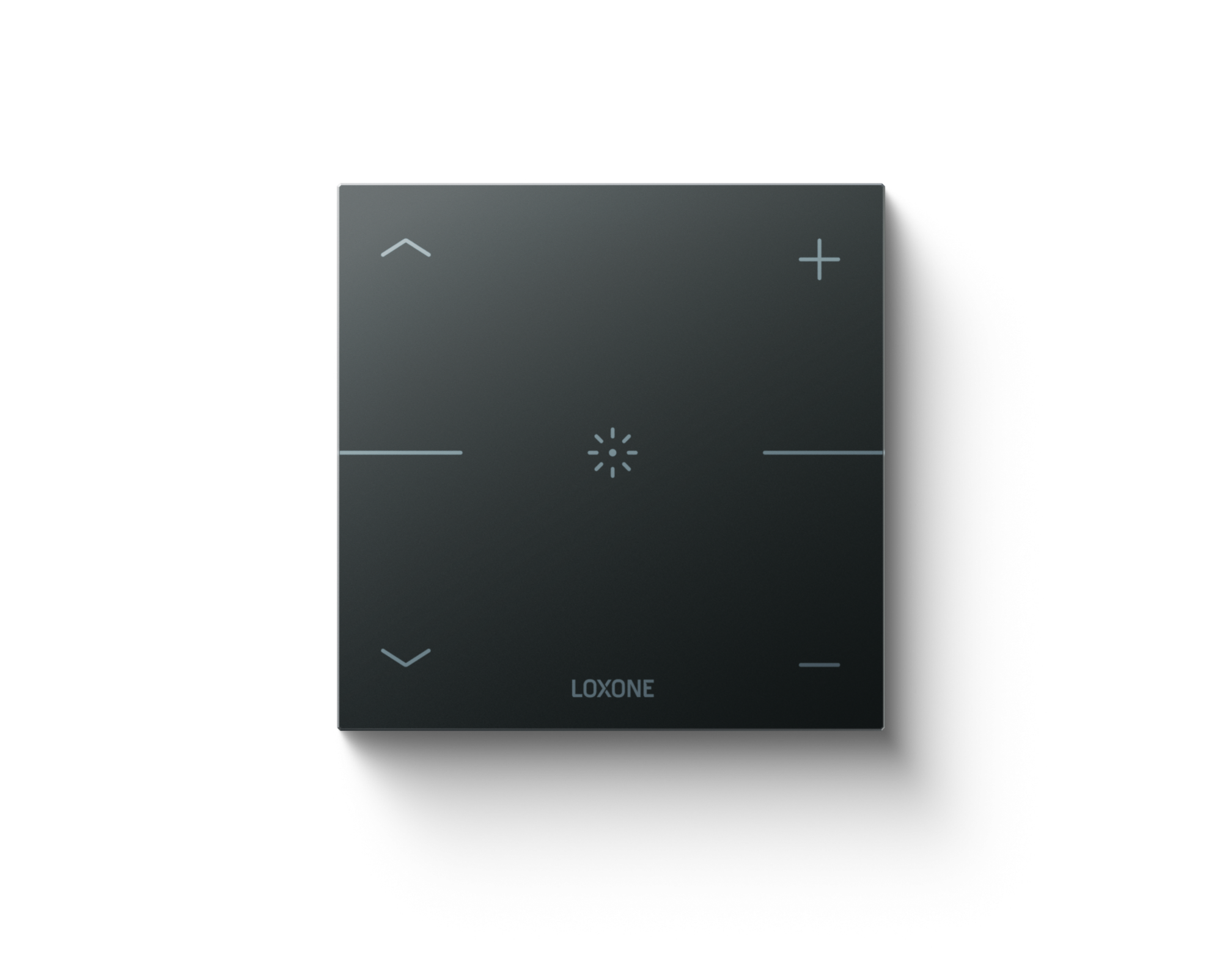
Your content goes here. Edit or remove this text inline or in the module Content settings. You can also style every aspect of this content in the module Design settings and even apply custom CSS to this text in the module Advanced settings.
This is a Video Section
Your free project consultation
Have you been dreaming of your own Loxone project for a long time but don’t know how best to get started? Our professionals are here to help you, completely free of charge and with no obligation.
Note for editors: Our web development team is currently working to rebrush Gravity Forms by March 26 at the latest. You can continue to use the forms as usual – but without custom styling code! They don’t have the new look and feel yet.
Become a Partner
Bring your projects to life with LOXONE.
Create your account now and join a network shaping how modern buildings live and work. Whether you design, plan, install, or develop, get instant access to the LOXONE Shop, professional tools, training, certifications, and partner benefits*.

Quick and free registration
Direct access to the LOXONE Shop
Access to Partner Programme benefits*
Create Partner Account
*Die einzige Voraussetzung ist, dass Ihr Unternehmen in unser Partnerprogramm passt. Dies wird von unseren Mitarbeitern anhand Ihrer UID Nummer und des Gewerbescheins überprüft.
Bring your projects to life with LOXONE.
Create your account now and join a network shaping how modern buildings live and work. Whether you design, plan, install, or develop, get instant access to the LOXONE Shop, professional tools, training, certifications, and partner benefits*.

Quick and free registration
Direct access to the LOXONE Shop
Access to Partner Programme benefits*
Create Partner Account
*Die einzige Voraussetzung ist, dass Ihr Unternehmen in unser Partnerprogramm passt. Dies wird von unseren Mitarbeitern anhand Ihrer UID Nummer und des Gewerbescheins überprüft.
Welcome Package
Get your
Welcome Package
The Welcome Package includes:
one demo case worth € 1.055,-
one basic training worth € 675,-
for only € 899,- instead of € 1.730,-

Giorno(s)
:
Ore(s)
:
Minuto(i)
:
Second(s)
Choose your Welcome Package
Welcome Package 1
Demo Case Only
A first step into the world of LOXONE to explore the basics on your own – without the benefits of a certified partnership.
- Project Config Software
- Demo Case worth 1.055€
- Quick consulting session
- Training included
Know-How from LOXONE experts - Certified Partnership
Access to higher discounts & promotions - Special discounts on first order
-29%
739€
1.055€
Highlight
Welcome Package 2
Demo Case & Training
The fastest way to become a certified LOXONE Partner and gain all the know-how to realise projects with confidence.
- Project Config Software
- Demo Case worth 1.055€
- Personal project support
- 4 day foundation training
Catering during training included - Certified LOXONE Partner
Attractive discounts & promotions - Special discounts on first order
-30%
1.199€
1.730€
New
Welcome Package 3
Demo Case & Bootcamp
Our most comprehensive package for ambitious partners to deliver excellent solutions & customer satisfaction.
- Project Config Software
- Demo Case worth 1.055€
- Personal project support
- Extensive 3-week training
Catering during training included - Certified LOXONE Partner
Attractive discounts & promotions - Special discounts on first order
-25%
2.499€
2.955€
Become a Partner in 4 Steps

Step 1
Register for free
No obligations, no hidden costs
Immediate access to the partner portal, tools and expertise
10% discount on your purchase in the webshop

Step 2
Learn, how LOXONE works
Experience Loxone hands-on: order a sample case and try out the devices for yourself
Complete basic training and become a Silver Partner
Practical, online or on-site

Step 3
Become a Silver Partner
From Silver Level onwards, you secure even better purchasing conditions.
Start levelling up straight away with your own projects.
You will be officially listed – visible to new customers.

Step 4
Long-term growth
Enjoy exclusive benefits – grow together.
The more projects you complete, the more you earn.
In 3 Steps to your Experience Tour
Step 1
Fill out the Form
Lorem ipsum dolor sit amet, consetetur sadipscing elitr, sed diam nonumy eirmod tempor invidunt ut labore et dolore magna aliquyam erat, sed diam voluptua.

Step 2
Meet & Greet
Lorem ipsum dolor sit amet, consetetur sadipscing elitr, sed diam nonumy eirmod tempor invidunt ut labore et dolore magna aliquyam erat, sed diam voluptua.
Step 3
Experience LOXONE live
Lorem ipsum dolor sit amet, consetetur sadipscing elitr, sed diam nonumy eirmod tempor invidunt ut labore et dolore magna aliquyam erat, sed diam voluptua.
Note for editors: You always need to change the link to the according reference twice – once on the coloumn and once on the arrow button.
Our Top References
Loxone Campus
Hotel & Gastro
Riedwiese
Wohnbau
SK
McDonalds
Hospitality
At
Nils am See
Hotel
De
Sally’s Welt
Smart Home
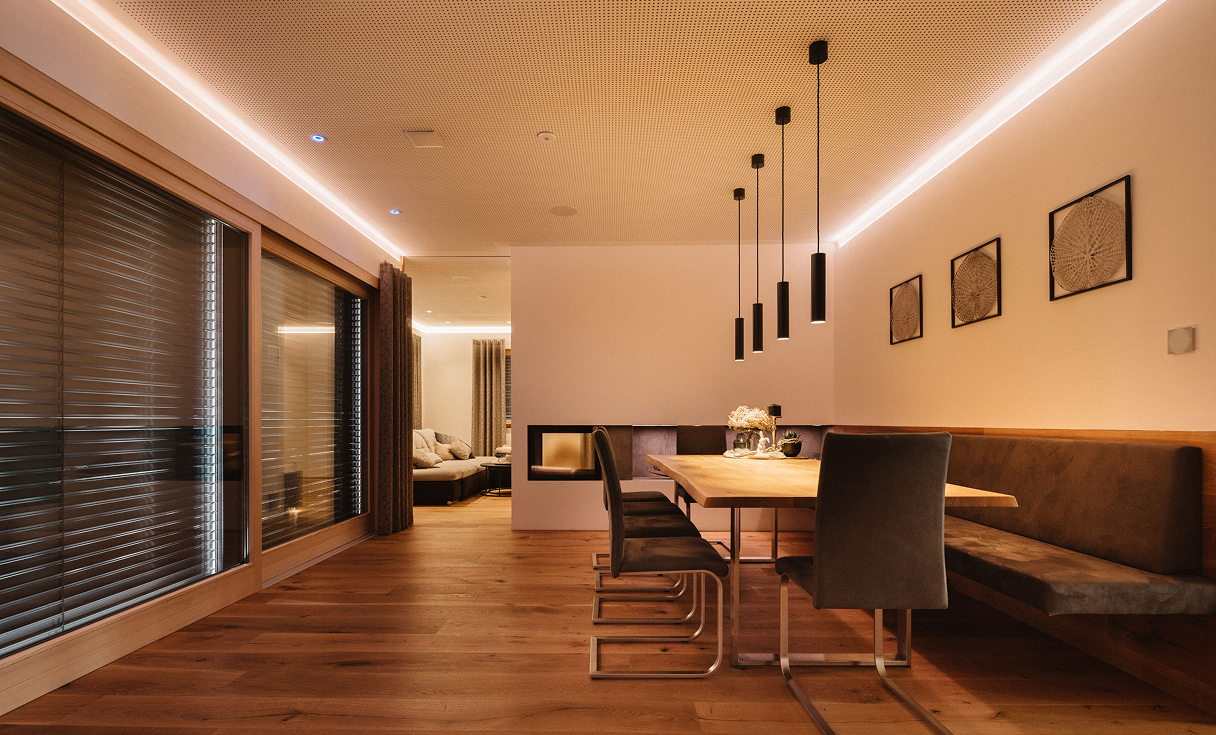
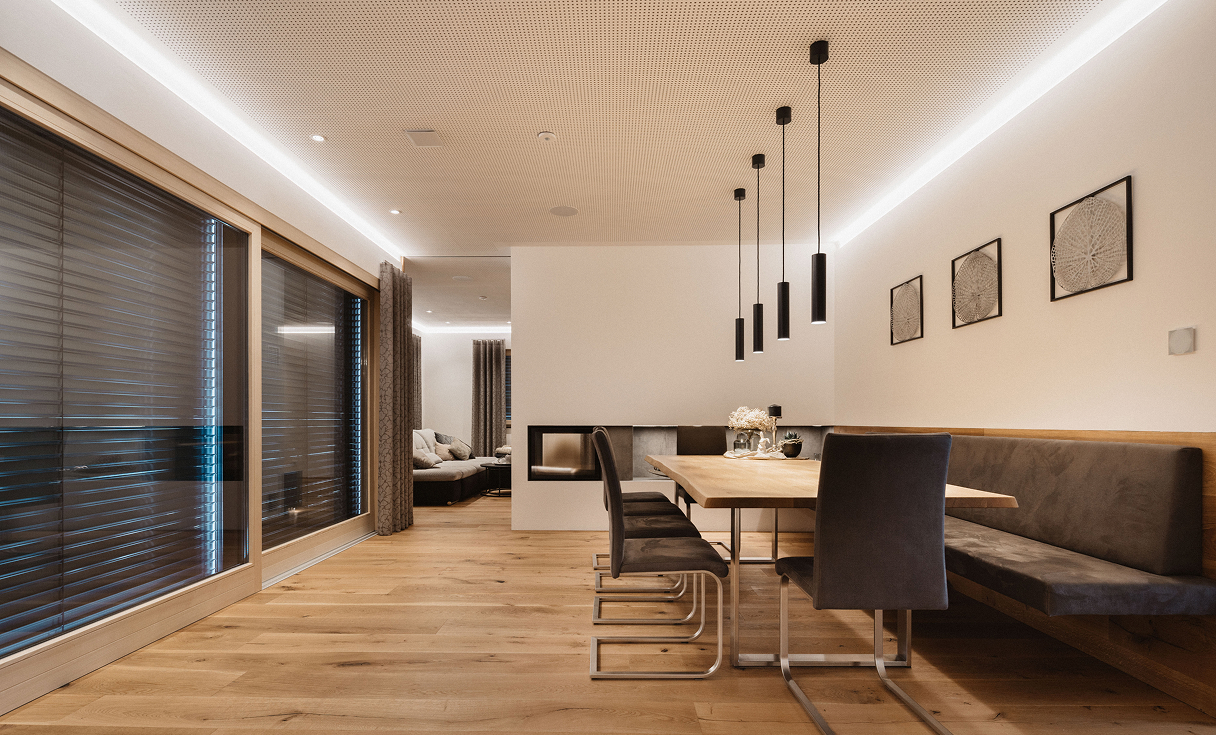
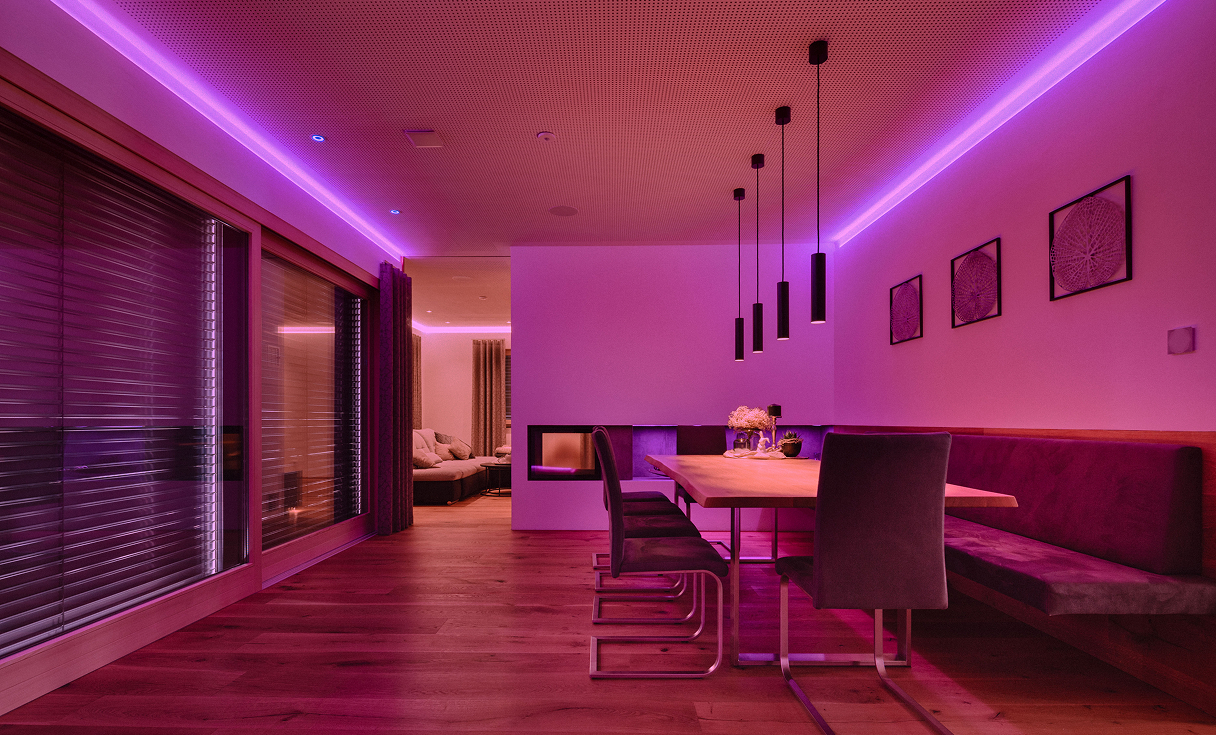
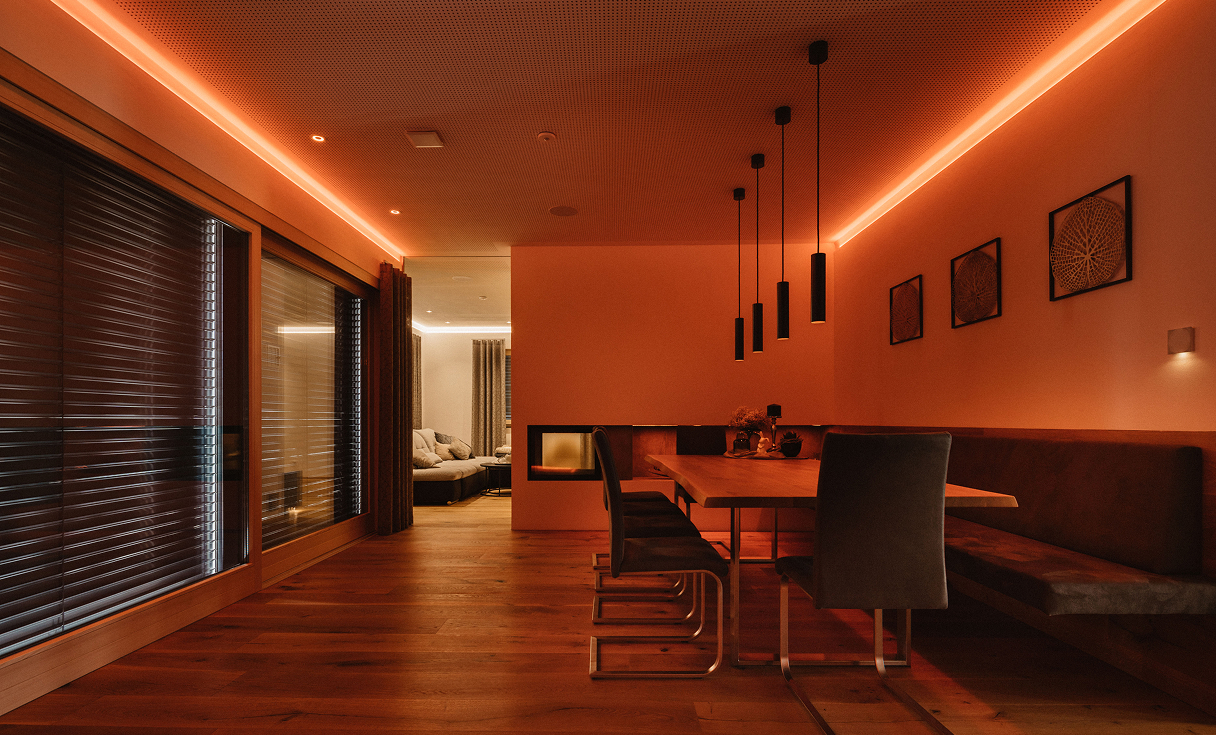
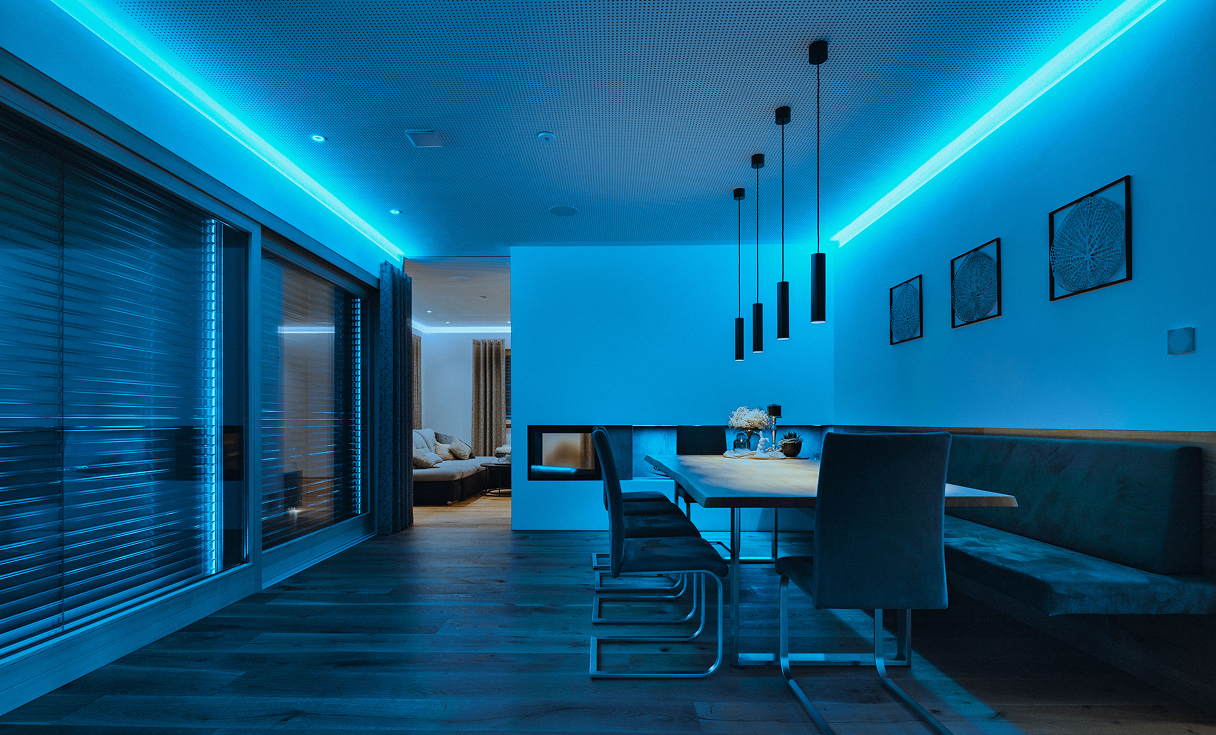
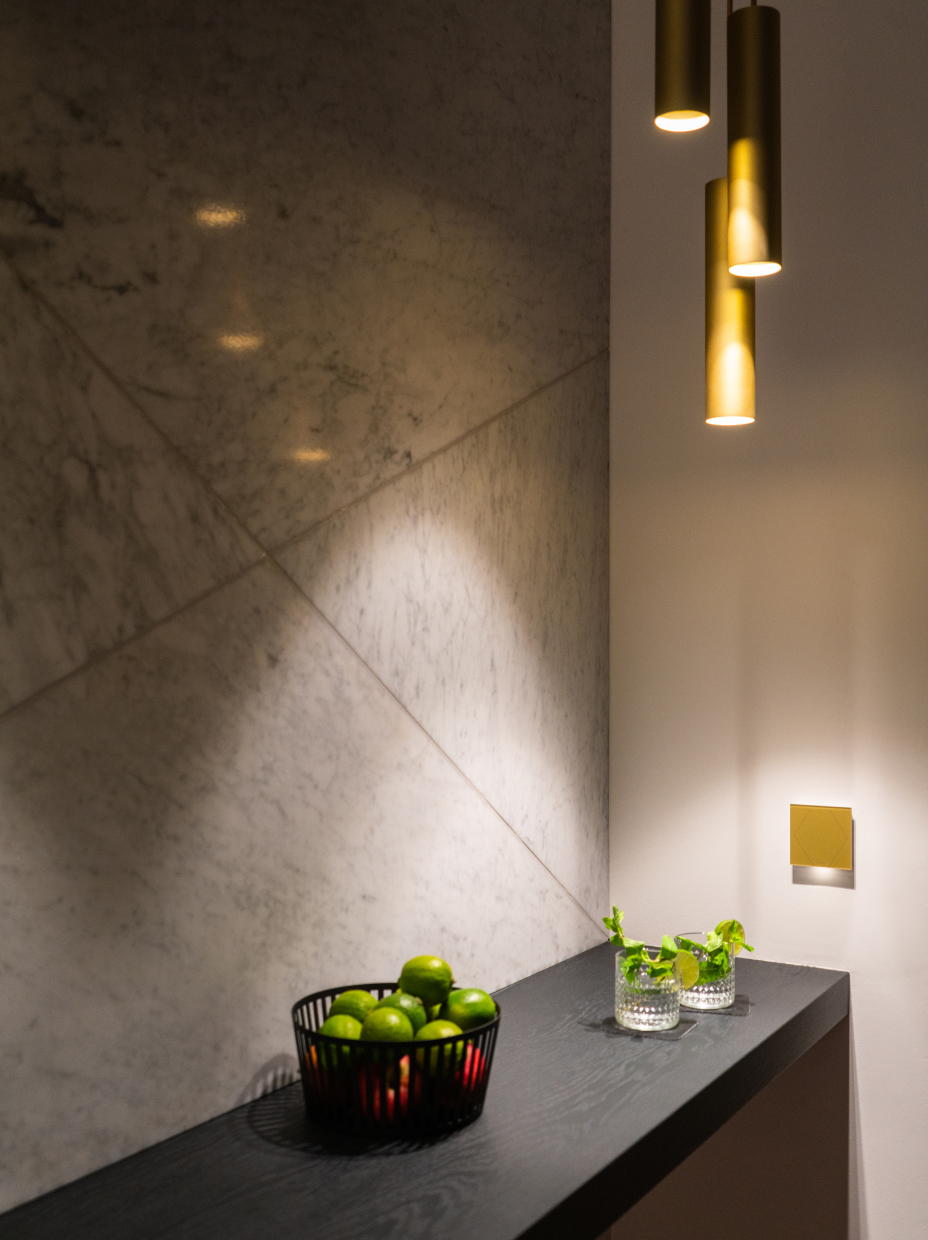
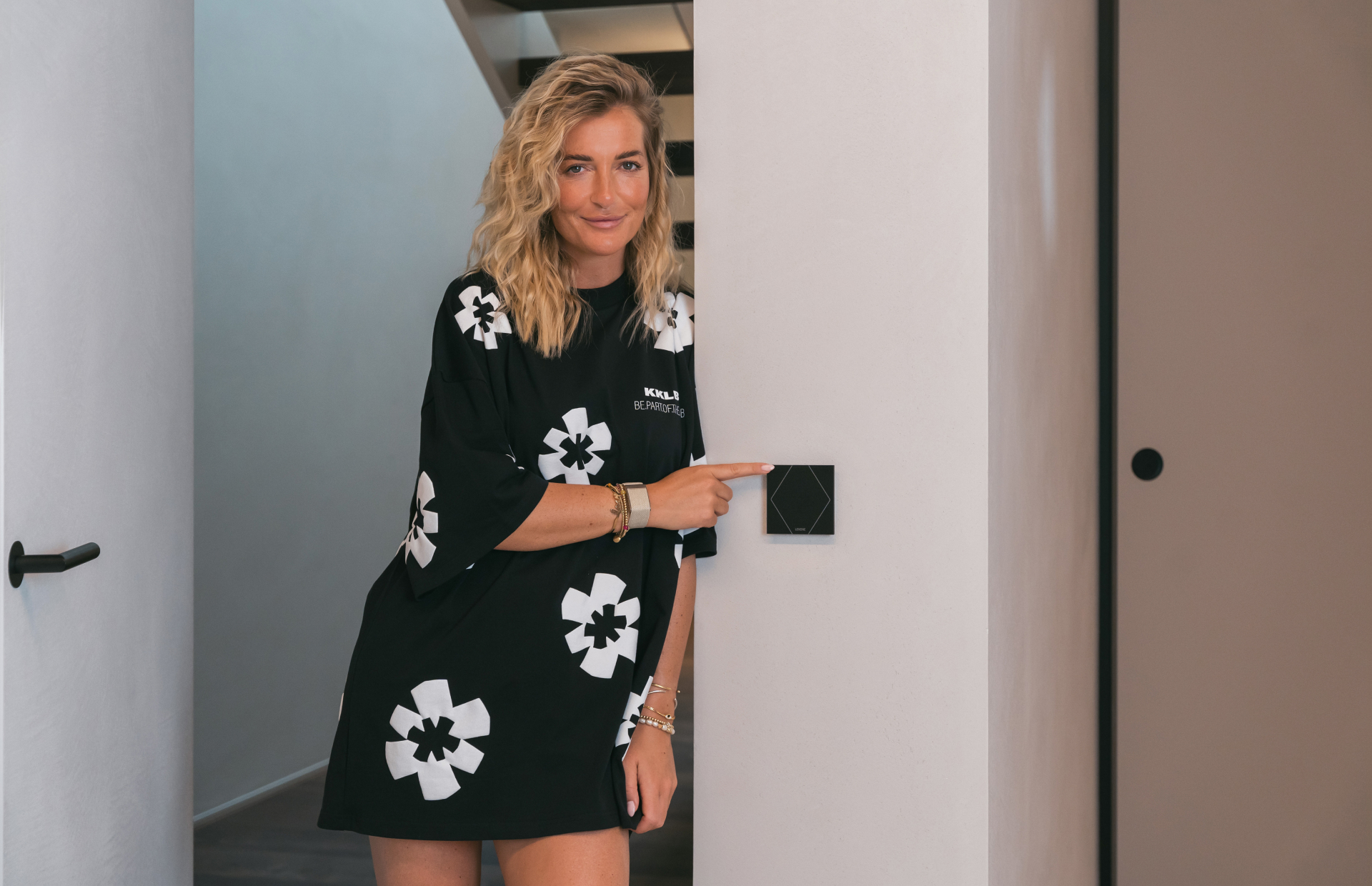
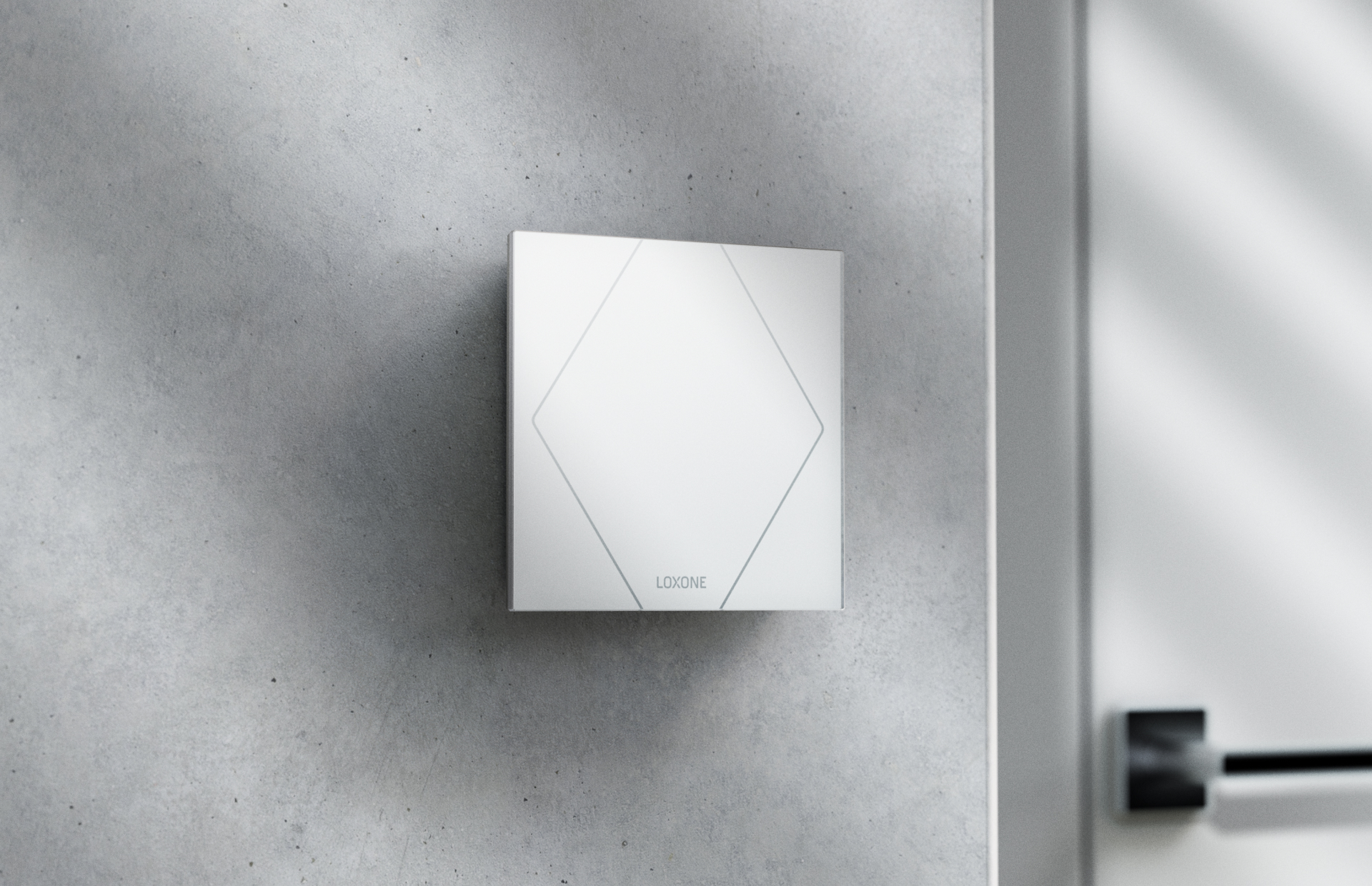
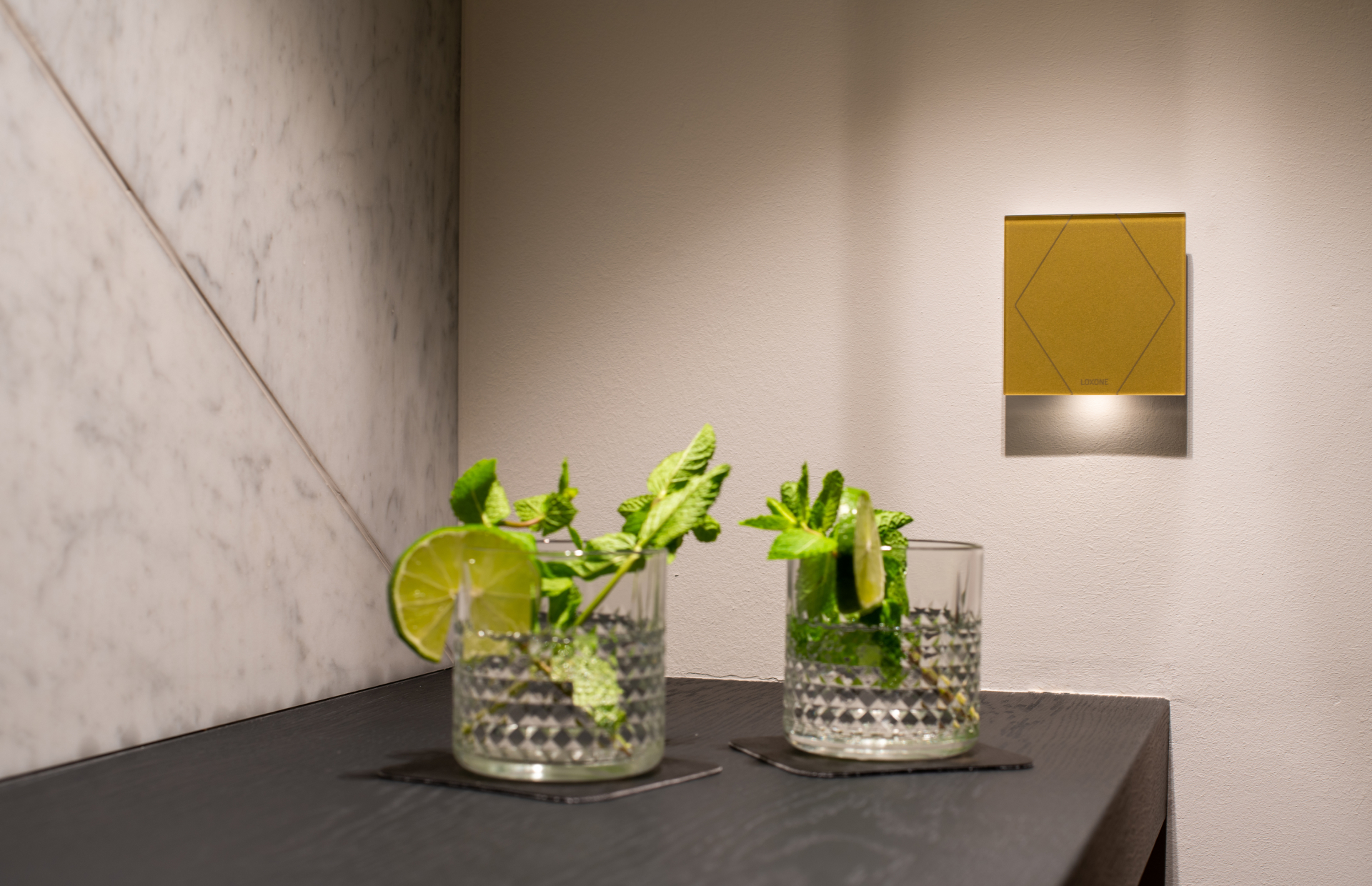
Image Gallery
Changelog
- 04.03.2026: Divi template created by Magdalena Katzinger
- 10.03.2026: Added Image Slider with Buttons & Icon Buttons
- 16.03.2026: Changed Button Size of the branded CTA Buttons
- 20.03.2026:
- Added Green Icon Cards
- Moved Header Section to the top
- Added Target Group Slider