Title 24 Energy Calculation:
Understanding California’s Energy Code
Effective for permits filed on or after January 1, 2026, changes to Title 24 requirements will have a major impact on California builders and developers; especially in the realms of solar (PV), battery storage (BESS) readiness, and electric-system preparation.
Start Your Title 24 Project
What “Energy Calculation” Means on the Prescriptive Path
When a project uses the prescriptive path under Title 24, the goal isn’t trade-off modelling (that’s the performance path) instead you’re aim is to verify the meeting of each required measure. That means each prescriptive item must be satisfied.
Here are a couple of the major calculation-type items:
- PV capacity (for new construction): Under the 2025 code changes, sizing methods are based on SARA (Solar Access Roof Area) times a given watt-per-square-foot (W/ft²) multiplier. This typically works out to 18 W/ft² for steep-sloped roofs and 14 W/ft² for low-slope roofs.
- Battery-ready / electric-readiness: Buildings with larger service sizes (for example, single-family new builds with main service over 125 A), require pro-active planning for BESS readiness to include space, conduit, labeling, and panel capacity.
Note: if a BESS is already installed, this requirement may not apply.
For integrators, electricians, IT professionals, and mechanical engineers, understanding these calculations is critical.
Single-Family (New Build) Prescriptive Energy Checklist
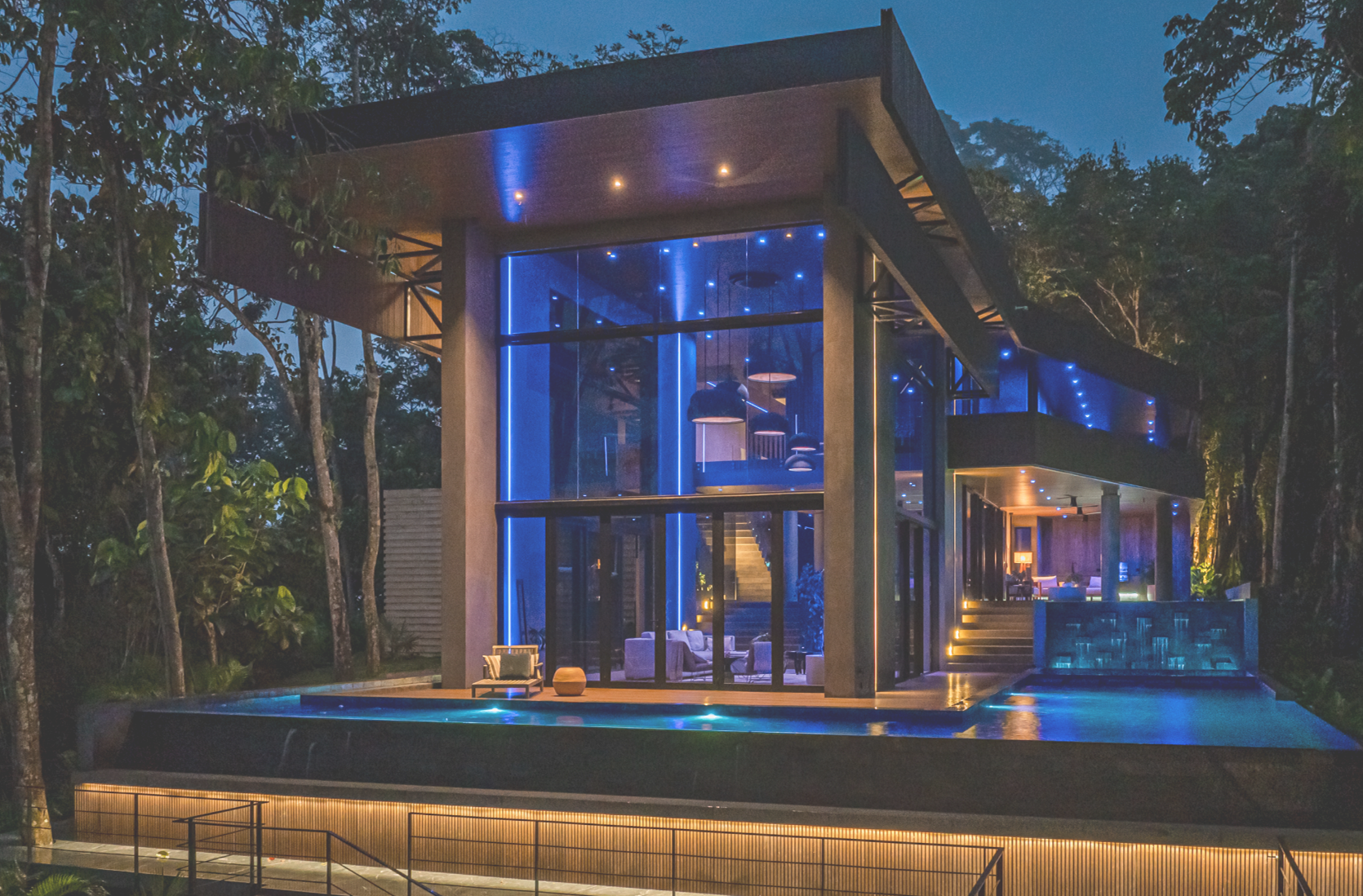
For integrators working in single-family residential new builds.
Goal:
- Size PV coverage via SARA methodology
- Plan for battery-readiness / electric readiness
- Document and submit properly for code compliance
Required Paperwork:
CF1R-PV or CF1R-PRF → CF2R-ELC/PV → CF3R (Design → Installation → Verification Forms )
Among the most significant updates are tighter electric-readiness requirements, stronger ventilation mandates, and updated rules for solar sizing using the Solar Access Roof Area (SARA) method with roof-slope multipliers. We’ve compiled this data to help you set and record your Title 24 energy calculations to ensure full compliance.
1. Calculate SARA & PV Size
First, identify steep-slope vs low-slope roof area (SARA). For steep-slope roofs, calculate: SARA × 18 W/ft². For low-slope roofs, calculate: SARA × 14 W/ft². Apply the appropriate equation based on the roof type, and if another code equation also applies, use the smaller of the two required sizes.
Example: For a steep slope of 320 ft² → 320 × 18 = 5,760 Wdc. For a low slope of 100 ft² → 100 × 14 = 1,400 Wdc. Total ~7,160 Wdc (7.16 kWdc).
2. Plan Battery-Ready Install (if service over 125 A)
Provide designated wall space near main service, mark labeled conduit(s) for future BESS, leave panel capacity for future battery or system expansion. This is documented on forms (CF1R-PV or CF1R-PRF for design, CF2R-ELC/PV for installation, CF3R for verification).
3. Lay Out Monitoring & Load-Management Points
Decide what you’ll log: inverter output, grid import/export, big loads (EVSE, HPWH, dryer, etc.). Stage large loads so they don’t trigger nuisance trips, or even better, automate load shifts when PV surplus or off-peak.
4. Install and Verify
Use CF2R-ELC/PV during installation. At close-out include CF3R verification forms plus your SARA worksheet, submittals/nameplates and monitoring logs. Always keep a neat “close-out packet” – you’ll thank us!
How Loxone Helps in Residential Spaces
Miniserver / Miniserver Compact: The Loxone central control unit. Used to schedule, log, and automate scenes.
Energy Meter / Modbus Extension: Monitor inverter output and HPWH/EVSE data where devices support Modbus.
Relay Extension / Smart Socket Air US: Stage large loads (HPWH, EVSE, dryer) during peak times or in instances of PV surplus.
Weather Station (optional): Automate exterior loads, lighting, and shading with solar and daylighting data.
Note: These automation systems support your design, but you still be required to provide the documented compliance required by the AHJ. Do not claim that the automation system itself is the compliance deliverable.
Nonresidential (New Build) Prescriptive Energy Checklist
For integrators working in light commercial or small business new builds.
Goal:
- Apply PV sizing and electric‐readiness using SARA method (and/or any other applicable equation under §140.10)
- Plan acceptance where building automation & energy controls intersect with lighting & DR (demand response)/daylighting
Required Paperwork:
NRCC-ELC/PV → NRCI-ELC/PV → NRCA-LTI (if lighting/DR controls) (Design → Installation → Verification Forms )
1. Size PV Using SARA
Like Residential, utilize the formula: SARA × (18 W/ft² for steep slope or 14 W/ft² for low slope) OR use Section 140.10 equation for that occupancy type. Always use the smaller required size.
2. Plan for Battery-ready / Electric-ready
Prepare all conduits, labeling, and panel capacity/space per 2025 code language.
3. Acceptance Planning
If your energy controls tie to lighting (e.g., demand response or daylight harvesting), plan and document acceptance tests (NRCA-LTI).
4. Use Automation for Load Control
With a system like Loxone you can utilize the Miniserver and Modbus to read inverter power and trigger demand response scenes, staging large loads via relays/contactor for ventilation, water heating or signage.
Automated Load-Management Examples
Here are some real-world load management strategies you can implement with Loxone.
Heat Pump Water Heater (HPWH): Pause during early peak, resume when PV generation is above threshold.
EVSE: Delay start until late night or when PV surplus is available.
Pool Pump: Run midday to align with PV output; pause during a demand response event.
Clothes Dryer: Prevent operation simultaneously with EVSE to avoid main panel tripping.
What to Log for Your Close-Out Packet
Here’s what you’ll need to capture after system start-up (aim for 1–2 representative weeks of operation):
- Timestamp (date/time, local)
- PV power (kW) or energy (kWh) from inverter/meter
- Grid import/export (kW or kWh) if available
- Large loads status/power: HPWH, EVSE, HVAC aux heat, pool/spa (select based on project)
- Any demand response events received & scenes applied
Notes: setpoint changes, outage/maintenance markers
Export logs from your automation system (e.g., Miniserver trend logs) → CSV + one-page graph → include in record set.
Why Title 24 Matters to Your Business

New Codes, New Opportunities
Title 24 introduces stricter requirements such as solar sizing, battery readiness and electric readiness. As a result, homeowners and businesses increasingly depend on qualified professionals to plan and implement compliant energy solutions.

Stand Out in a Changing Market
Traditional equipment and basic automation are no longer enough. Professionals who understand energy calculations and smart system integration can differentiate themselves, expand their service offering and secure higher-value projects.

Become the Compliance Expert
Providing full-stack Title 24 solutions – from PV and storage readiness to automation and load management – positions you as the partner who simplifies compliance, improves efficiency and reduces risk for clients.

Smarter Compliance Through Automation
Automation and energy monitoring solutions like Loxone make it easier to meet Title 24 requirements. Intelligent load management, monitoring and documentation help ensure systems perform as intended.
Compliance Made Simple. Comfort Made Smarter.
In 2026, Title 24 compliance won’t just be a box to check, it defines how California builds. With Loxone, you’ll meet the standard today and be ready for what’s next.
Talk to our Experts and reach out for a free, no obligation consultation!
Connect Directly with a Loxone Expert
Sasha Siminoo
Director of Business Development
West Region
Igor Beletsky
Director of Business Development
Northeast Region