Build the Skills to Succeed with LOXONE
Build a strong foundation with the LOXONE Foundation Training. Gain hands-on experience and understand how everything works together – from planning to implementation.
Book a training
Know-How That Drives Your Projects Forward

Configure and plan a lighting control system

Implement an intelligent room climate, shading concept and access solution

Plan and commissioning a building

Get to know know the most important features of the multi-room audio system
Our Training Formats Tailored to Your Needs

Campus Training
Visit us at the center of building automation – the LOXONE Campus – to gain a practical understanding and benefit from the direct exchange with our experts and other participants.
- Practice-oriented on-site training allows complete focus and deep exploration of all areas of LOXONE
- Step-by-step training with real LOXONE hardware enables in-depth understanding and immediate skill transfer
- Direct face-to-face interaction with trainers and peers enhances learning through direct exchange, immediate feedback and valuable networking opportunities
- Learning at the LOXONE Campus combines training with live technology experiences and inspiration beyond the training

Online Training
Start your LOXONE Foundation Training online and get an introduction to the LOXONE system through a flexible hybrid format with live expert input and guided self-study.
- Hybrid learning with short live sessions and self-study provides a structured introduction to the LOXONE system
- Mandatory daily exercises during the self-study ensure basic practical application and preparation for the certification exam
- Trainer support during self-study, including exercise reviews and Q&A, helps clarify questions and ensures correct implementation of key concepts
- A structured certification exam concludes the training and formally validates the acquired knowledge
Advantages That Support Your Work

Profound Know-How
After the Foundation Training, your team has a solid understanding of the system and can implement customer projects confidently and professionally.

Attractive Discounts
Until the final day of training, you benefit from an additional 10% discount on top of your partner conditions – valid for orders up to €25,000.

Personal Exchange
Meet LOXONE trainers and partner coaches in person and exchange ideas with other professionals – practical, open and collaborative.
Special Offer for a Strong Start
Highlight
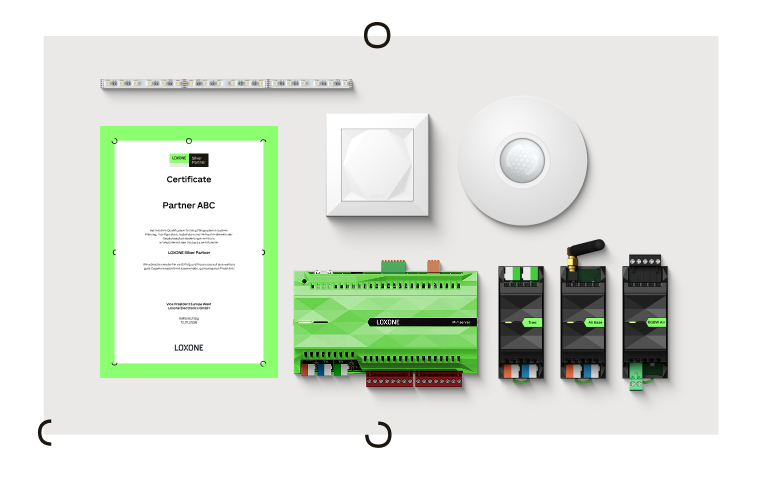
Welcome Package
Demo Case & Campus Training
It includes:
- one Demo Case worth € 1.055,-
- one Campus Foundation Training worth € 675,-
-30%
1.199€
1.730€
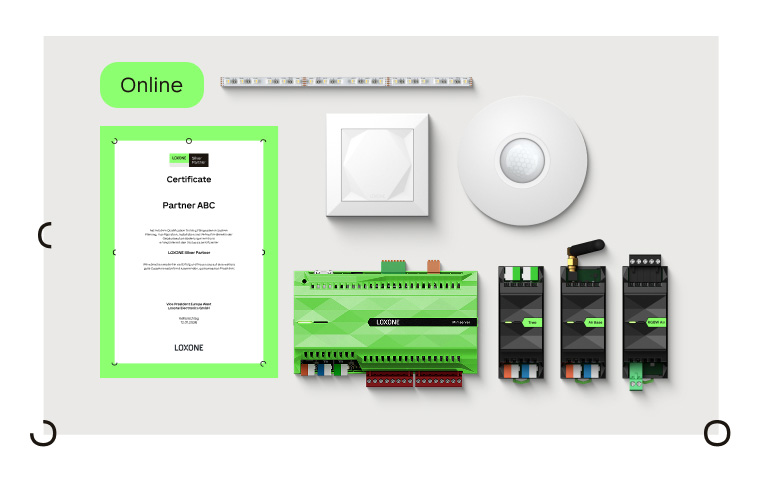
Welcome Package
Demo Case & Online Training
It includes:
- one Demo Case worth € 1.055,-
- one Online Foundation Training worth € 900,-
-25%
1.465€
1.955€
Experience Your Training at the LOXONE Campus
Practice-oriented training at the LOXONE Campus
In the Foundation Training, you build a solid understanding of Loxone — from hardware and software to customer support. You get to know key technologies like Tree, Air and Link and see how everything works together in practice.
Step by step, you learn how to introduce, plan, wire, program and troubleshoot Loxone installations — gaining the confidence to deliver projects that simply work.

Recommended for
Newcomers to the LOXONE world & employees of partners

Location
LOXONE Campus (travel expenses not covered, but we support you with the planning and visa process)

Duration
MON–THU: 9:00–17:00
FRI: 9:00–12:00

Price
€675 (Lunch included)
Prerequisites
Basic skills in electrical engineering, Windows applications, networking, direct current and PLC programming
Campus Training Schedule
The first one remains empty if 1. FAQs is closed.
Your content goes here. Edit or remove this text inline or in the module Content settings. You can also style every aspect of this content in the module Design settings and even apply custom CSS to this text in the module Advanced settings.
Monday
| Meet & Greet | |
| Unit 1 | Intro to LOXONE: Smart Automation |
| Unit 2 | The LOXONE System: Hardware & Software |
| Unit 3 | Experience LOXONE first-hand |
| Lunch | |
| Unit 4 | Working with a plan |
| Unit 5 | Basics Link |
| Unit 6 | Basics Air |
| Unit 7 | Basics Tree |
Tuesday
| Come together | |
| Unit 1 | Smart Lighting: Products & Interfaces |
| Unit 2 | Smart Lighting: Moods, Control |
| Unit 3 | Smart Lighting: Movement/ Presence |
| Lunch | |
| Unit 4 | Smart Lighting: Operating Modes |
| Unit 5 | Intelligent Room Control: Sensors & Actuators |
| Unit 6 | Intelligent Room Control: Visualization & Control |
| Unit 7 | Intelligent Room Control: HVAC |
Wednesday
| Come together | |
| Unit 1 | Automatic Shading: Products & Concepts |
| Unit 2 | Automatic Shading: Protective Features |
| Unit 3 | Automatic Shading: Sunshine Automatic |
| Lunch | |
| Unit 4 | Multiroom Audio: Audioserver & Quadral |
| Unit 5 | Multiroom Audio: Listening to the Audioserver |
| Unit 6 | Multiroom Audio: TTS & Logics |
| Unit 7 | Smart Access Solutions: NFC & Access Codes |
Thursday
| Come Together | |
| Unit 1 | Smart Access Solutions: Intercom |
| Unit 2 | Smart Access Solutions: User & Rights |
| Unit 3 | Smart Access Solutions: Use Case |
| Lunch | |
| Unit 4 | Safe Home: Fire, Water, Burglary |
| Unit 5 | Planning a Building: Hardware & Features |
| Unit 6 | Project Configuration: Basic Features |
| Unit 7 | Project Configuration: Comfort Features |
Friday
| Come Together | |
| Unit 1 | Smart features for the LOXONE end user: App Features, Scenes Function Block, Automatic Rule Arrangement |
| Unit 2 | Troubleshooting: Notifications & Diagnostics |
| Unit 3 | Troubleshooting: Tips & Tricks for Perfect Installation |
| Small End Celebration |
Experience Your Training Online
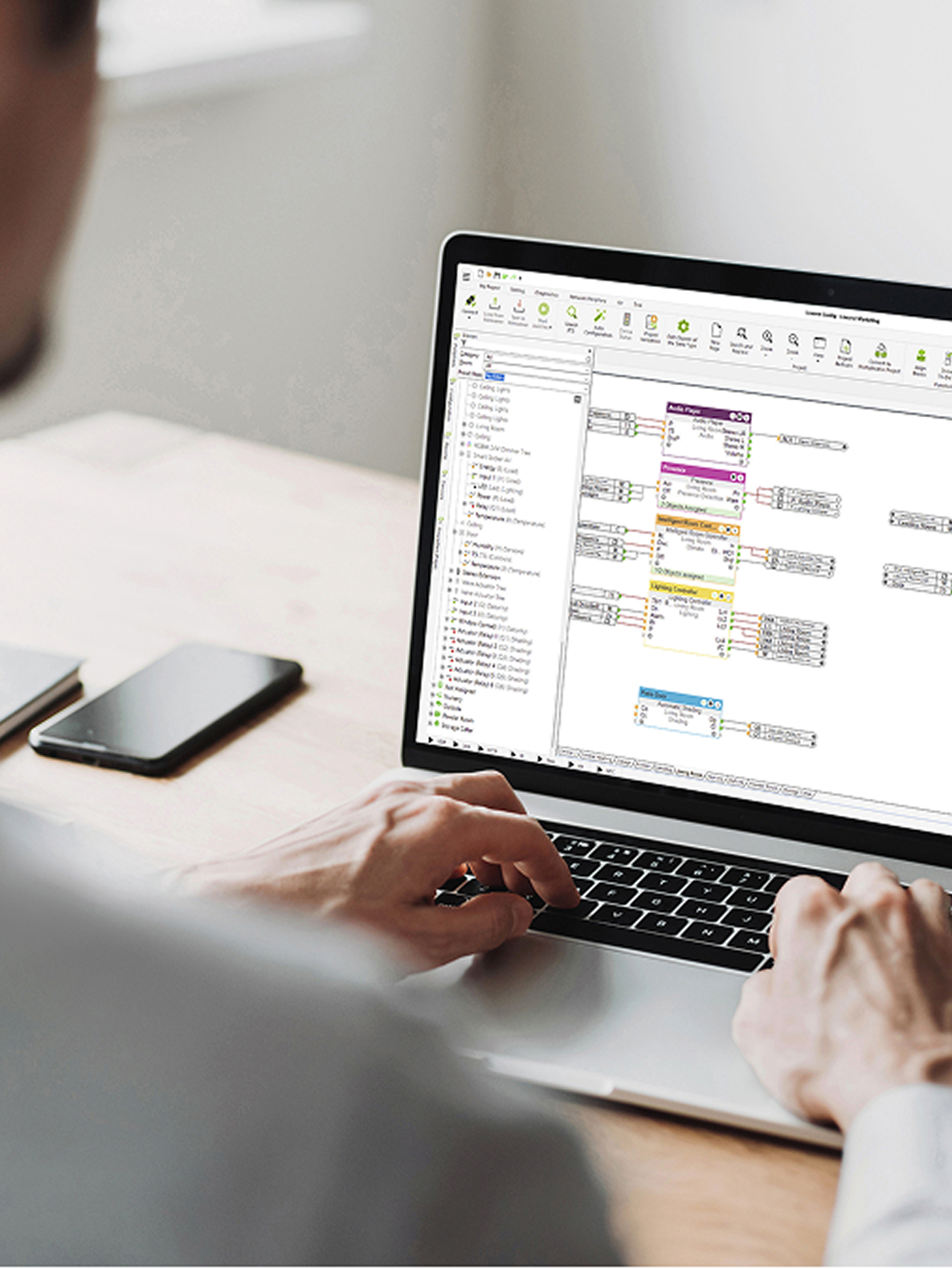
Hybrid online training with live sessions and guided self-study.
In the Foundation Training, you build a solid understanding of Loxone — from hardware and software to customer support. You get to know key technologies like Tree, Air and Link and see how everything works together in practice.
Step by step, you learn how to introduce, plan, wire, program and troubleshoot Loxone installations — gaining the confidence to deliver projects that simply work.
Recommended for
Newcomers to the LOXONE world & employees of partners
Location
Online
Duration
MON–FRI: 9:00–17:00
Price
€900 (Lunch included)
Prerequisites
Basic skills in electrical engineering, Windows applications, networking, direct current and PLC programming
Online Training Schedule
The first one remains empty if 1. FAQs is closed.
Your content goes here. Edit or remove this text inline or in the module Content settings. You can also style every aspect of this content in the module Design settings and even apply custom CSS to this text in the module Advanced settings.
Monday
| Kick-Off | |
| 9:30-10:15 | Interfaces (Link/Tree) |
| 10:15-10:35 | Miniserver Commissioning |
| 10:35-11:20 | LOXONE Standards |
| 11:20-12:00 | Simple Logic with intro to App (Config) |
| 12:00-13:00 | Lunch Break |
| 13:00-17:00 | Learning Materials and Use Cases on Academy Ocean (Files to be submitted by 16:00) |
Tuesday
| Review from Day 1 | |
| 9:30-10:00 | Lighting (Presentation) |
| 10:00-10:45 | Lighting Config (Training Guide) |
| 10:45-11:15 | Climate Overview (Presentation) |
| 11:15-12:00 | Climate Config (Training Guide) |
| 12:00-13:00 | Lunch Break |
| 13:00-17:00 | Learning Materials and Use Cases on Academy Ocean (Files to be submitted by 16:00) |
Wednesday
| Review from Day 2 | |
| 9:15-9:45 | Audio (Presentation) |
| 9:45-10:15 | Audio Config (Training Guide) |
| 10:15-10:30 | Shading Overview (Presentation) |
| 10:30-11:00 | Shading Config (Training Guide) |
| 11:00-11:30 | Access (Presentation) |
| 11:30-12:00 | Access Config (Training Guide) |
| 12:00-13:00 | Lunch Break |
| 13:00-17:00 | Learning Materials and Uses Cases on Academy Ocean (Files to be submitted by 16:00) |
Thursday
| Review from Day 3 | |
| 9:15-9:45 | Security (Presentation) |
| 9:45-10:30 | Security Config (Training Guide) |
| 10:30-11:00 | Project Planning (Presentation) |
| 11:00-12:00 | Project Planning in Config |
| 12:00-13:00 | Lunch Break |
| 13:00-17:00 | Learning Materials and Use Cases on Academy Ocean (Files to be submitted by 16:00) |
Friday
| Review from Day 4 | |
| 9:15-10:00 | Auto Config of the Project |
| 10:00-11:00 | Final Exam |
| 11:00-11:20 | System Diagnostics |
| 11:20-12:00 | Energy Management Overview |
| 12:00-13:00 | Lunch Break |
| 13:00-17:00 | Results and Further Discussion |